10) Again, make sure your track list is showing, and your Pro Tools mixer
tracks are scrolled fully to the left. Then use the mouse to grab the right side of
the track list and align the “grey vertical line” with the edge of the Track List.
When complete, the vertical navigation cursor on the Track List should be
centered with the “grey vertical line” on the RAVEN Toolbar.
11) Look at the RAVEN Mixer and confirm that the meters do not have any
holes, and that the lines of the RAVEN Mixer tracks are aligned from the top to
bottom. Note: Confirm the tracks correctly aligned before moving on as
incorrect alignment will affect your use of RAVEN negatively.
12) Now, touch the EDIT/MIX button on the RAVEN Toolbar.
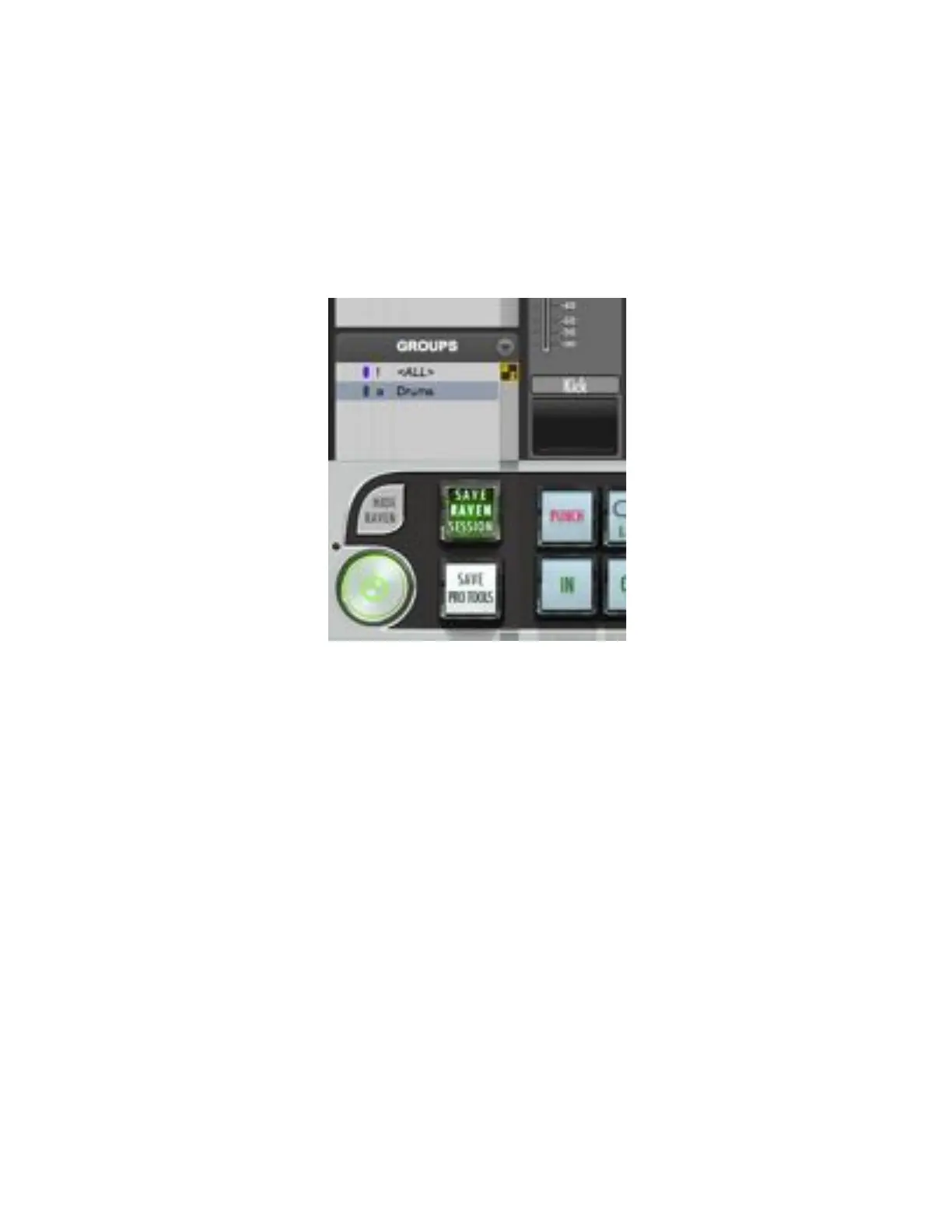
13) Touch the HIDE RAVEN button on the top left of the Raven Toolbar.
14) Click the Green Maximize window button on the top left of the Pro Tools
Edit Window.
15) Take the lower right corner of the Edit Screen at bring the window size to
about on half the screen top to mid-screen.
16) Touch the SHOW RAVEN button in the lower left corner of the screen.



 To Next Page