SETUP
24
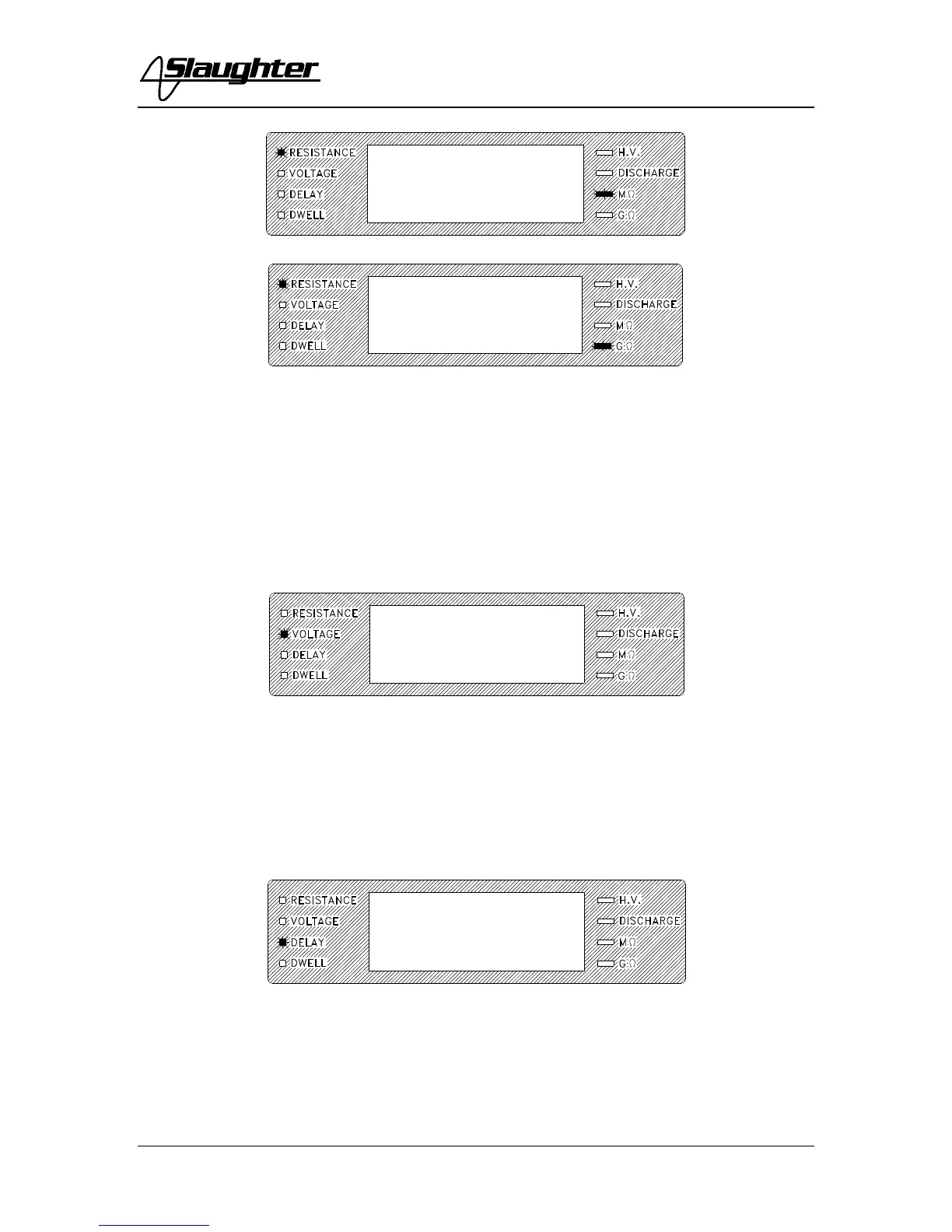
Use the Up/Down Arrow keys to enter the desired resistance low limit, then press the
EXIT key to exit to the run mode or toggle to another setting using the SET key. The
limit is set in either gigohms or megohms as shown by the two LED indicators to the
lower right of the numeric display. The maximum resistance that may be entered is 200.0
gigohms.
2. To set the Output Test Voltage
Press the SET key until the Voltage LED is illuminated and flashing.
Use the Up/Down Arrow keys to enter the desired test voltage, then press the EXIT key
to exit to the run mode or toggle to another setting using the SET key. The maximum
voltage that may be entered is 1000 volts.
3. To set the Delay Time
Press the SET key until the Delay LED is illuminated and flashing.
Use the Up/Down Arrow keys to enter the delay time setting, then press the EXIT key to
exit to the run mode or toggle to another setting using the SET key. The unit of measure
is in seconds with 999.9 seconds as the maximum setting.



 To Next Page