SETUP
25
4. To set the Dwell function
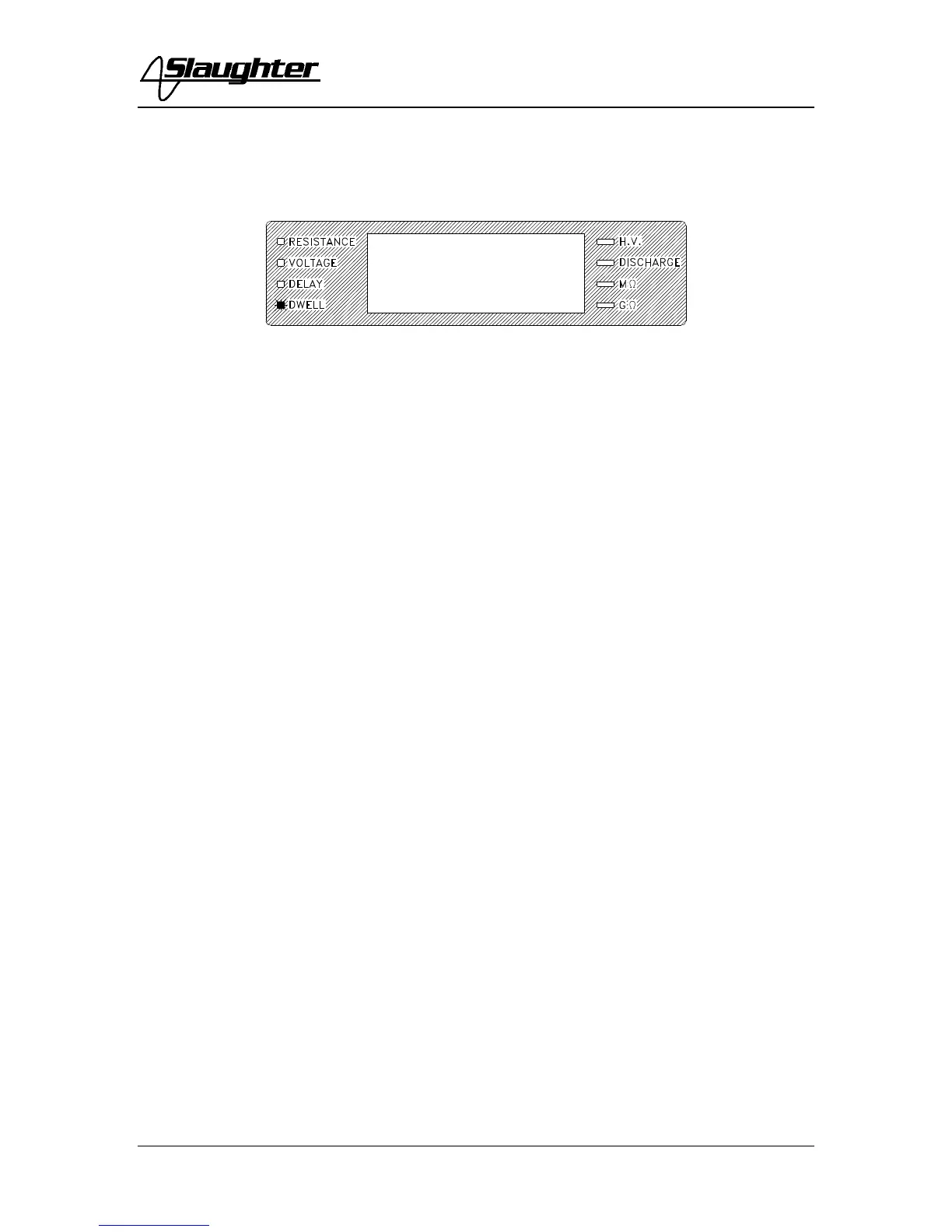
Press the SET key until the Dwell LED is illuminated and flashing. Dwell time is the
length of time the instrument will apply the programmed test voltage.
Use the Up/Down Arrow keys to set the dwell time, then press the EXIT key to exit to
the run mode or toggle to another setting using the SET key. The unit of measure is in
seconds with 999.9 seconds as the maximum setting. If the dwell is set to “0,” the
instrument will operate in a continuous ON mode when the TEST button is depressed and
released. It will stop when the DUT (Device Under Test) goes into failure or the manual
reset button is pressed. The instrument will ‘beep’ at the end of a timed test. Pressing the
red Reset button will terminate the test in progress.



 To Next Page