OPERATION
26
OPERATING INSTRUCTIONS FOR MODEL 2205
1. After the instrument's test parameters are programmed, connect the appropriate test
leads to the device under test (DUT) or test fixture. Be certain the unit is connected to
suitable power with a known good ground before energizing this instrument. Then
connect the return lead first to the test fixture or the DUT followed by the high voltage
lead.
Check your connections to be sure they are making good contact and
that the test station or area is clear of debris or other personnel.
DO NOT TOUCH THE DEVICE UNDER TEST ONCE THE
TEST HAS BEEN STARTED.
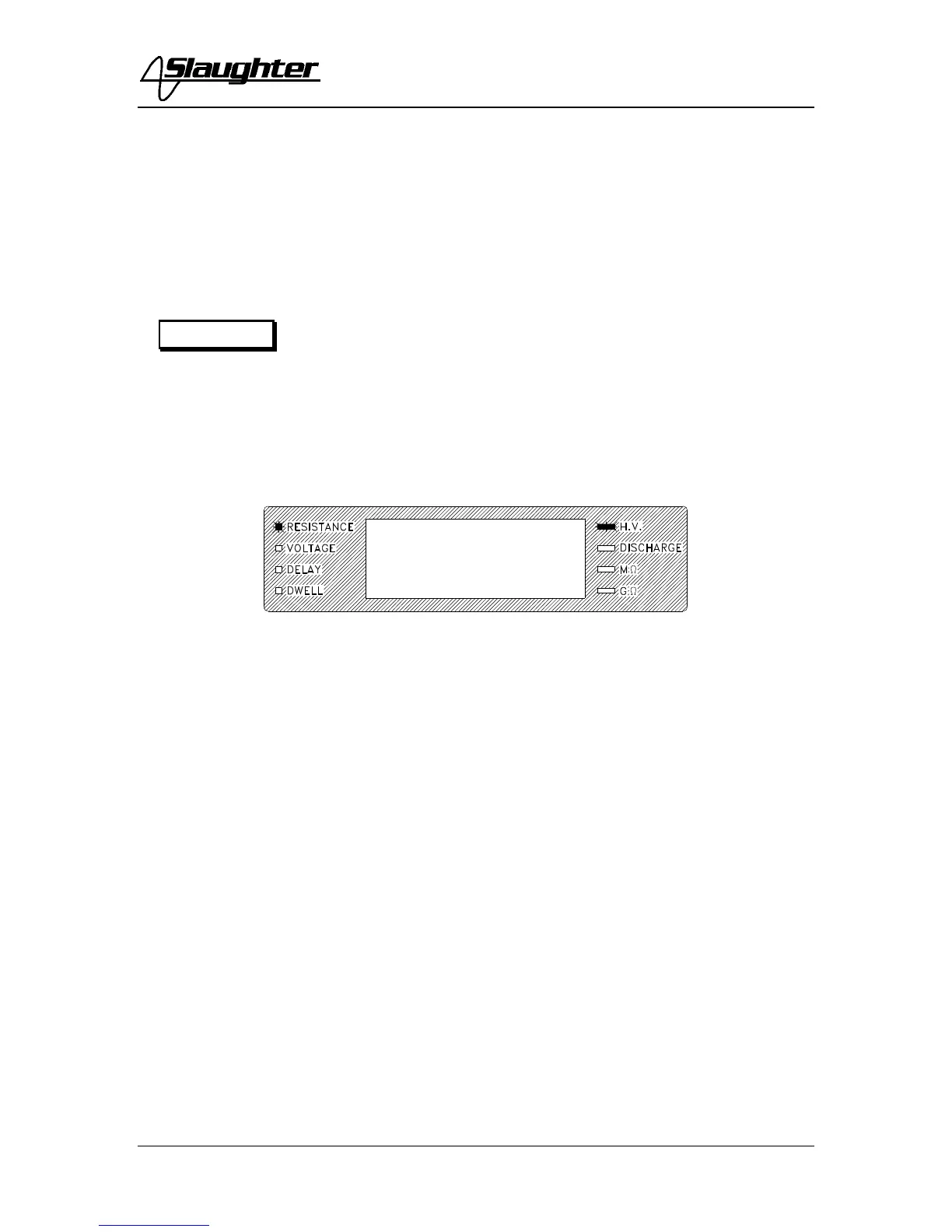
2. To initiate a test, press the TEST switch on the front panel. The red High Voltage
LED indicator will flash to indicate that high voltage is present. The display will show the
Resistance of the DUT.
If dwell is set to “0,” the instrument will continue to output voltage indefinitely or until a
reject or the RESET button is pressed. If dwell is set to anything other than “0” the
voltage will continue only until the dwell time has elapsed, then shut off.
3. To stop the test at any time, press the RESET switch.
At the completion of the dwell time, if the DUT passed the test, the instrument will ‘chirp’
to signal the operator that the test cycle has been completed and the green light in the
TEST switch will illuminate. The instrument is now ready to perform another test.
4. If there is a failure in the DUT during the test, the voltage will shut off, the red
indicator light will illuminate on the RESET switch and an alarm will sound.
5. To stop the alarm, please press the RESET switch once. The alarm will stop. The
instrument is now ready for the next test. If the RESET switch is pressed again, the data
on the display screen will be cleared.
6. To change the parameter shown on the display, press the EXIT key on the front panel.
The display will toggle from Resistance to Voltage, and then to Delay or Dwell as shown
below. The display will default to the last parameter selected with the exit key. Pressing
the SET key will allow you to view the results of the last test.
WARNING



 To Next Page