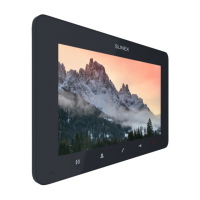
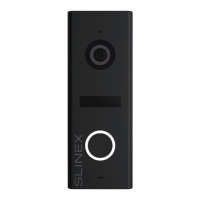
SONIK 7 Cloud
21 22
8.7. Information
Press «Settings» icon in the main menu then press «Information» icon to enter information menu.
Main menu → Settings → Information
Software version − current software version of the monitor;
Release date − software release date;
SD remain space − microSD card installed into monitor slot information;
UUID − unique cloud identification number.
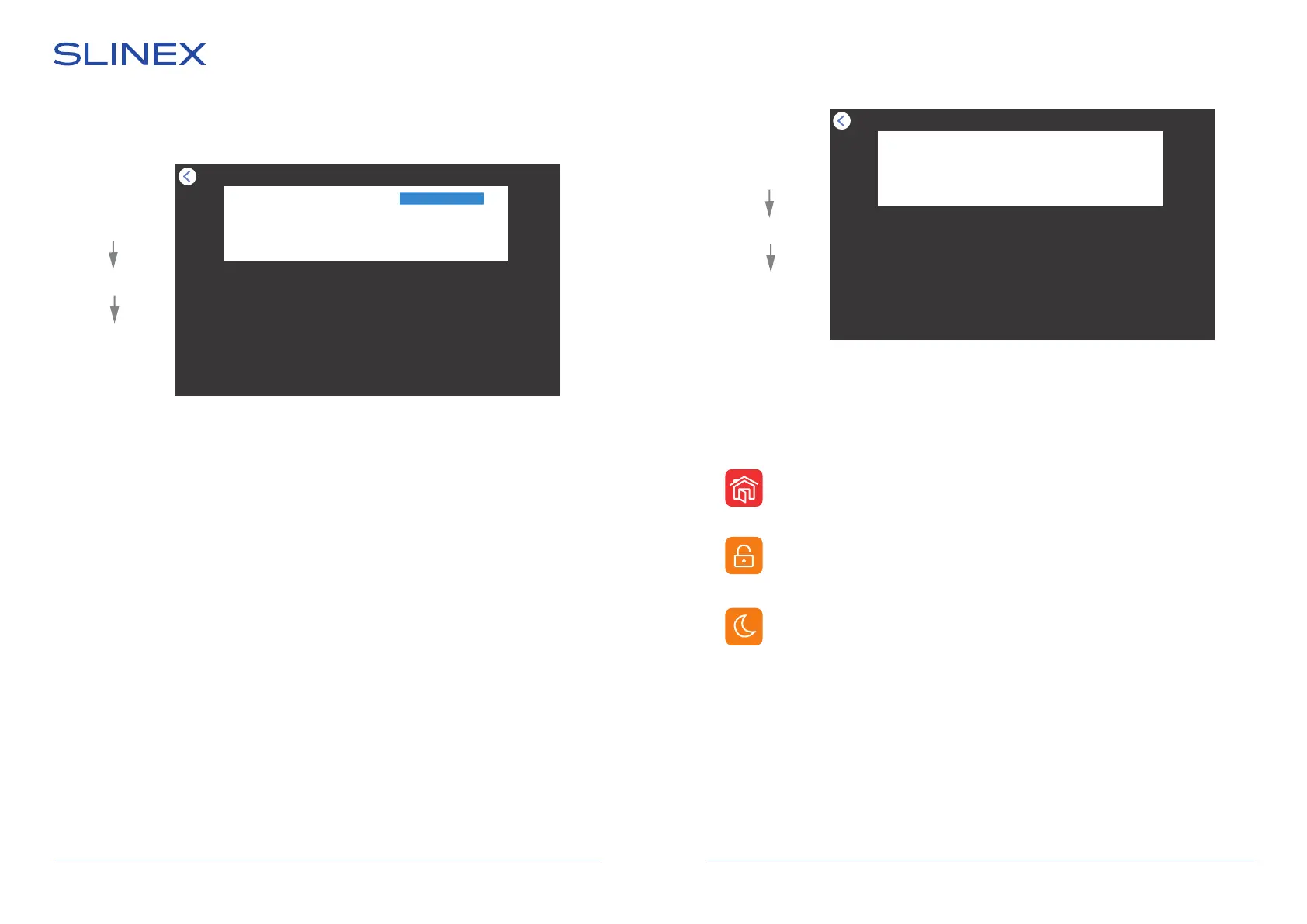
Main menu → Settings → Service
Formatting SD disk − microSD card format;
Factory settings − restore factory default settings of the monitor;
Software update − software update of the monitor. Place update file «update.ius» in microSD root
folder, then choose this menu to start update process;
Restart system − monitor reboot.
Service
Formatting SD disk Ok
Factory settings Ok
Software update Ok
Restart system Ok
Information
Software version 3.0.0.1
Release date 2021-10-21
SD remain space 7.1G/7.2G
UUID *04be4d97
9. Notication modes
Monitor has 3 modes. Depending on the current active mode, sound notications type changes. User can
change current mode by touching corresponding icon in the main menu:
Sound notifications are enabled, both on the monitor and on the outdoor panel;
Sound notifications are disabled on the monitor, but enabled on the outdoor panel;
Visitor can leave voice messages for the user in this mode if corresponding «Message»
function is enabled in the «Settings» → «Door» menu;
Sound notifications are disabled, both on the monitor and on the outdoor panel.
Dormant
At home
Not at home
8.6. Service settings
Press «Settings» icon in the main menu then press «Service» icon to enter service settings menu:
Main menu
Settings
Service
Main menu
Settings
Service
10. Photo frame
Create «Digital Frame» folder in the root of microSD card, if it isn’t already created by the monitor. Paste
JPG images you would like to view into this folder. File name must have only English letters and figures in
its name and its length must not exceed 30 symbols to be visible on the monitor .
Note that JPG images resolution must not exceed 2560×1440 pixels. Other image formats and resolutions
are not supprted.


 To Next Page