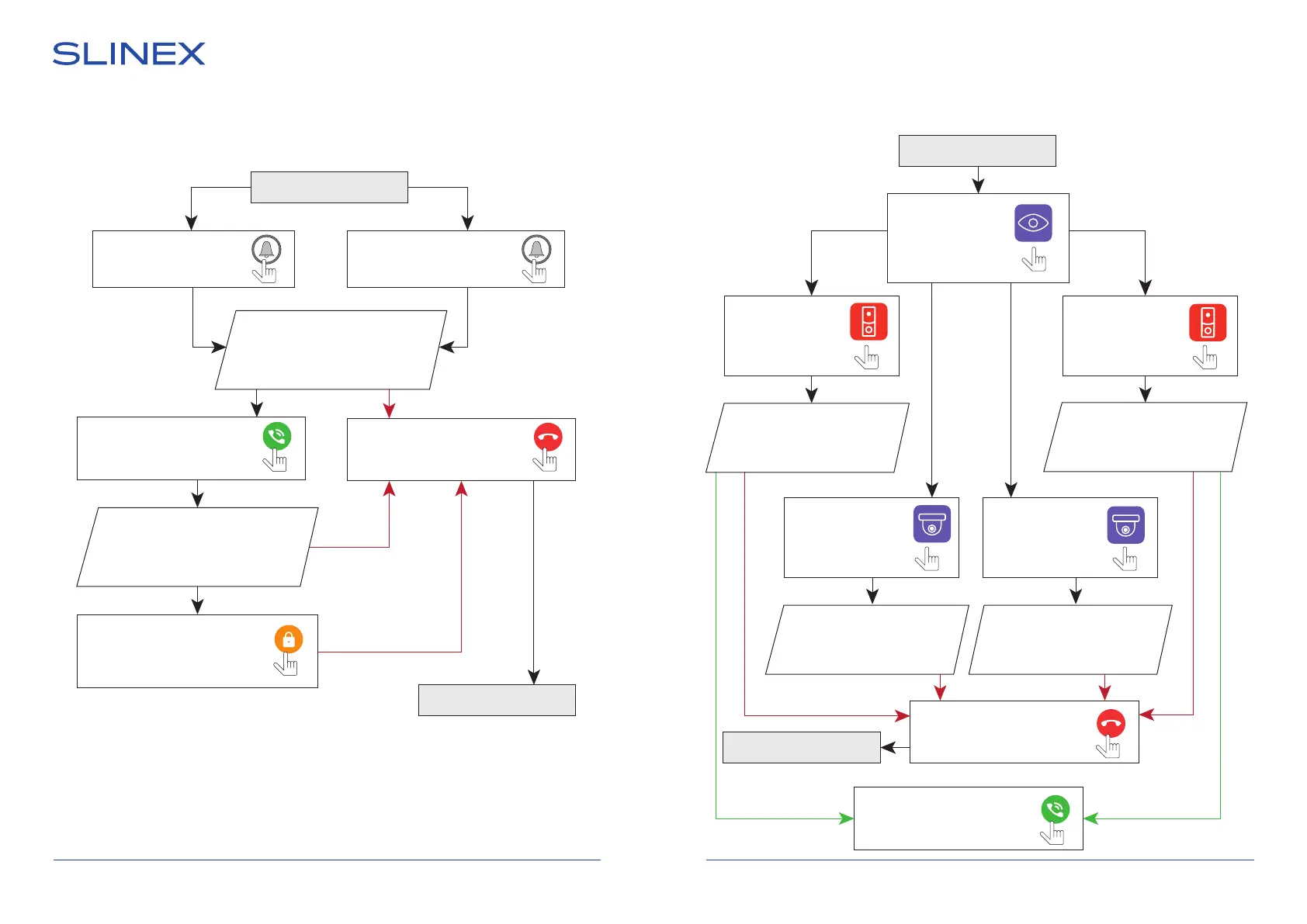
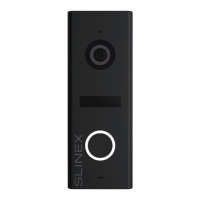
5.2. Outdoor panels and cameras image view
Monitor displays
image from the
second outdoor panel
(monitoring time – 60 seconds)
Monitor displays
image from the
second CCTV camera
(monitoring time – 60 seconds)
Monitor displays
image from the
rst outdoor panel
(monitoring time – 60 seconds)
5. Operation
5.1. Incoming call
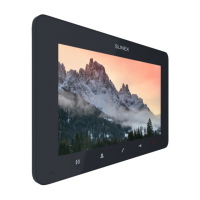
SONIK 7 Cloud
9 10
Press any place
of the screen to
enter main menu
then press
«Monitoring» icon
Press «Camera 1»
icon in the monitor
main menu
Press «Door 1»
icon in the monitor
main menu
Press «Door 2»
icon in the monitor
main menu
Press «Camera 2»
icon in the monitor
main menu
Standby mode
Standby mode
Standby mode
Visitor presses call button
on the rst outdoor panel
Visitor presses call button
on the second outdoor panel
Melody is ringing on the
monitor and outdoor panel,
image from the outdoor panel
appears on the monitor screen
Press «Answer» button to start
conversation with the visitor
Press «Answer» button to start
conversation with the visitor
Melody stops ringing and
conversation starts,
talking time is 120 seconds
Press «Hang up» button to
stop conversation or
incoming call
Press «Hang up» button to
stop conversation or
incoming call
Press «Unlock» button to open
lock connected to the current
outdoor panel. Built-in relay
will open the lock
Standby mode
Notes:
1) Monitor will be automatically switched into standby mode if the user doesn’t answer the incoming call
within 30 seconds.
Monitor displays
image from the
rst CCTV camera
(monitoring time – 60 seconds)


 To Next Page