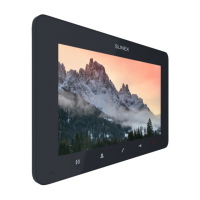
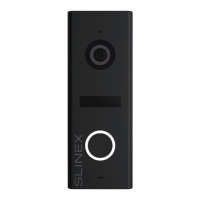
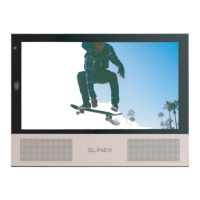
SONIK 7 Cloud
29 30
button in the application;
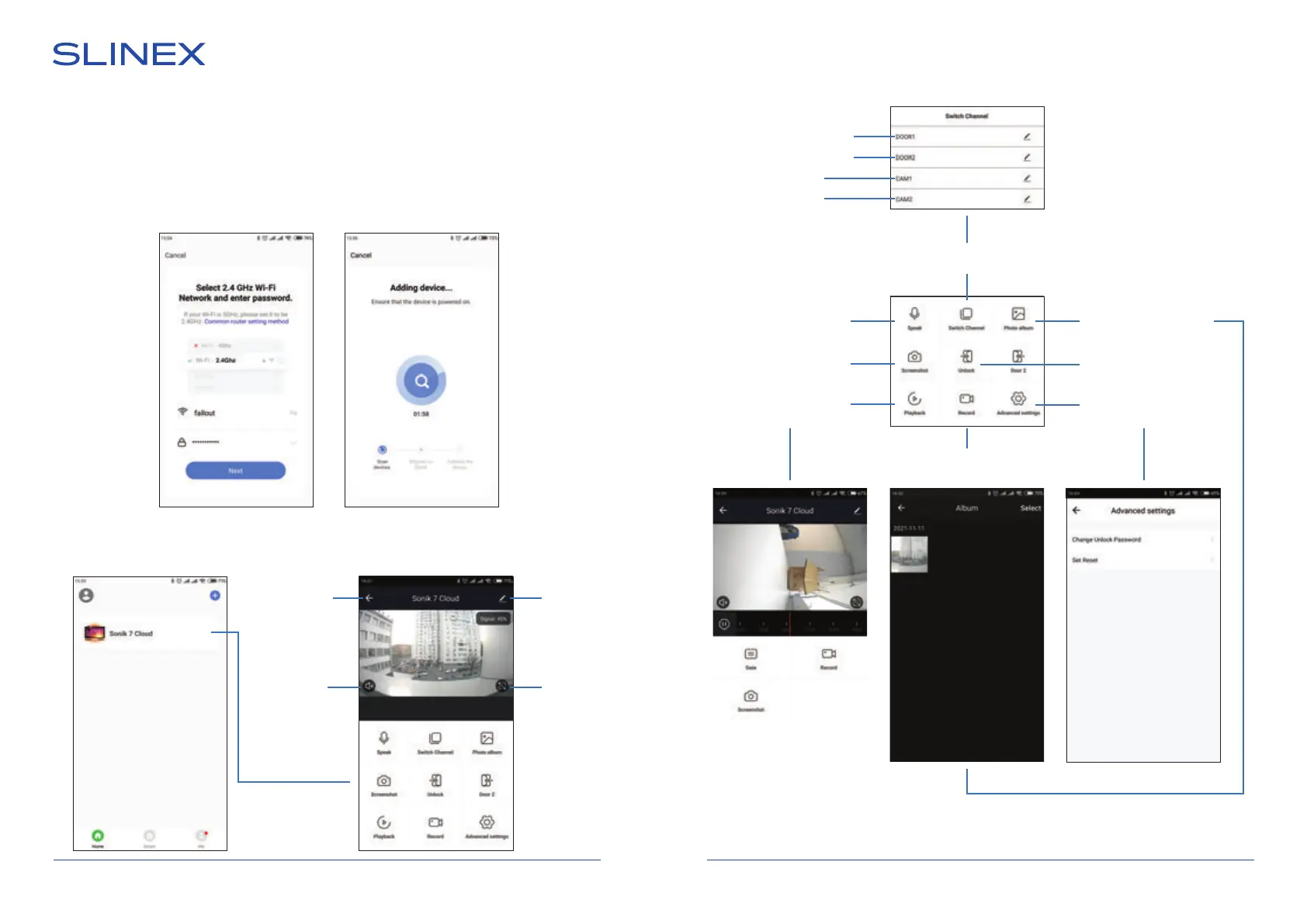
6) Enable «Next step» switch then press «Next» button;
7) Enter Wi-Fi network name, the monitor will be conected to, and network password. Then press «Next»
button to go to the next step;
8) The monitor will be connected to the Wi-Fi network, specied on the 7-th step and paired to the
current account of the «Smart Call» application.
13.5. Operation
Press device icon
to start monitoring
Go to the
main menu
Enable conversation
mode
Outdoor panel 1
Outdoor panel 2
Camera 1
Camera 2
Take a snapshot
Record video
Video channels
switching
Records playback
from the
monitor archive
Mobile phone records
local archive playback
Open lock
(Default password:
888888)
Advanced settings
menu
Enable sound
from the
outdoor panel
Main
settings
Full screen
mode
Main menu Monitoring menu


 To Next Page