1 Information on this Document
SMA Solar Technology AG
Operating manualEDMM-10-BE-en-206
NOTICE
Indicates a situation which, if not avoided, can result in property damage.
1.5 Symbols in the Document
Symbol Explanation
Information that is important for a specific topic or goal, but is not safety-rele-
vant
Indicates a requirement for meeting a specific goal
Desired result
A problem that might occur
Example
1.6 Typographies in the Document
Typography Use Example
bold
• Messages
• Terminals
• Elements on a user interface
• Elements to be selected
• Elements to be entered
• Connect the insulated
conductors to the terminals
X703:1 to X703:6.
• Enter 10 in the field
Minutes.
>
• Connects several elements to be
selected
• Select Settings > Date.
[Button]
[Key]
• Button or key to be selected or
pressed
• Select [Enter].
# • Placeholder for variable
components (e.g., parameter
names)
• Parameter WCtlHz.Hz#
1.7 Designation in the document
Complete designation Designation in this document
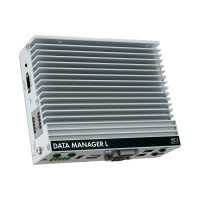
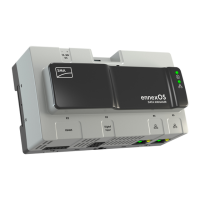
SMADataManagerM Data Manager, product
SMA Speedwire fieldbus SMA Speedwire network, Speedwire
SMA Speedwire Encrypted Communication Speedwire encryption
SunnyPortal powered by ennexOS SunnyPortal





 To Next Page
