Heat Set
BASIC FUNCTIONS
MODE SELECTION
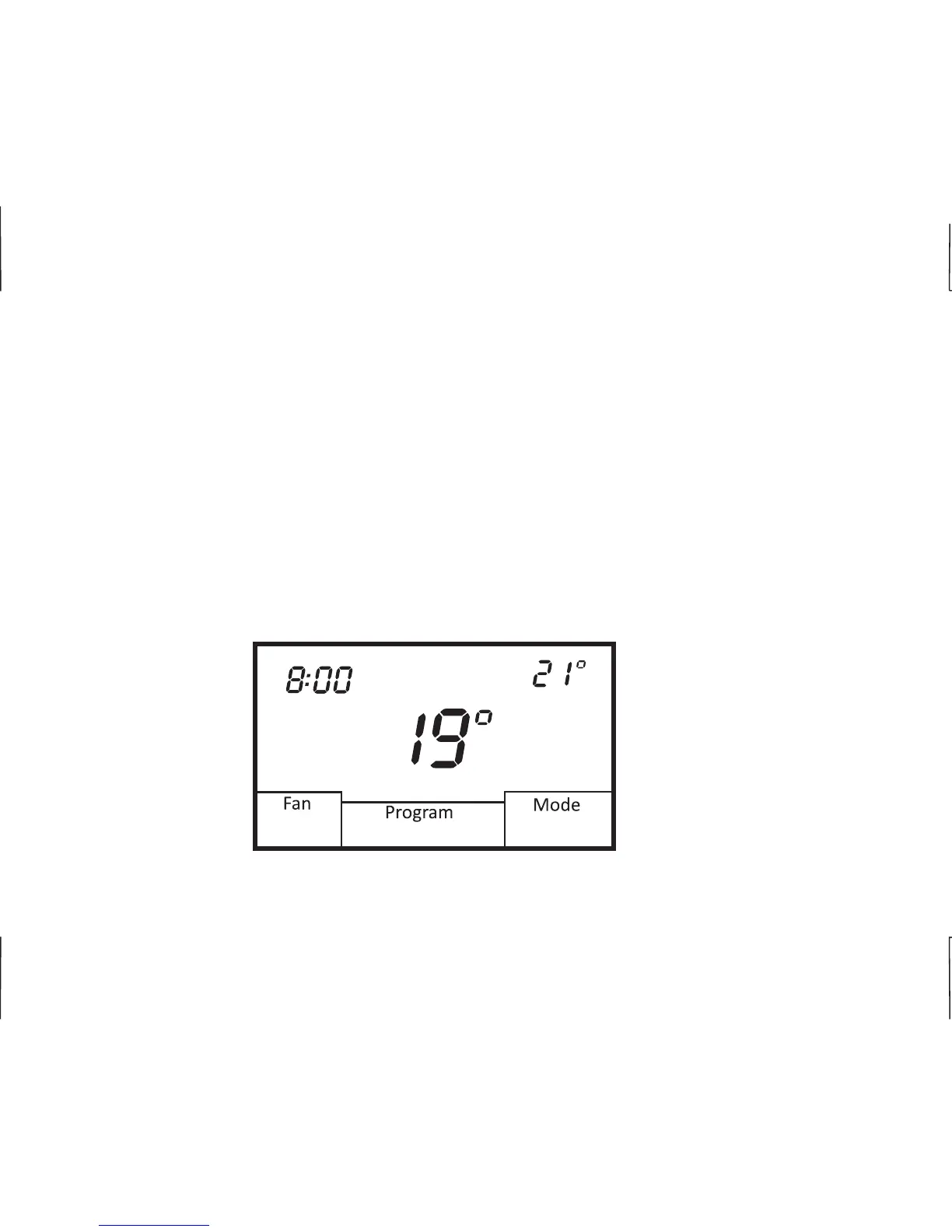
To select a mode of operation, simply touch the Mode box on the screen. Based on the equipment
and thermostat configuration, mode selection can be as follows:
Off - Thermostat will not call for heating or cooling.
Heat - Thermostat will only call for heating.
Cool - Thermostat will only call for cooling.
Auto - Thermostat will call for both heating and cooling.
E.Heat - Thermostat only controls emergency heat when configured for heat pump or
` fossil fuel equipment.
AM
Heat
Mon
Automatic
Morning
01/01/2014
E
8












 To Next Page