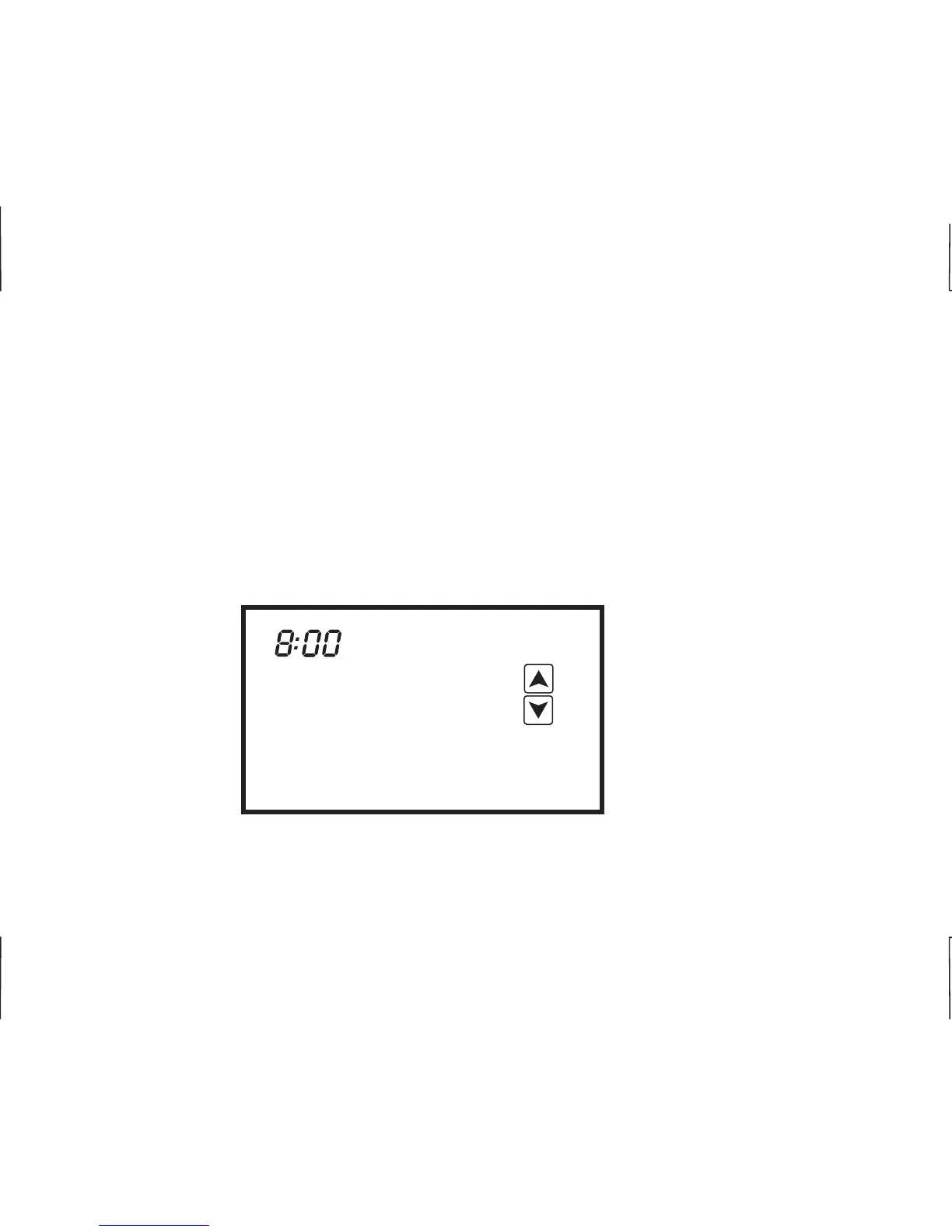
SETTING THE DAY, TIME AND CALENDAR
AM
Mon
01/01/2014
Touch the display to bring on the back light then touch and hold the clock with your finger. The
thermostat will beep. The hour will flash. Touch the UP or DOWN arrow to change the hour making
sure that AM or PM are correct. Touch the clock again and the minutes will flash. Touch the UP or
DOWN arrow and change the minutes and then touch the clock. The calendar day will flash. Touch
the UP or DOWN arrow to change the day then touch the clock. The day of the month will flash.
Touch the UP or DOWN arrow to change the day of the month and then touch the clock. The year will
flash. Touch the UP or DOWN arrow to change the year and then touch the clock. After a few
moments, the thermostat will return to its operating mode.
E
E
6
1
2












 To Next Page