PROGRAMMING
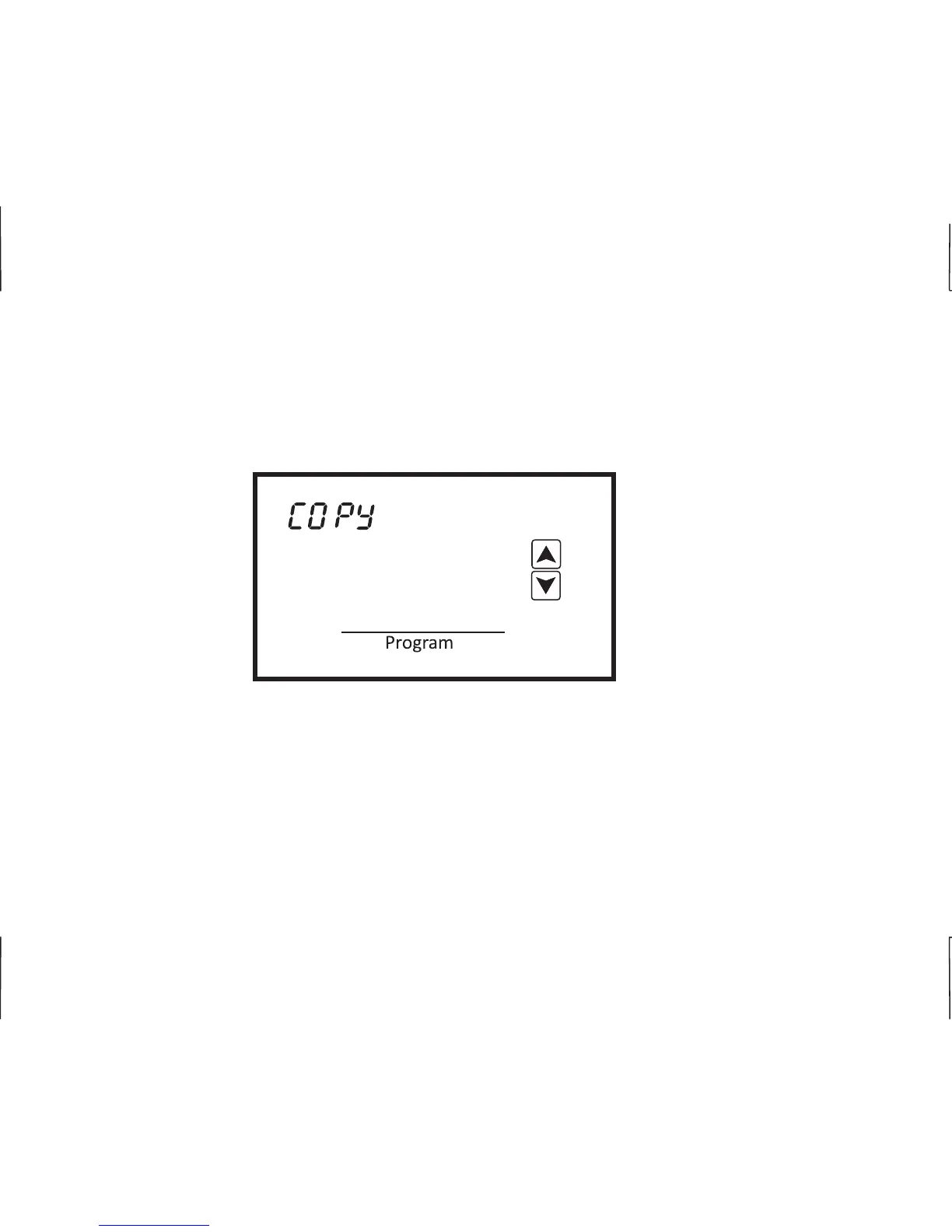
If you elect to have a different schedule for each day of the week, simply touch Program when COPy
appears. The thermostat will automatically advance to the next day.
2 DAILY EVENTS
Seven day scheduling for 2 daily events uses the same programming steps as 4 daily events other
than you only have to program Day and Night. Once programming is completed, the thermostat will
resume normal operation in 10 seconds.
Mon
Night
E
17












 To Next Page