BASIC FUNCTIONS
CHANGING THE HEATING OR COOLING TEMPERATURE SETTING
Auto Mode
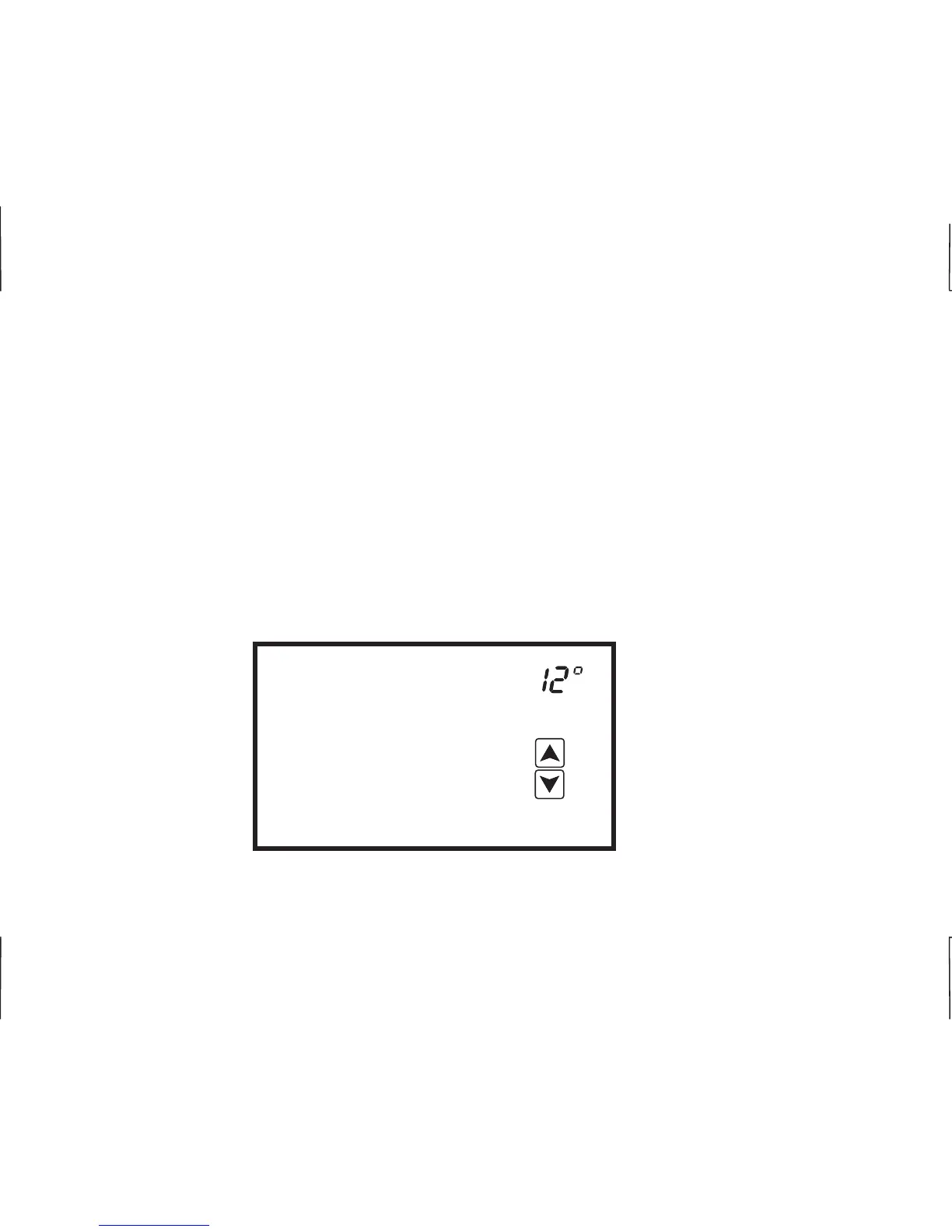
In auto changeover mode, the heating and cooling temperature setting alternate on the screen. To
change the settings, simply touch the temperature displayed on the screen. Cool Set will flash three
times and then Heat Set will flash three times.
To change the cooling setting, touch the UP or DOWN arrow to change the setting when Cool Set is
flashing. To change the heating setting, touch the UP or DOWN arrow to change the setting when
Heat Set is flashing. Touch the temperature display and the thermostat will return to its operating
mode, or simply wait for 10 seconds to auto exit set point adjustment. The new heating and cooling
temperatures will alternately be displayed.
Heat Set
E
E
11
1
2












 To Next Page