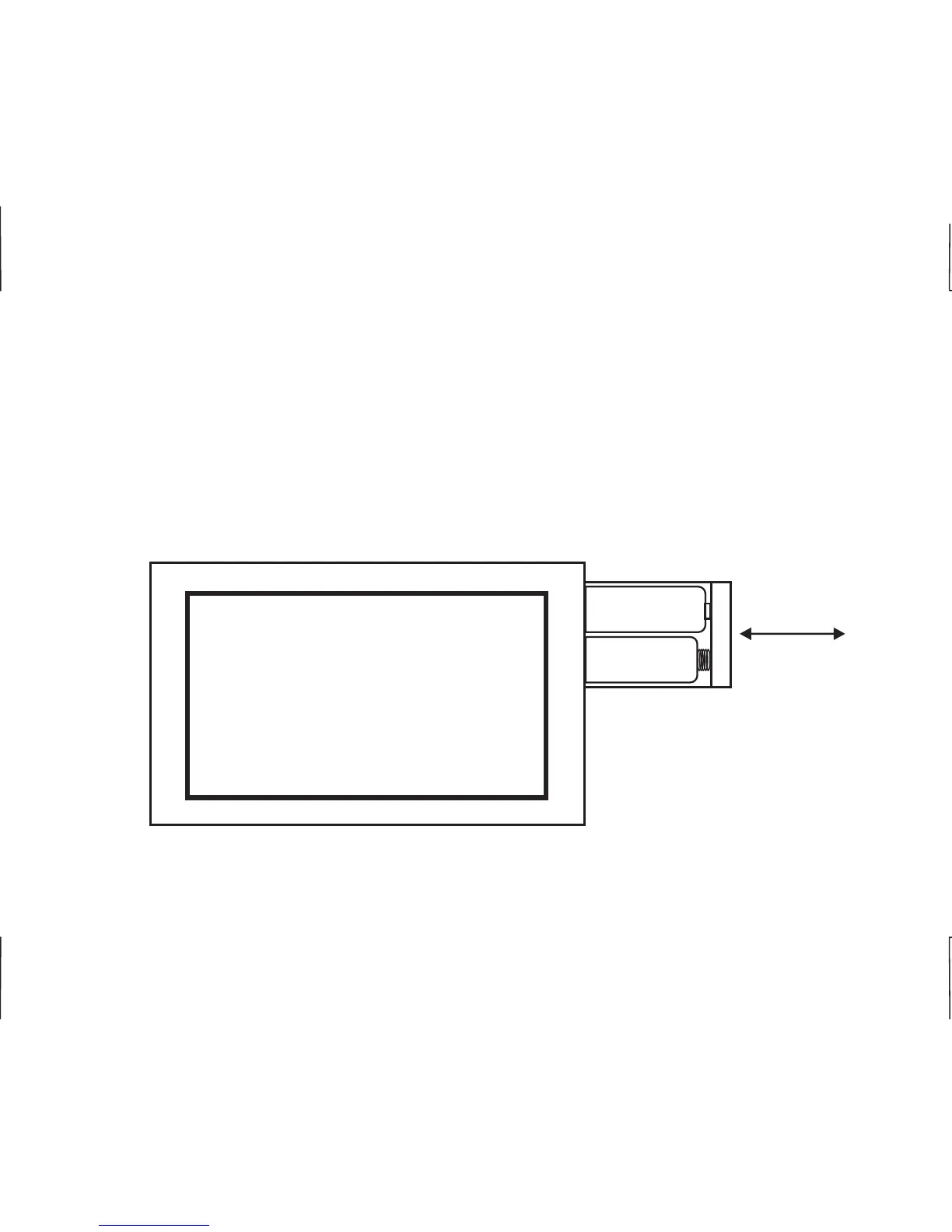
CHANGING THE BATTERIES
Press in on the battery access compartment and slide the drawer out. Install two AA alkaline batteries
matching the + (Positive) and - (Negative) orientation. Push the battery compartment in until it clicks
shut. When the batteries are properly installed, the touchscreen display will resume normal operation
with no loss of programming. If the batteries are swapped out quickly (less then 5 minutes) the
current time will remain unaffected.
+
-
AA
AA
23












 To Next Page