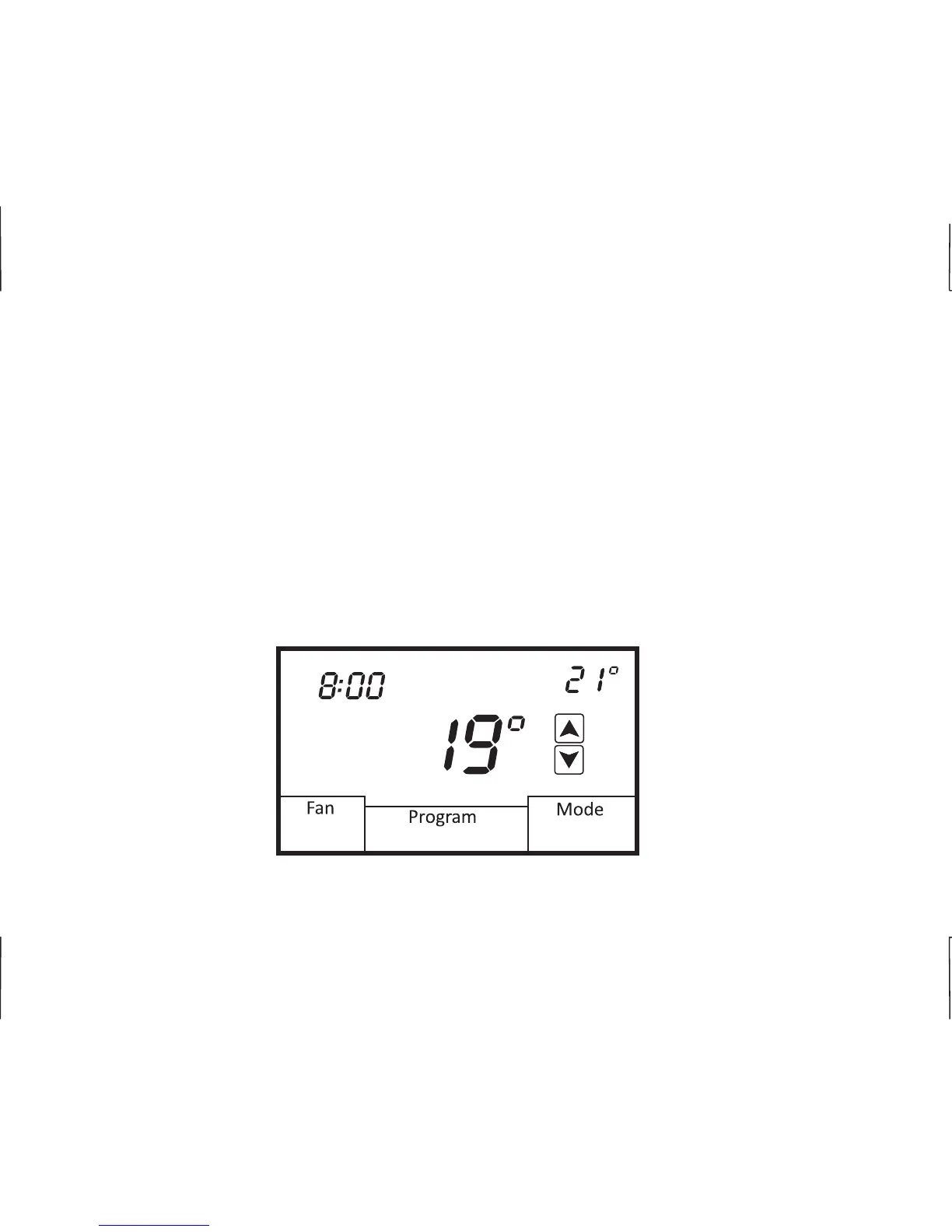
PROGRAMMING
7-DAY SCHEDULE (4 OR 2 DAILY EVENTS)
Your installer can configure the 44-850 with two programming options for 7-day scheduling. You can
elect to have 4 daily events (Morning, Day, Evening, Night) or 2 daily event (Day, Night) for each
day of the week.
You can program both heating and cooling temperatures for each scheduled event when the
thermostat is in the Auto (auto changeover) or manual changeover (Heat, Cool) mode. The
thermostat can not be programmed in the Off mode. If the thermostat is configured for heat only or
cool only, then only that mode can be programmed. Simply touch Mode to select Auto, Heat or Cool.
At any time you wish to exit programming mode touch and hold the lower right of the display
(where the mode would normally be shown).
Auto
Automatic
E
12
Heat Set
AM
Mon
01/01/2014












 To Next Page