BASIC FUNCTIONS
FAN SELECTION
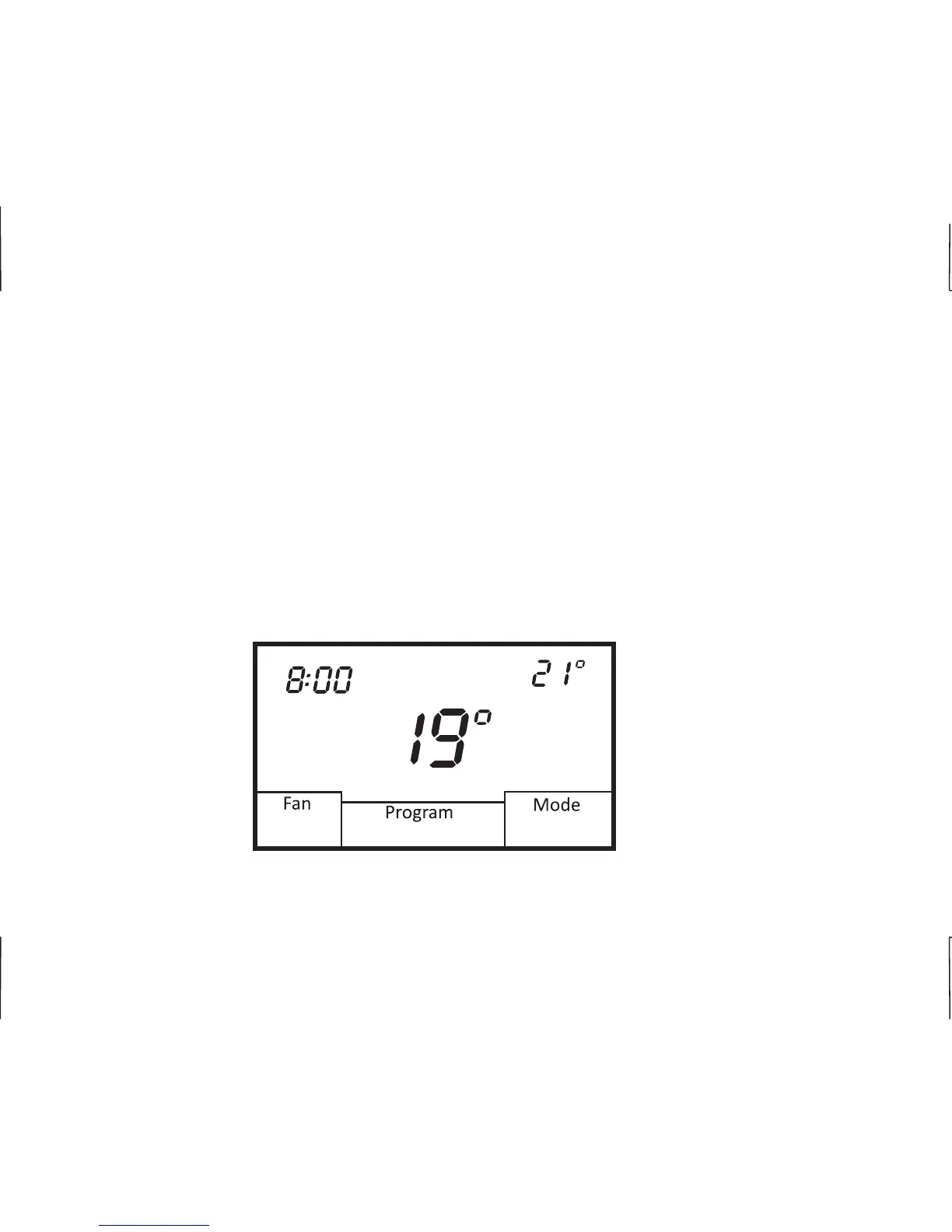
Touch the Fan box on the screen to select Automatic or Always On fan mode. In Automatic mode,
the fan operates with a heating or cooling call. If set to Always On, the fan will run continuously. If the
thermostat is turned Off while the fan is set to Always On, the fan will continue to run until it is placed
in the Automatic mode.
PROGRAMMABLE FAN (OPTION)
If your thermostat has been configured for Programmable Fan, you can change the fan mode for
each scheduled program event. For example, you might wish to have Always On for the morning
schedule and Automatic for the Day schedule. Each time the thermostat changes schedules, the
selected fan mode will automatically be implemented. (See Page 18 for further details)
AM
Heat
Mon
Automatic
Morning
01/01/2014
E
9
Heat Set












 To Next Page