23 | CHAPTER 4 – USING AND MAINTAINING YOUR SMART BOARD INTERACTIVE
WHITEBOARD
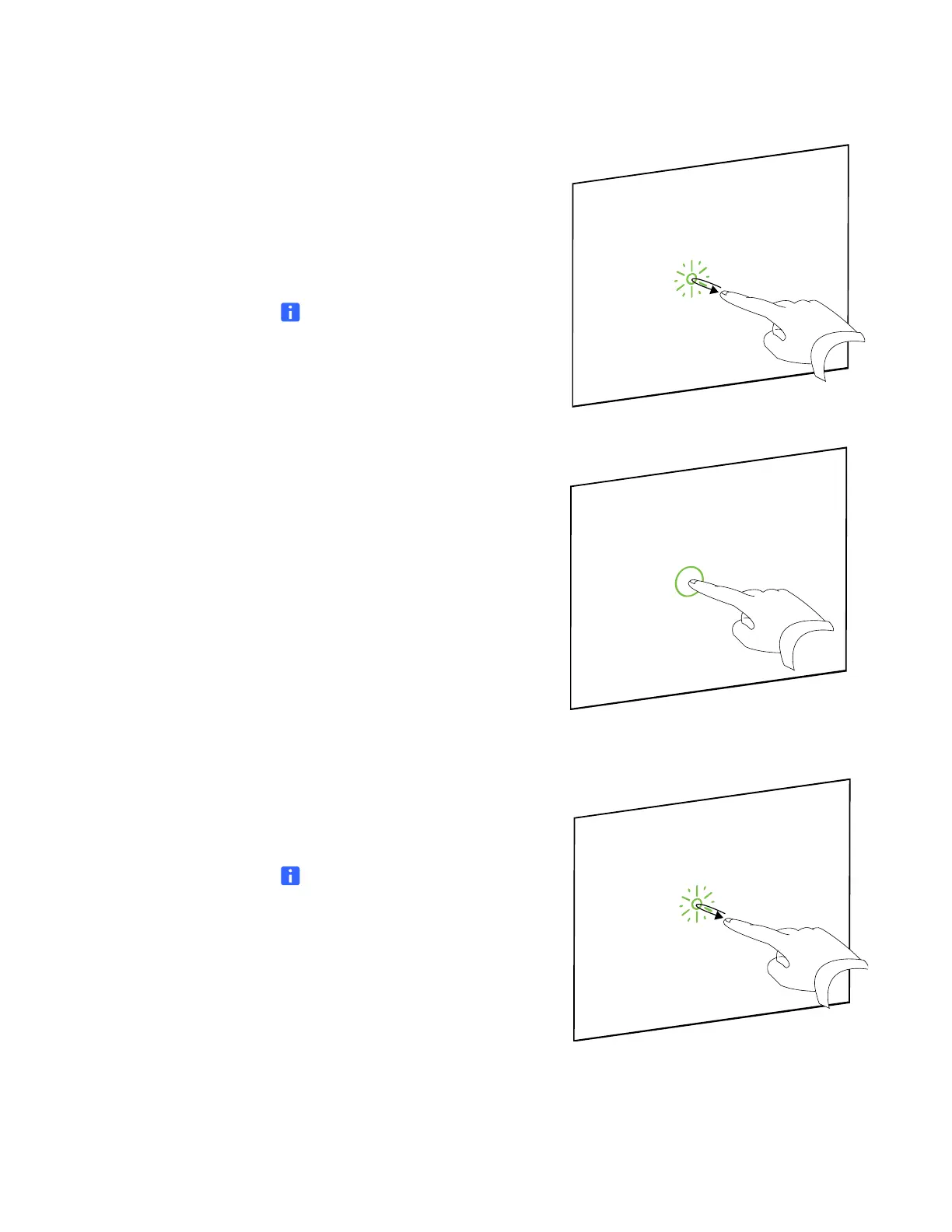
Selecting and deselecting an
object (clicking)
Quickly press and release the interactive
surface to select or deselect an object or
option. This performs a standard mouse
click.
NOTE
This gesture starts programs if your
operating system is set to start
applications on a single click.
Displaying menu options
(right-clicking or Control-
clicking)
Press your finger to the screen for a few
seconds to perform a right click.
Double-clicking
Quickly press and release the interactive
surface twice in the same spot. This
performs a standard double-click.
NOTE
This gesture starts programs if your
operating system is set to start
applications on a double click.



 To Next Page