24 | CHAPTER 4 – USING AND MAINTAINING YOUR SMART BOARD INTERACTIVE
WHITEBOARD
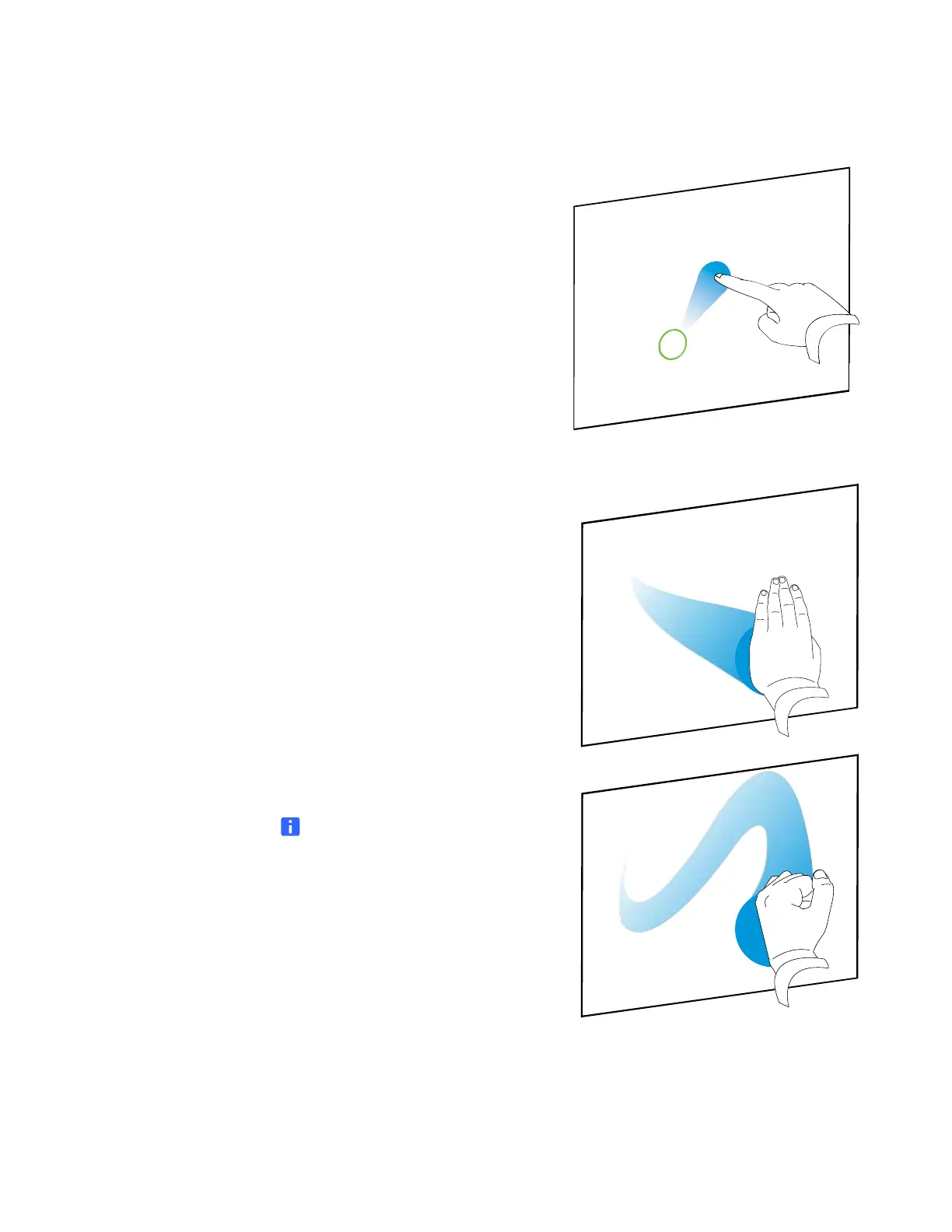
Dragging an object, scroll bar or window
Press the object, scroll bar or window on
the interactive surface. Keep your finger
on the object and slowly move it to its
new position. When you reach the
position you want, release your finger.
Erasing digital ink
Using your flattened hand, palm, or fist,
press the interactive surface and move
your hand across the area you want to
erase.
Use a scrubbing motion to erase entire
areas of digital ink.
NOTE
To erase a large area of ink, move
your hand in a circle around the area
you want to erase, and then tap the
middle of the circle.



 To Next Page