25 | CHAPTER 4 – USING AND MAINTAINING YOUR SMART BOARD INTERACTIVE
WHITEBOARD
Best practices for gestures
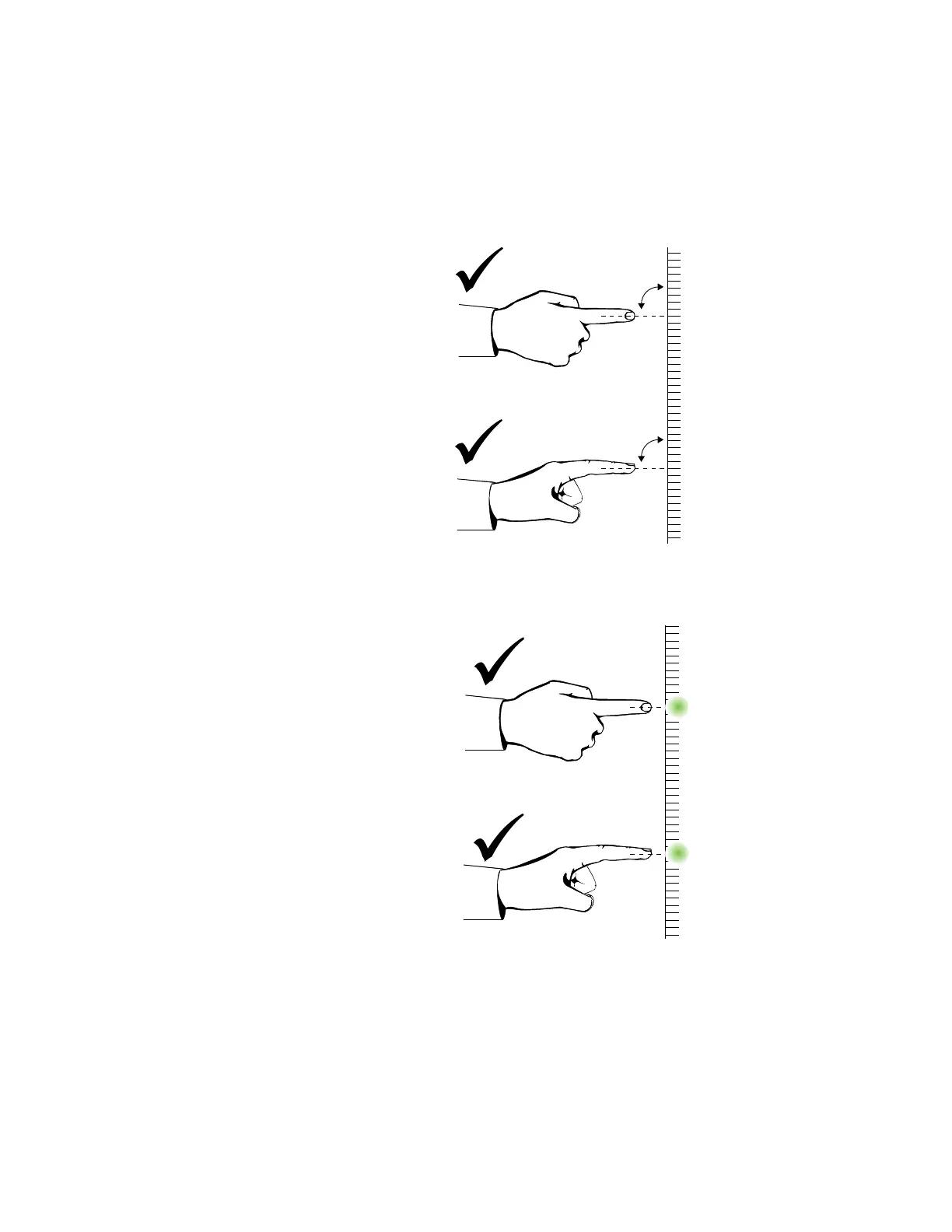
Follow these guidelines when you use gestures with your interactive product.
• Hold your fingers perpendicular (90°) to the interactive surface at the contact
point.
• Keep your thumb and other fingers away from the interactive surface. They can
generate unintentional commands.



 To Next Page