26 | CHAPTER 4 – USING AND MAINTAINING YOUR SMART BOARD INTERACTIVE
WHITEBOARD
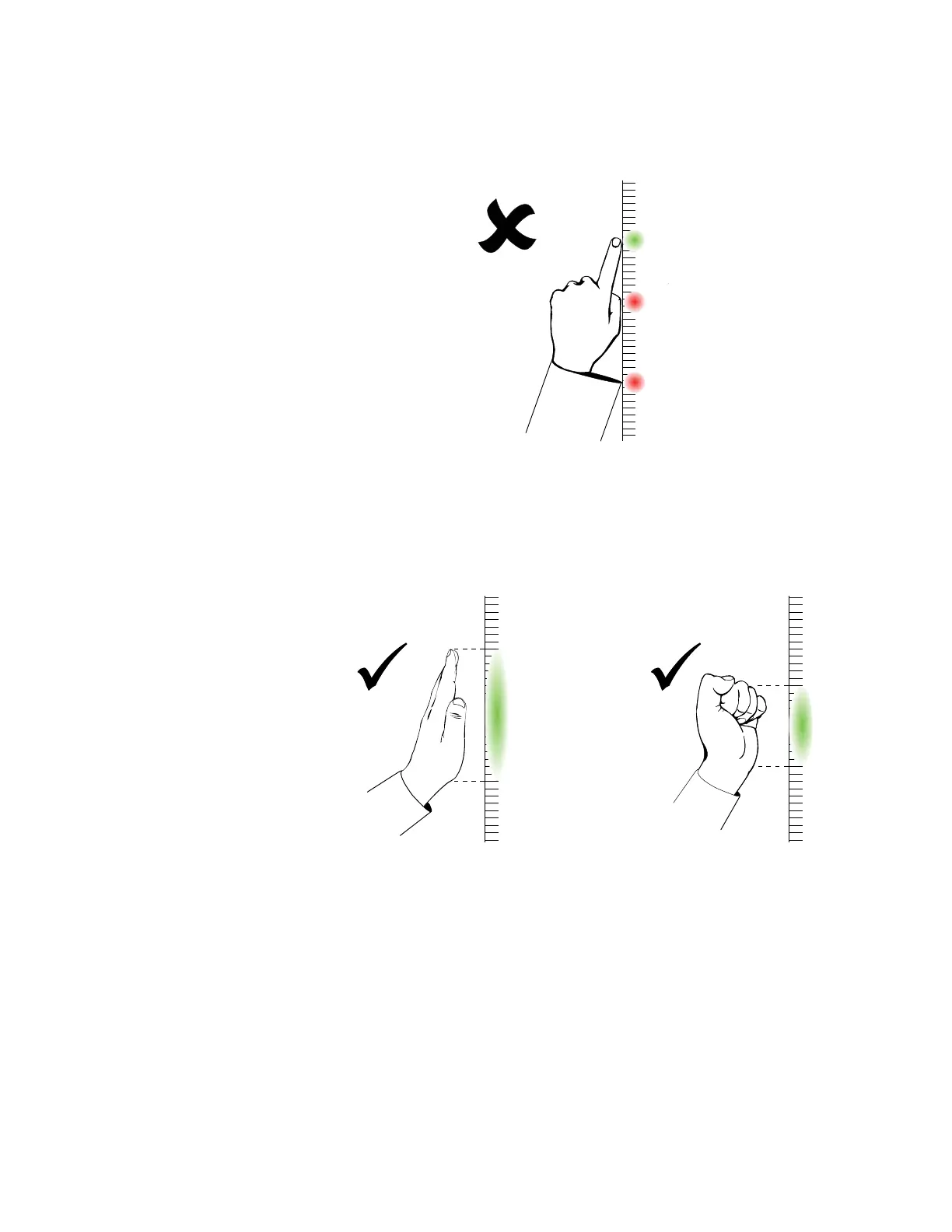
• Keep your other hand, elbows and loose clothing away from the interactive
surface. They can generate unintentional commands.
• For “click” commands, quickly tap your finger on the interactive surface. Also,
make sure you lift your finger far enough away from the interactive surface
between presses so that your finger is out of the interactive whiteboard cameras’
view.
• For “erase” commands, use your flattened hand, palm or the bottom of your fist.



 To Next Page