HGM4020DC GENSET CONTROLLER USER MANUAL
HGM4020DC Genset Controller Version 1.0 2019-04-10 Page 7 of 31
4 OPERATION
4.1 KEY FUNCTION
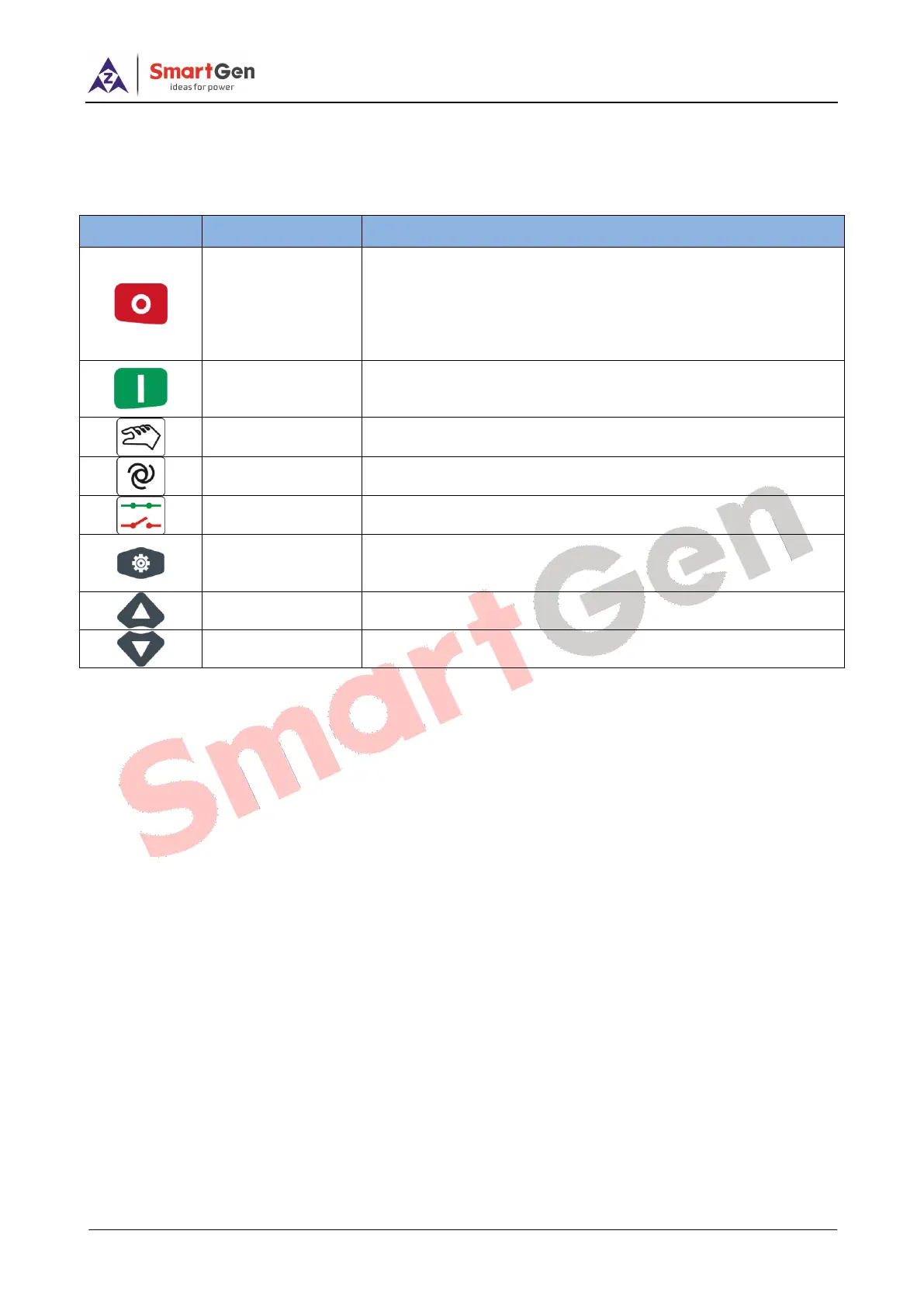
Table 3 - Key Function Description
Stop running generator in Auto/Manual mode;
In case of alarm condition, pressing the button will reset alarms;
In stop mode, pressing and holding the button for 3 seconds will
test indicator lights (lamp test);
During stopping process, press this button again to stop generator
immediately.
Under manual mode, press this button will start genset; press this
button during genset start up, genset will jump to next status and
genset can fast-boot.
Pressing this key will set the module into manual mode.
Pressing this key will set the module into auto mode.
Pressing this key will enter into Main Menu;
In setting parameter status, press this key will shift cursor or
confirm setting value.
Scrolls the screen up; Shift the cursor up or increase the set
value in parameter setting menu.
Scrolls the screen down; Shift the cursor down or decrease the
set value in parameter setting menu.




 To Next Page