ENGLISH • 19
MEMORY FUNCTIONS
Clearing Measurements From Memory
Fig. 1
Fig. 2
5. Press START/STOP to turn the monitor
off at any time during review of the stored
measurements.
To delete all measurements from either memory
bank, follow these steps:
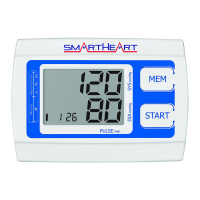
1. When the monitor is off, press and release
the MEM button to access the memory bank
feature.
2. Press and hold the MEM button for 3–4
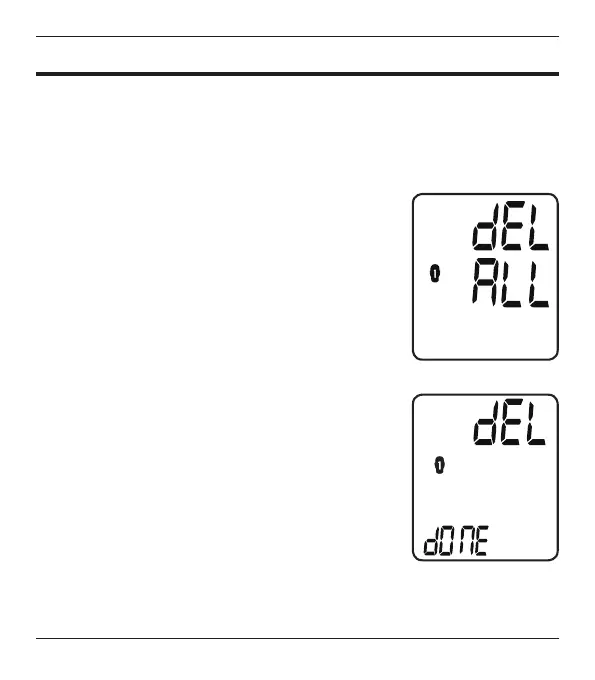
seconds; the display will ash ‘dEL ALL’, Fig 1.
3. Press SET to conrm; the display will briey
ash ‘dEL dONE’ and turn off, Fig 2.
If you do not wish to delete the measurement
records, press the START/STOP button at any time
to exit the ‘Clearing Measurement’ mode.



 To Next Page