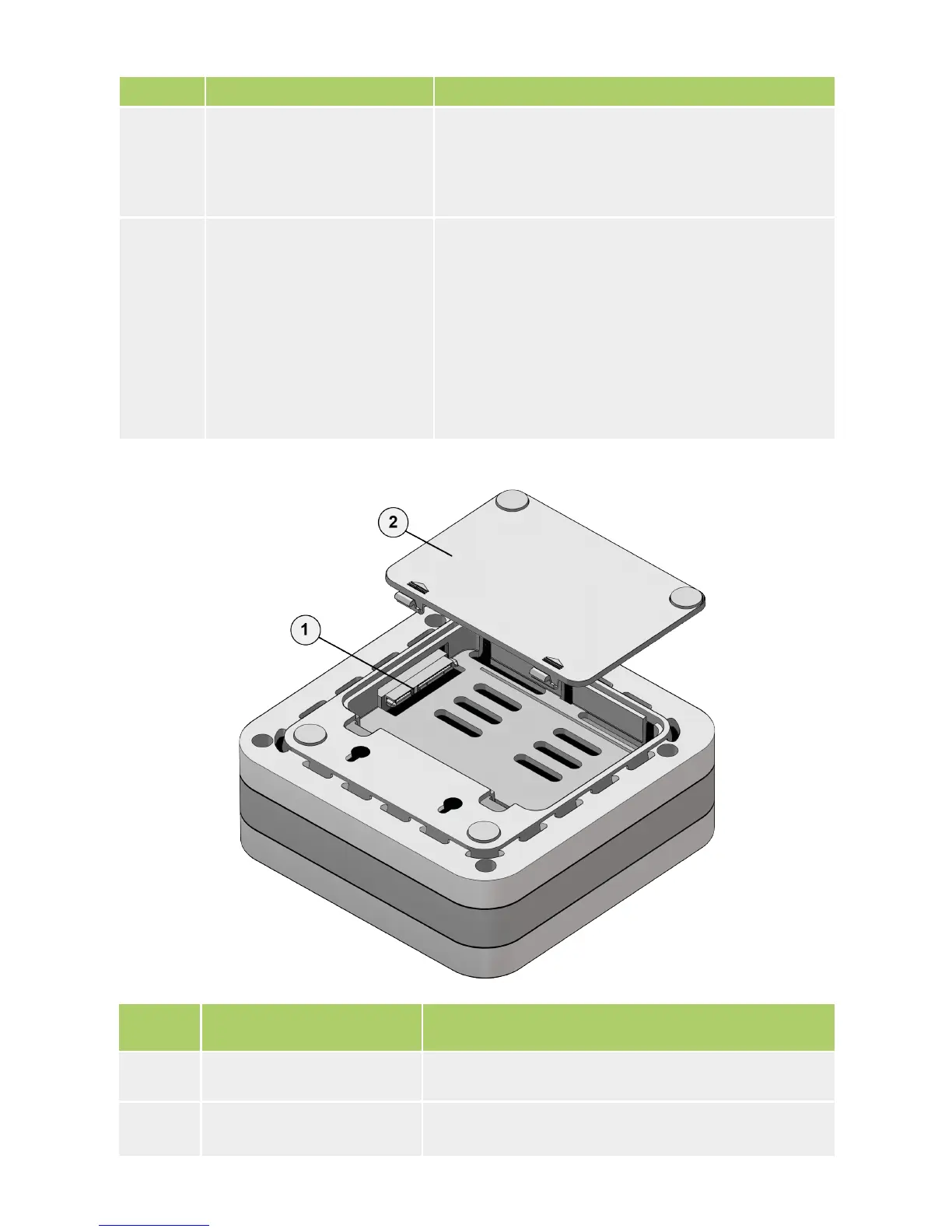
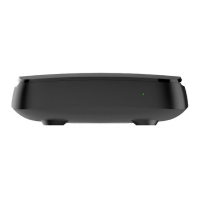
Number Slot Purpose
1 SATA HDD slot Internal HDD connection slot.
2 HDD cover
Bottom Panel
Number Elements Purpose
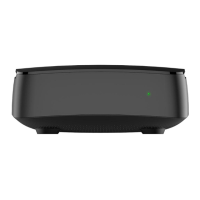
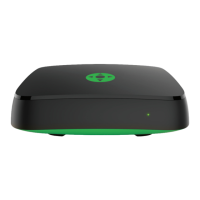
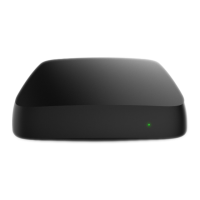
1 Power indicator
Green – IPTV STB is switched on and works
normally.
Red – IPTV STB is in the stand-by mode.
2 IR receiver’s window
The internal IR receiver’s window accepting
signals from the IR remote control (RC).
This window should be in the direct visibility
range from the IR RC, if an external IR re-
ceiver is not used.
If the device is supplied with the RF RC, it has
no internal IR receiver.
12


 To Next Page