20
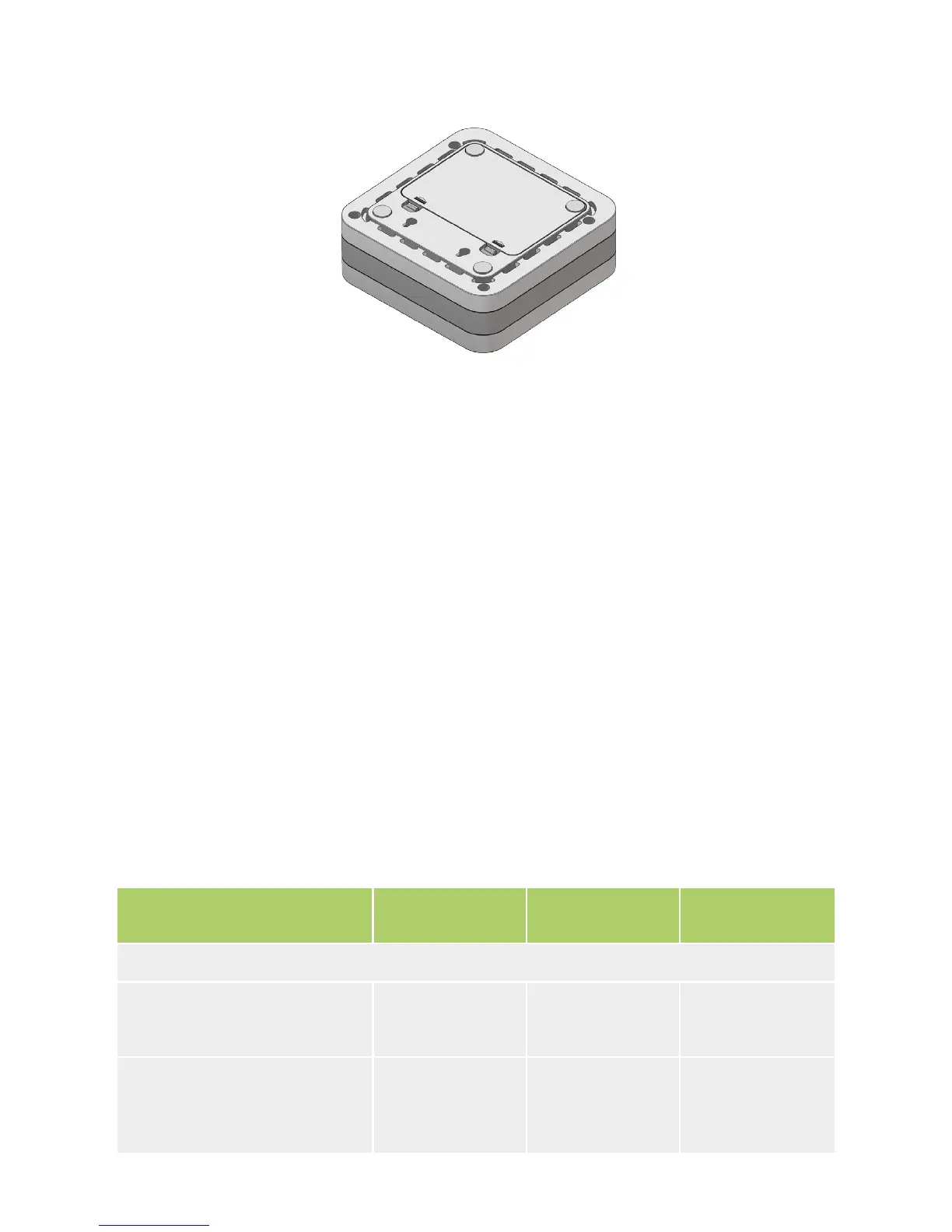
Close the HDD cover so that both locks click.
To remove the internal HDD from the STB, perform the installation actions in
the reverse order.
For more information on how to use the hard disk connected to IPTV STB, see
the documentation obtained from your service provider.
Installation of the Flash Drive (USB Flash)
Flash drive is not included with the accessories. You can purchase it separately.
Connect a Flash drive to a USB slot located at the back or side panel of the
device (see panel pictures).
For more information on how to use a Flash drive in IPTV STB, see the docu-
mentation obtained from your service provider.
Technical Characteristics
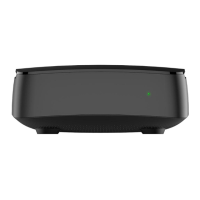
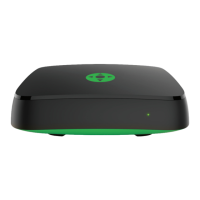
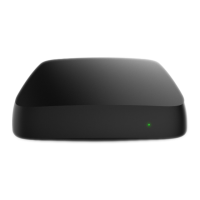
Options SML-272 SD
SML-282 HD
Base
SML-292 HD
Premium
Basic parameters
HDD SATA 2.5” connection
possibility
Slot: SATA HDD
- - +
IR receiver
Protocol: RC5-RC7
Carrier frequency: 37.9 kHz
IR/RF IR/RF IR/RF


 To Next Page