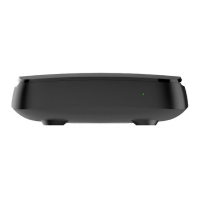
Cleaning
• Turn off the device before cleaning.
• Wipe the device with a clean, dry rag only.
• Clean the ventilation holes in the device’s enclosure regularly.
• To remove stains from the device’s surface, it is possible to use a slightly
damp rag.
• Do not use chemical cleaner, car polish, dissolvent, aerosol, cleaning
agents, abrasive powders and materials for cleaning the device and acces-
sories.
Servicing
1. Do not open the device. Unauthorized opening of the device deprives war-
ranty. The manufacturer’s label is located at the bottom side of the device.
Breach of the label removes warranty from the device.
2. To repair the device, contact your service provider.
Device Installation
1. Remove IPTV STB from packaging.
2. Remove the protective lm from the glance top panel of the device.
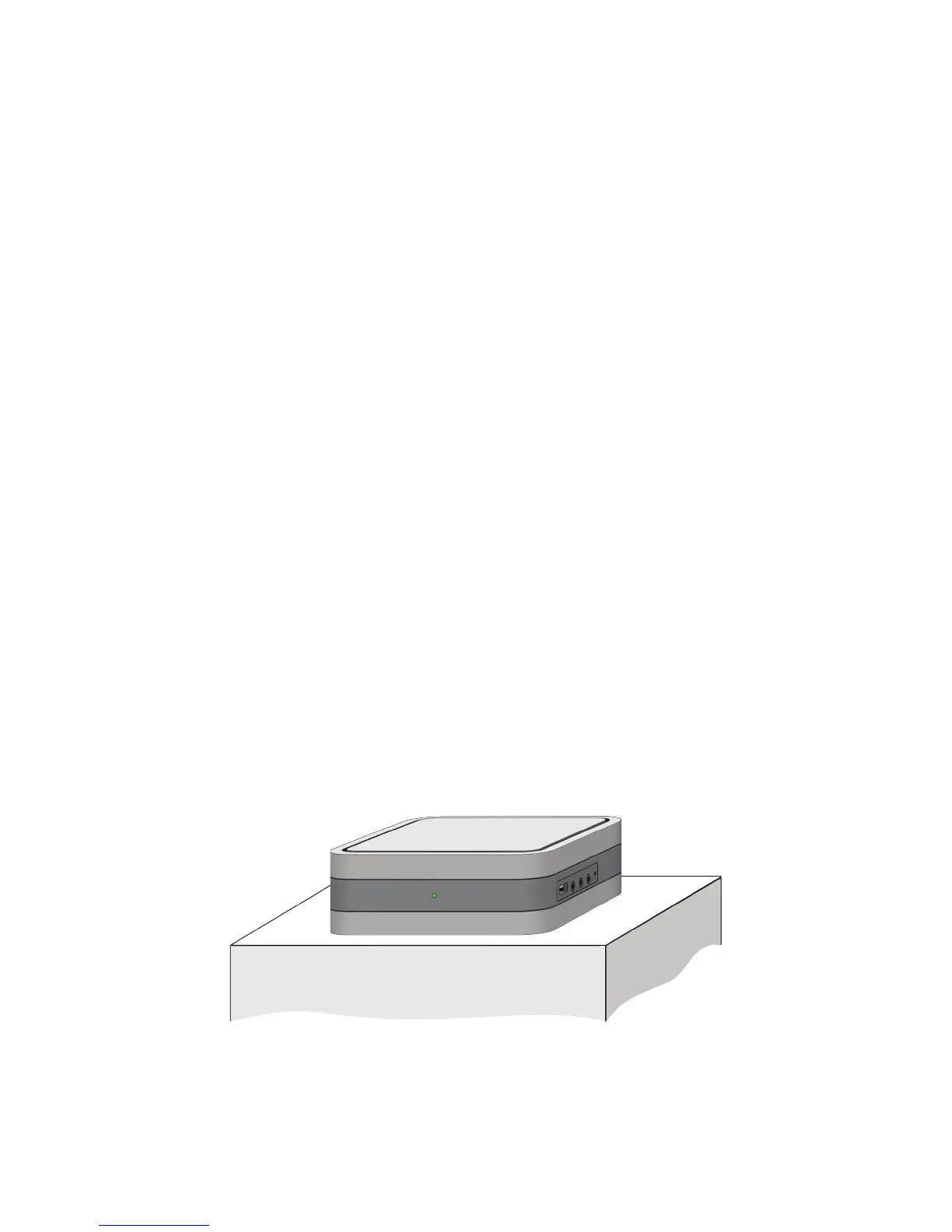
3. Choose one of the following positions:
Horizontal position (on table, holder, shelf)
5


 To Next Page