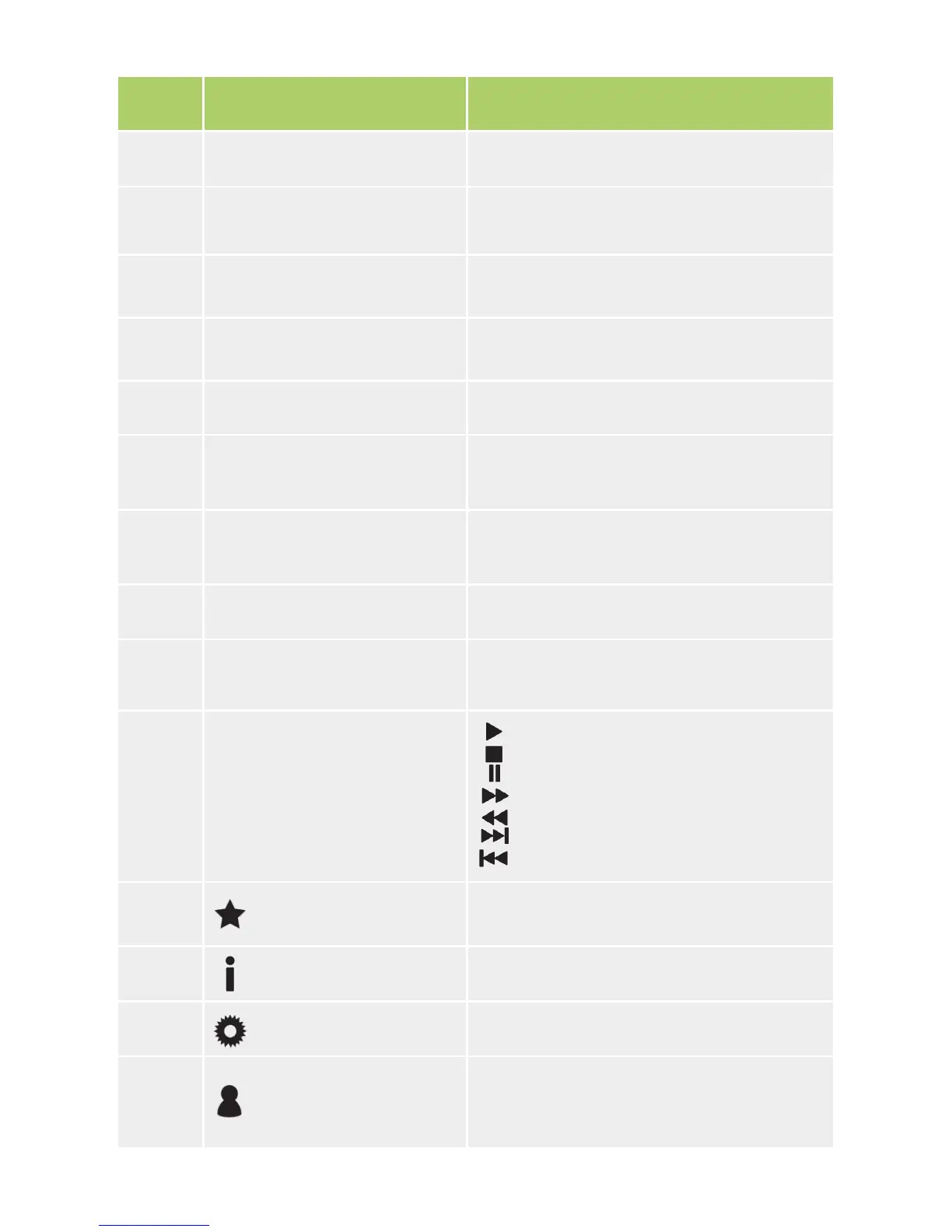
Namber IR/RF Remote Control Button Purpose
5 Search Opens the search window.
6 Home
Returns to the main menu from any posi-
tion.
7 TV Opens the TV channels menu.
8 VoD Opens the video on demand menu.
9 Menu Opens the menu.
10
▼▲◄► (Arrow buttons)
OK
Move through menu items, select and
conrm options.
11 VOL ▲▼ (Volume +/-) Change volume.
12 CH ▲▼ (Channels +/-) Switch channels.
13 Colored buttons
The button functions are determined by
the service provider.
14 Video player buttons
Play
Stop
Pause
Fast forward
Rewind
Next frame
Previous frame
15 Favorites Opens the favorites menu.
16 Info Opens the information menu.
17 Settings Opens the settings menu.
18 Prole
Opens the application proles menu (if
supported by the service provider).
17


 To Next Page