T4 (053B) Series Installation Guide
CD354/220116 Smartscan Ltd
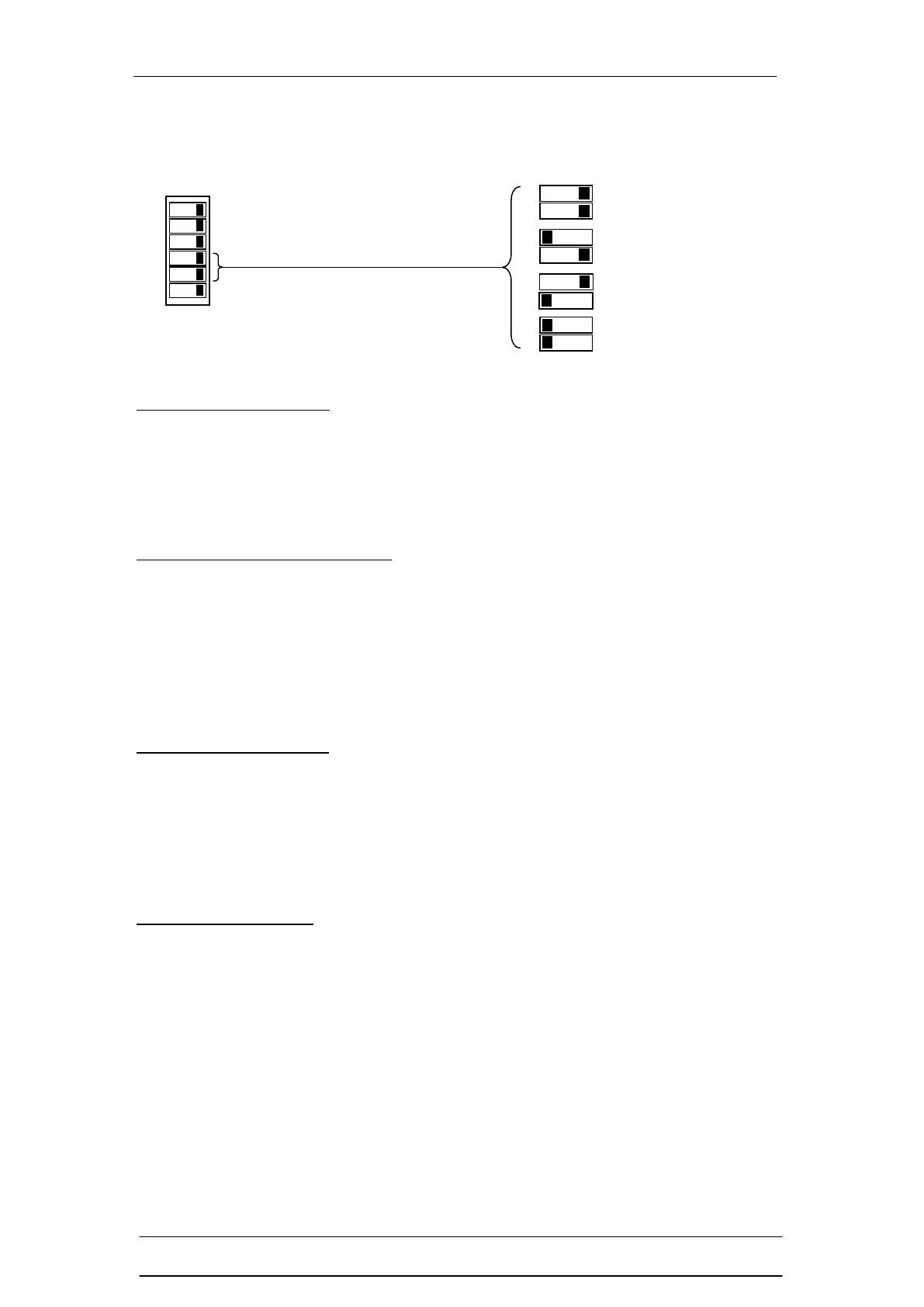
3) Modes
Automatic Reset mode:
After initial Power Up the light curtain’s OSSDs become active (OSSDs are ON).
If the light curtains sensing field is blocked the OSSDs turn OFF. Once the
obstruction has been removed from the sensing field of the light curtain it
automatically reactivates itself, (OSSDs turn ON).
Manual (Latched) Reset mode:
After initial Power Up the light curtain’s OSSDs remain OFF until a Reset signal is
applied. Once the reset signal is received, with the light curtain free of any
objects, the OSSDs will turn ON. If the sensing field is interrupted, once the
obstruction has been removed from the sensing field of the safety light curtain, the
OSSDs will remain OFF until a reset signal is applied, upon which time the
OSSDs will turn ON.
Restart Interlock mode:
At initial Power Up, with the light curtain free of any objects in the infrared sensing
field, the OSSDs become active (OSSDs turn ON). If the light curtains infrared
sensing field is blocked the OSSDs turn OFF. Once the obstruction has been
removed from the infrared sensing field of the safety light curtain the OSSDs will
remain OFF until a reset signal is applied.
Learn Settings mode:
Allows the user to access the T4 (053B) series safety light curtains additional
functions. These functions include: fixed beam blanking, mute disparity options,
mute delay off time options, partial or (learn fixed) muting and clear learned
functions.


 To Next Page