T4 (053B) Series Installation Guide
CD354/220116 Smartscan Ltd
Direct Settings
These are the functions that are available ‘out of the box’. Place the DIP switches
in the desired position and the functions are selected. There are four features
available in the Direct Settings mode:
1) Floating Beam Blanking
2) Mute Time Out Period
3) Modes
4) Parity
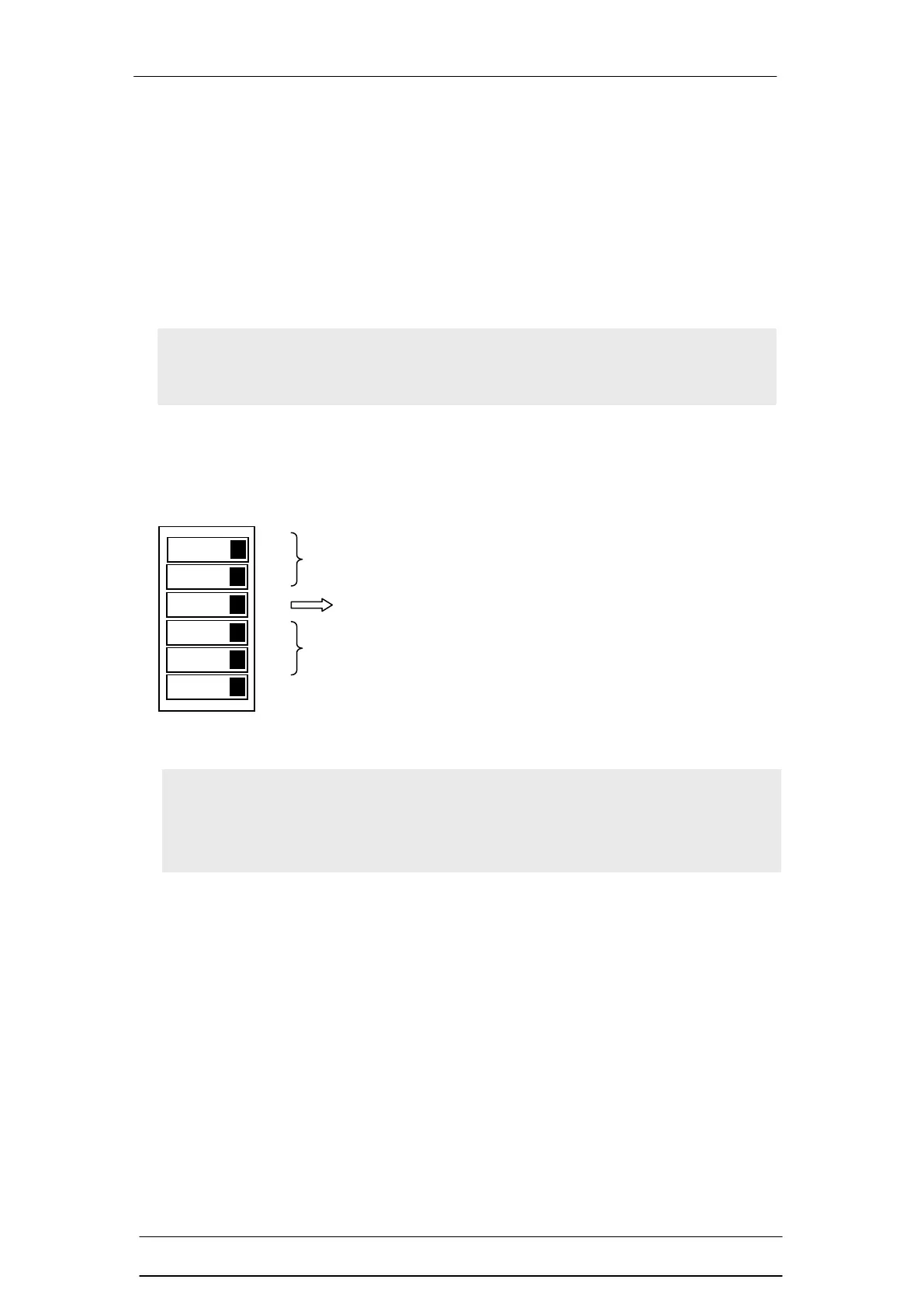
The diagram below shows the DIP switches for the Direct Settings mode.
Note: If the parity or any of the DIP switches are changed while the light
curtain is in operation the OSSDs (safety outputs) will turn OFF and
remain OFF. All DIP switch setting must be done with the power to the
light curtain disconnected. Refer to the Parity setting section.
Note To implement DIP switch settings or change the DIP switch
settings requires the power to the light curtain to be turned off and then
on again.
Modes (DIP Switches 4 & 5)
Floating Beam Blanking (DIP switches 1 & 2)
Mute Time Out Period (DIP Switch 3)


 To Next Page