Description
99
2.2 Control panel
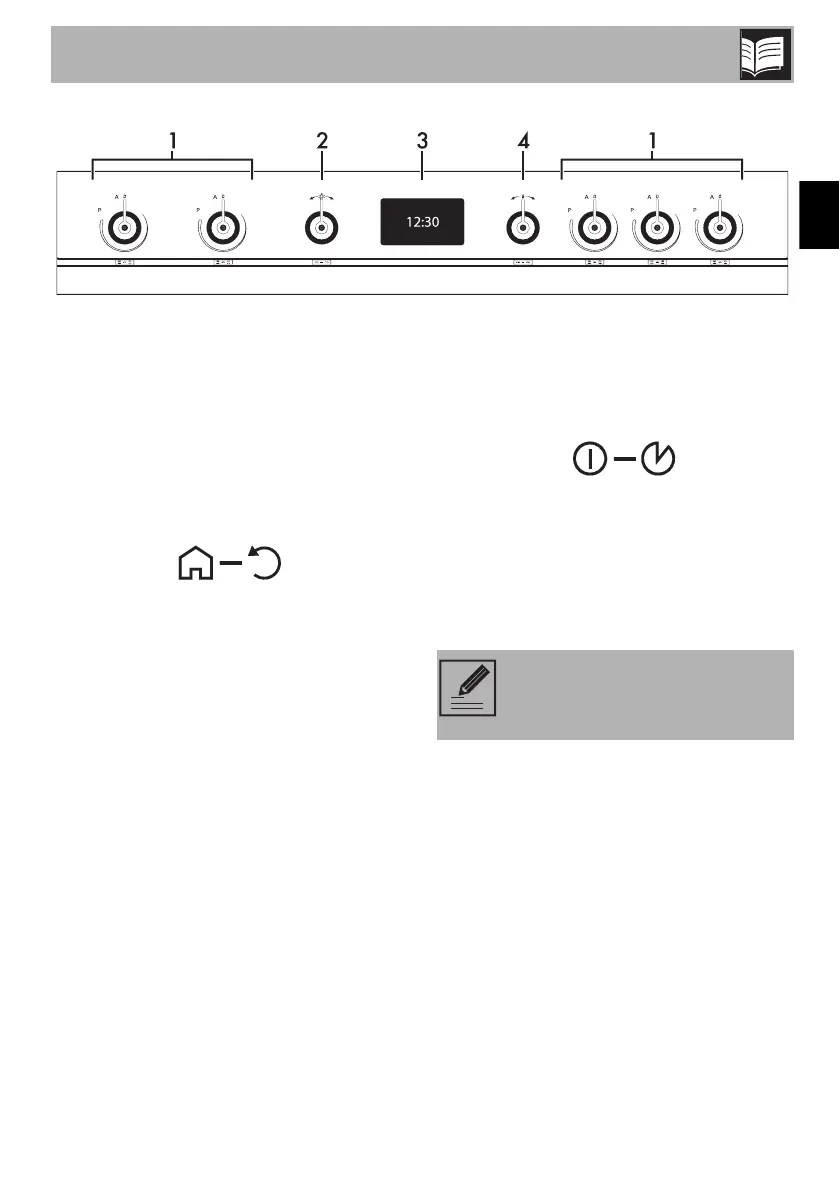
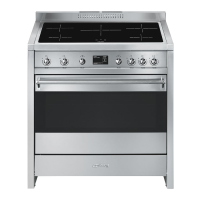
1 Hob cooking zone knobs
Useful for controlling the cooking zones of
the induction hob.
Turn the knobs clockwise to adjust the
operating power of the hot plate from a
minimum of 1 to a maximum of 9.
The working power is indicated on the
display on the hob.
2 Return knob
This knob allows you to return to the
previous item in the appliance’s menu. It
also lets you manually turn the oven light on
and off.
3 Display
Displays the current time, the selected
cooking temperature and function and any
time set.
4 Control knob
This knob allows you to turn the appliance
on and off and select the various available
functions.
Turn the knob right or left to change/select
the required item.
Press to confirm.
Keep the knob pressed in for at
least 5 seconds to immediately
complete any cooking operation.


 To Next Page