Use
142
3.9 Personal recipes
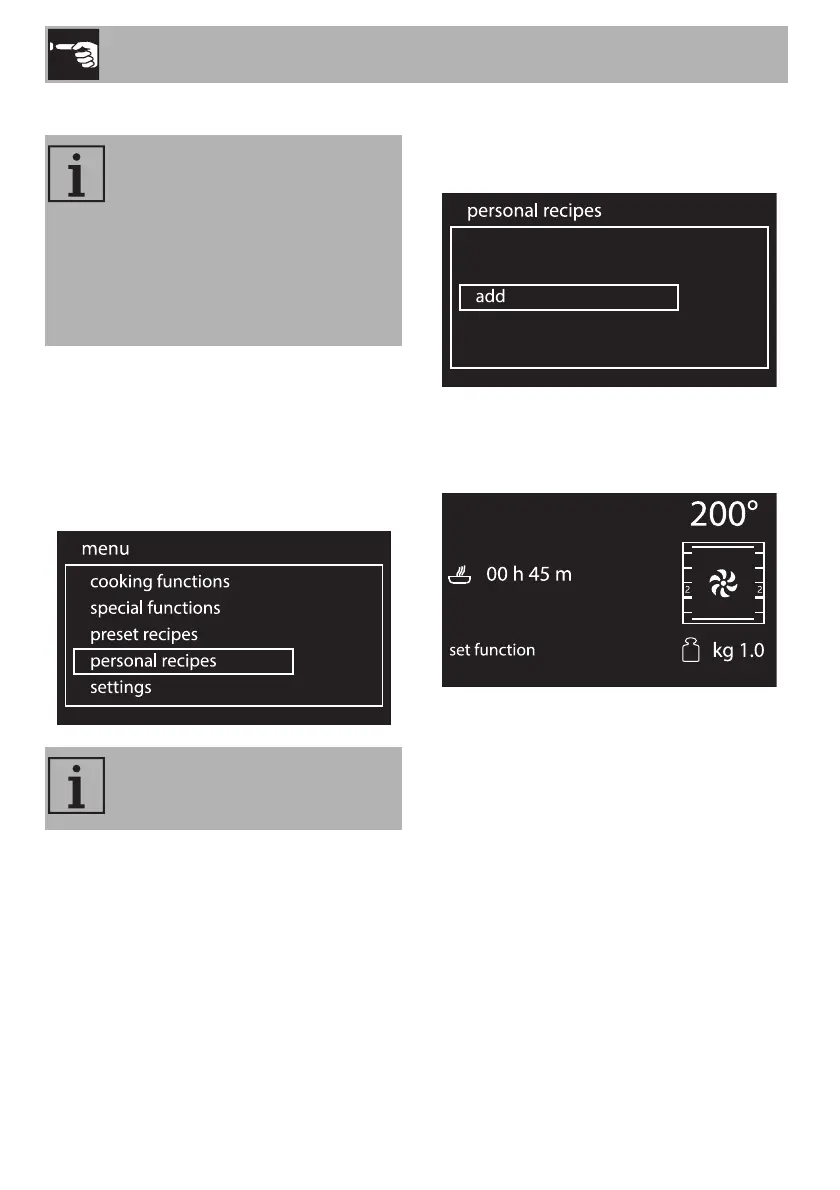
1. On the clock screen, press the control
knob to access the main menu.
2. Turn the control knob to the right or left to
select personal recipes from the main
menu.
3. Press the control knob to confirm.
Adding a recipe
1. Select add from the “personal recipes”
menu.
2. Turn the control knob to the right or left to
select the function to associate with the
recipe.
3. Press the control knob to confirm.
This menu allows you to enter a
personal recipe with the
parameters you wish to use. On
first use, the appliance will only
offer you to add a new recipe.
After storing your recipes, these
will then be available in the relative
menu.
Up to 10 personal recipes can be
stored.


 To Next Page