Use
146
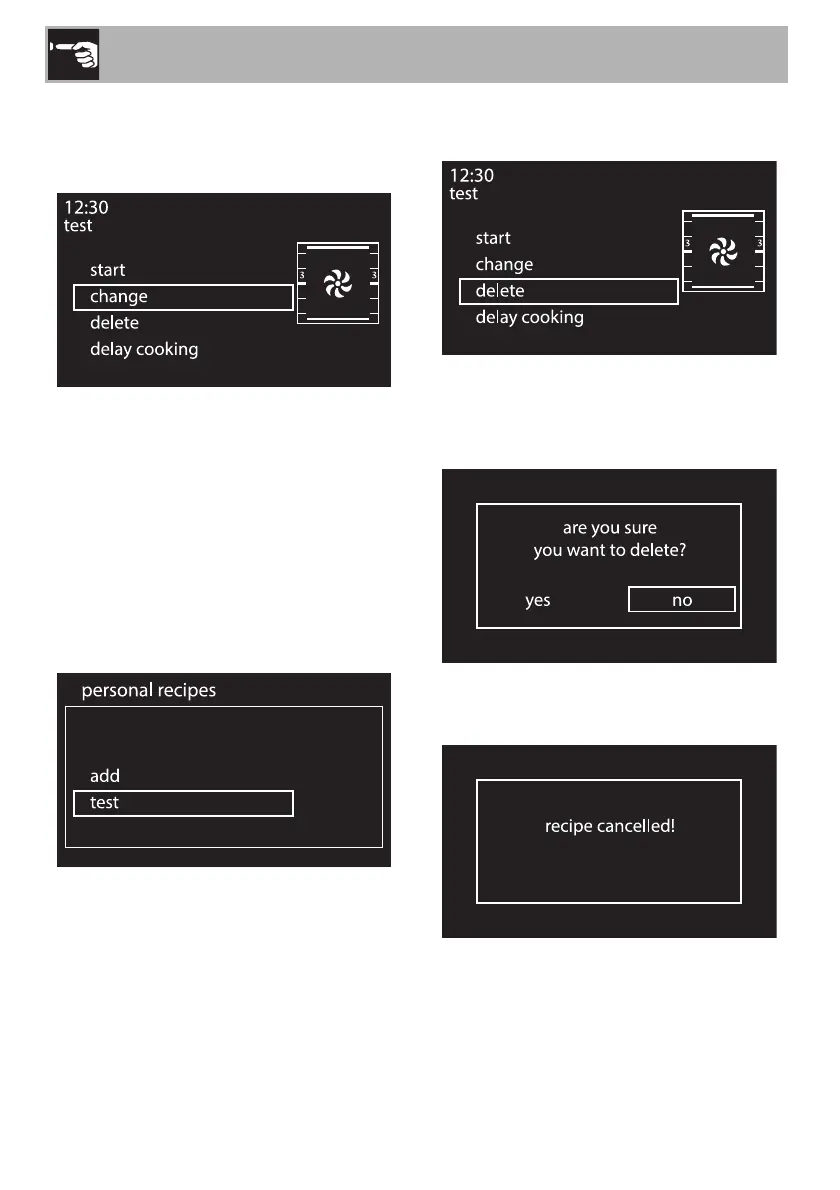
2. Press the control knob to confirm.
3. Turn the control knob to the right or left to
select change.
4. Press the control knob to confirm.
5. Repeat the same steps starting from point 2
in chapter “Adding a recipe”.
Deleting a personal recipe
1. Turn the control knob to the right or left to
select a previously stored personal
recipe from the “personal recipes” menu
(in the example, the test recipe has been
stored).
2. Press the control knob to confirm.
3. Turn the control knob to the right or left to
select delete.
4. Press the control knob to confirm.
5. Confirm the deletion. Select YES to
permanently delete the recipe.
6. If you confirm the deletion, the display
will show a confirmation message.


 To Next Page