EasyManua.ls Logo

Smeg GW4290 - User Manual

Smeg GW4290
91 pages
Print Icon
To Next Page IconTo Next Page
Loading...
User Manual
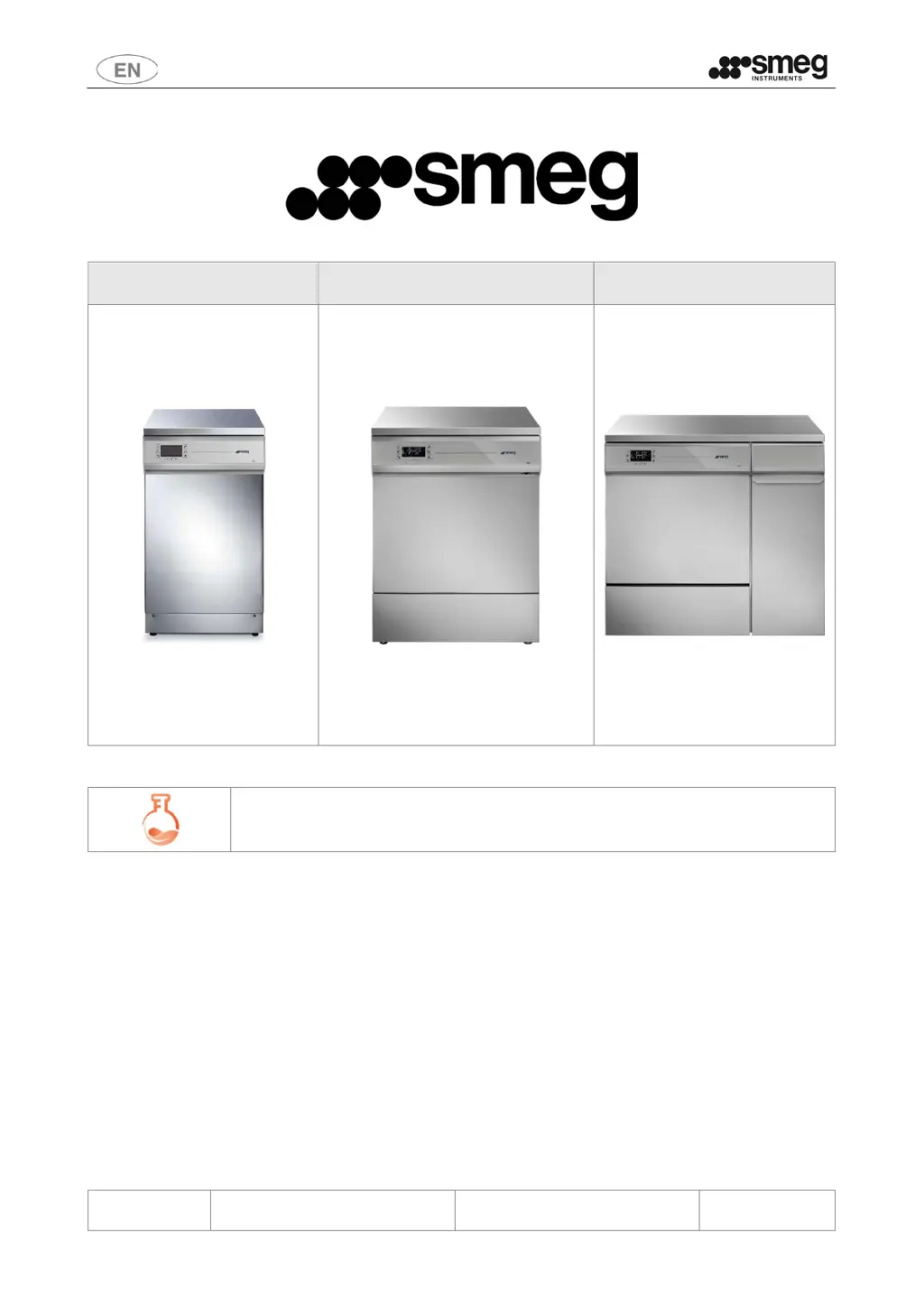
GW1245 - GW0260 - GW1260 - GW4260 -
GW4290
193909119 rev.02 Page 1 – 91
GW1245 GW0260 - GW1260 - GW4260 GW4290
GW – LABORATORY GLASSWARE WASHERS
USER MANUAL
TRANSLATION OF THE ORIGINAL INSTRUCTIONS

Table of Contents

Questions and Answers

Summary

Initial Instructions

Safety and Precautions for Use

Key to Symbols

Explains symbols used in the manual and on the device for safety.

General Warnings

Provides crucial safety advice and precautions for device operation.

Handling the Device Warnings

Offers guidance on safe handling and unpacking procedures for the device.

Accessing Device After Incomplete Cycle;End-of-Life

Instructs on safe access after interrupted cycles or at end-of-life.

Opening and Closing the Door

Manual Door Unlocking;Opening Procedure

Describes how to manually unlock and open the device door in emergencies.

Commissioning

Using Detergents

Details the use and dispensing of detergents and neutralising agents.

Basic Operation

Control Area

Describes the layout and components of the device's control panel.

Buttons

Details the functions of each button on the control panel.

Display and Icons

Explains the information displayed and the meaning of various icons.

Setup and Parameter Setting Procedures

Accessing the Menus

Guides on how to access different operational levels and menus.

Reset Functions

Covers various reset options for machine configuration and maintenance.

Recommended Detergents and Important Notices

Recommended Detergents for GW Products

Lists recommended detergents for laboratory glassware washers by type.

General Precautions for Managing Detergents and Replacing Jerry Cans

Preparing the Load for Washing and Disinfection Cycle

Alarms, Warning and Device Response to Blackouts

Warnings

Alerts to non-critical events requiring user acknowledgment.

Alarms

Notifications of device malfunctions that stop the cycle.

Cleaning and Maintenance

Preliminary Precautions

Essential safety steps before cleaning or maintenance.

Cleaning the Filtering Unit

Details on cleaning the various filters within the unit.

Maintenance and Routine Check Time Intervals

Troubleshooting

Program Does Not Start

Checks to perform if the program fails to initiate.

Items Not Cleaned Properly

Advice on resolving issues with cleaning performance.

Interface Off or Locked

Troubleshooting for a non-responsive or locked device interface.

Installation

Electrical Connection Requirements

Details on electrical connection types, plugs, and circuit breakers.

Water Connection Requirements

Water Intake

Requirements and procedures for connecting water intake hoses.

Demineralised Water Requirements

Importance and conditions for using demineralised water.

Water Drain Requirements

Technical Characteristics

Water Connections

Technical specifications for water intake and drain connections.

Electrical Connections - 45 cm Devices

Electrical connection specifications for GW1245.

Dimensions of Product and Connections

Connections Area (Electricity & Water)

Guides on connection areas for electrical and water supply.

After-Sales Service and Manufacturer Contact Details

Summary

Initial Instructions

Safety and Precautions for Use

Key to Symbols

Explains symbols used in the manual and on the device for safety.

General Warnings

Provides crucial safety advice and precautions for device operation.

Handling the Device Warnings

Offers guidance on safe handling and unpacking procedures for the device.

Accessing Device After Incomplete Cycle;End-of-Life

Instructs on safe access after interrupted cycles or at end-of-life.

Opening and Closing the Door

Manual Door Unlocking;Opening Procedure

Describes how to manually unlock and open the device door in emergencies.

Commissioning

Using Detergents

Details the use and dispensing of detergents and neutralising agents.

Basic Operation

Control Area

Describes the layout and components of the device's control panel.

Buttons

Details the functions of each button on the control panel.

Display and Icons

Explains the information displayed and the meaning of various icons.

Setup and Parameter Setting Procedures

Accessing the Menus

Guides on how to access different operational levels and menus.

Reset Functions

Covers various reset options for machine configuration and maintenance.

Recommended Detergents and Important Notices

Recommended Detergents for GW Products

Lists recommended detergents for laboratory glassware washers by type.

General Precautions for Managing Detergents and Replacing Jerry Cans

Preparing the Load for Washing and Disinfection Cycle

Alarms, Warning and Device Response to Blackouts

Warnings

Alerts to non-critical events requiring user acknowledgment.

Alarms

Notifications of device malfunctions that stop the cycle.

Cleaning and Maintenance

Preliminary Precautions

Essential safety steps before cleaning or maintenance.

Cleaning the Filtering Unit

Details on cleaning the various filters within the unit.

Maintenance and Routine Check Time Intervals

Troubleshooting

Program Does Not Start

Checks to perform if the program fails to initiate.

Items Not Cleaned Properly

Advice on resolving issues with cleaning performance.

Interface Off or Locked

Troubleshooting for a non-responsive or locked device interface.

Installation

Electrical Connection Requirements

Details on electrical connection types, plugs, and circuit breakers.

Water Connection Requirements

Water Intake

Requirements and procedures for connecting water intake hoses.

Demineralised Water Requirements

Importance and conditions for using demineralised water.

Water Drain Requirements

Technical Characteristics

Water Connections

Technical specifications for water intake and drain connections.

Electrical Connections - 45 cm Devices

Electrical connection specifications for GW1245.

Dimensions of Product and Connections

Connections Area (Electricity & Water)

Guides on connection areas for electrical and water supply.

After-Sales Service and Manufacturer Contact Details

Smeg GW4290 Specifications

General IconGeneral
BrandSmeg
ModelGW4290
CategoryLaboratory Equipment
LanguageEnglish

Related product manuals