EasyManua.ls Logo

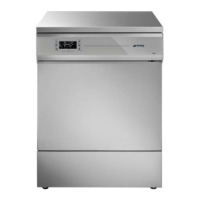
Smeg GW4290 - User Manual

Smeg GW4290
91 pages
Print Icon
To Next Page IconTo Next Page
Loading...
User Manual
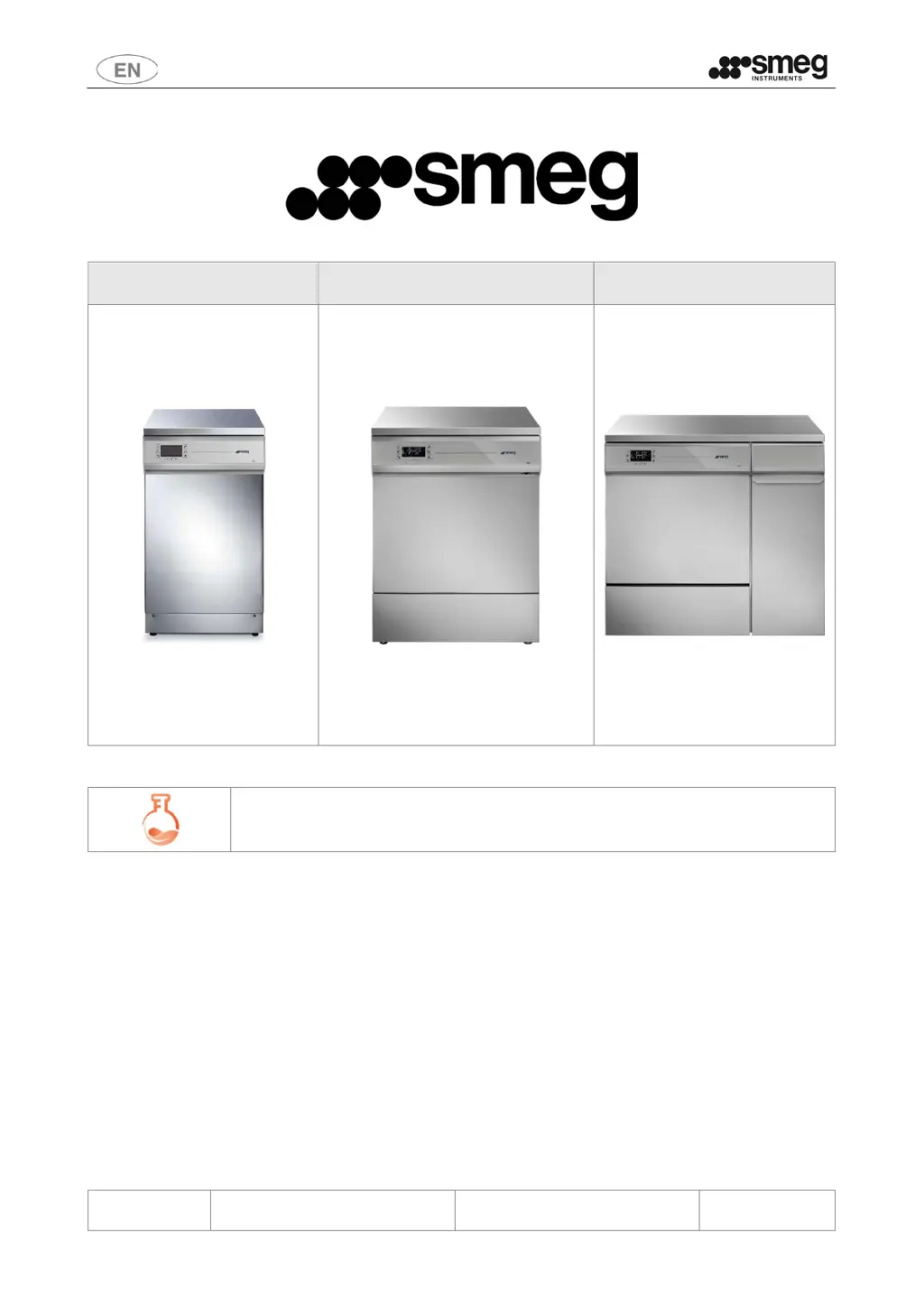
GW1245 - GW0260 - GW1260 - GW4260 -
GW4290
193909119 rev.02 Page 1 – 91
GW1245 GW0260 - GW1260 - GW4260 GW4290
GW – LABORATORY GLASSWARE WASHERS
USER MANUAL
TRANSLATION OF THE ORIGINAL INSTRUCTIONS

Table of Contents

Questions and Answers

  • R
    ramirezstevenSep 8, 2025
    How to fix a Smeg GW4290 when the program does not start?
    • A
      Aaron CookSep 8, 2025
      If your Smeg Laboratory Equipment program does not start, check that the device is properly connected to the electrical mains and that there is no power outage. Ensure the water intake taps are turned on and the device door is properly closed.
  • J
    Joshua KruegerSep 10, 2025
    What to do if elements processed are smeared, stained, etc. in Smeg Laboratory Equipment?
    • K
      Katherine FergusonSep 10, 2025
      If elements processed by your Smeg Laboratory Equipment are smeared or stained, ensure that the rinse aid dispenser setting is not too high and check that the salt container cap is properly closed.
  • C
    Clarence MaysSep 12, 2025
    What to do if water stagnates in the chamber of the Smeg Laboratory Equipment?
    • C
      Claire PatelSep 12, 2025
      If water stagnates in the chamber of your Smeg Laboratory Equipment, make sure that the drain hose is not kinked, the drain trap is not blocked, and the washing chamber filters are not clogged.
  • S
    sarah13Sep 13, 2025
    Why are there traces of rust in the chamber of Smeg GW4290?
    • S
      Steven NguyenSep 13, 2025
      If there are traces of rust in the chamber of your Smeg Laboratory Equipment, use special products available to remove such marks. Check that the detergent dose being used is correct, as some detergents may be corrosive. Also, ensure that the salt container cap is properly closed. The chamber is made of corrosion-proof steel, so any rust marks are generally due to external factors.
  • A
    Ashley GardnerSep 15, 2025
    How to troubleshoot if the optional printer does not work with Smeg GW4290?
    • J
      johnfuentesSep 15, 2025
      If the optional printer for your Smeg Laboratory Equipment does not work, check that the accessory is fitted with suitable thermal paper and that the device is connected properly to both the electricity supply and data connection.
  • A
    Anne HarrisSep 18, 2025
    What to do if the Smeg Laboratory Equipment interface remains off or locked out?
    • C
      Caitlin DavisSep 18, 2025
      If the device interface of your Smeg Laboratory Equipment remains off or locked out, even if the switch is correctly turned to ON, wait a few seconds to allow the display card to initialise. If the display remains dark, switch the device off using the main switch, wait at least 10 seconds, and then switch it back on. If the display still does not reset correctly, contact the after-sales service.

Summary

Initial Instructions

Safety and Precautions for Use

Key to Symbols

Explains symbols used in the manual and on the device for safety.

General Warnings

Provides crucial safety advice and precautions for device operation.

Handling the Device Warnings

Offers guidance on safe handling and unpacking procedures for the device.

Accessing Device After Incomplete Cycle;End-of-Life

Instructs on safe access after interrupted cycles or at end-of-life.

Opening and Closing the Door

Manual Door Unlocking;Opening Procedure

Describes how to manually unlock and open the device door in emergencies.

Commissioning

Using Detergents

Details the use and dispensing of detergents and neutralising agents.

Basic Operation

Control Area

Describes the layout and components of the device's control panel.

Buttons

Details the functions of each button on the control panel.

Display and Icons

Explains the information displayed and the meaning of various icons.

Setup and Parameter Setting Procedures

Accessing the Menus

Guides on how to access different operational levels and menus.

Reset Functions

Covers various reset options for machine configuration and maintenance.

Recommended Detergents and Important Notices

Recommended Detergents for GW Products

Lists recommended detergents for laboratory glassware washers by type.

General Precautions for Managing Detergents and Replacing Jerry Cans

Preparing the Load for Washing and Disinfection Cycle

Alarms, Warning and Device Response to Blackouts

Warnings

Alerts to non-critical events requiring user acknowledgment.

Alarms

Notifications of device malfunctions that stop the cycle.

Cleaning and Maintenance

Preliminary Precautions

Essential safety steps before cleaning or maintenance.

Cleaning the Filtering Unit

Details on cleaning the various filters within the unit.

Maintenance and Routine Check Time Intervals

Troubleshooting

Program Does Not Start

Checks to perform if the program fails to initiate.

Items Not Cleaned Properly

Advice on resolving issues with cleaning performance.

Interface Off or Locked

Troubleshooting for a non-responsive or locked device interface.

Installation

Electrical Connection Requirements

Details on electrical connection types, plugs, and circuit breakers.

Water Connection Requirements

Water Intake

Requirements and procedures for connecting water intake hoses.

Demineralised Water Requirements

Importance and conditions for using demineralised water.

Water Drain Requirements

Technical Characteristics

Water Connections

Technical specifications for water intake and drain connections.

Electrical Connections - 45 cm Devices

Electrical connection specifications for GW1245.

Dimensions of Product and Connections

Connections Area (Electricity & Water)

Guides on connection areas for electrical and water supply.

After-Sales Service and Manufacturer Contact Details

Smeg GW4290 Specifications

General IconGeneral
BrandSmeg
ModelGW4290
CategoryLaboratory Equipment
LanguageEnglish

Related product manuals