9
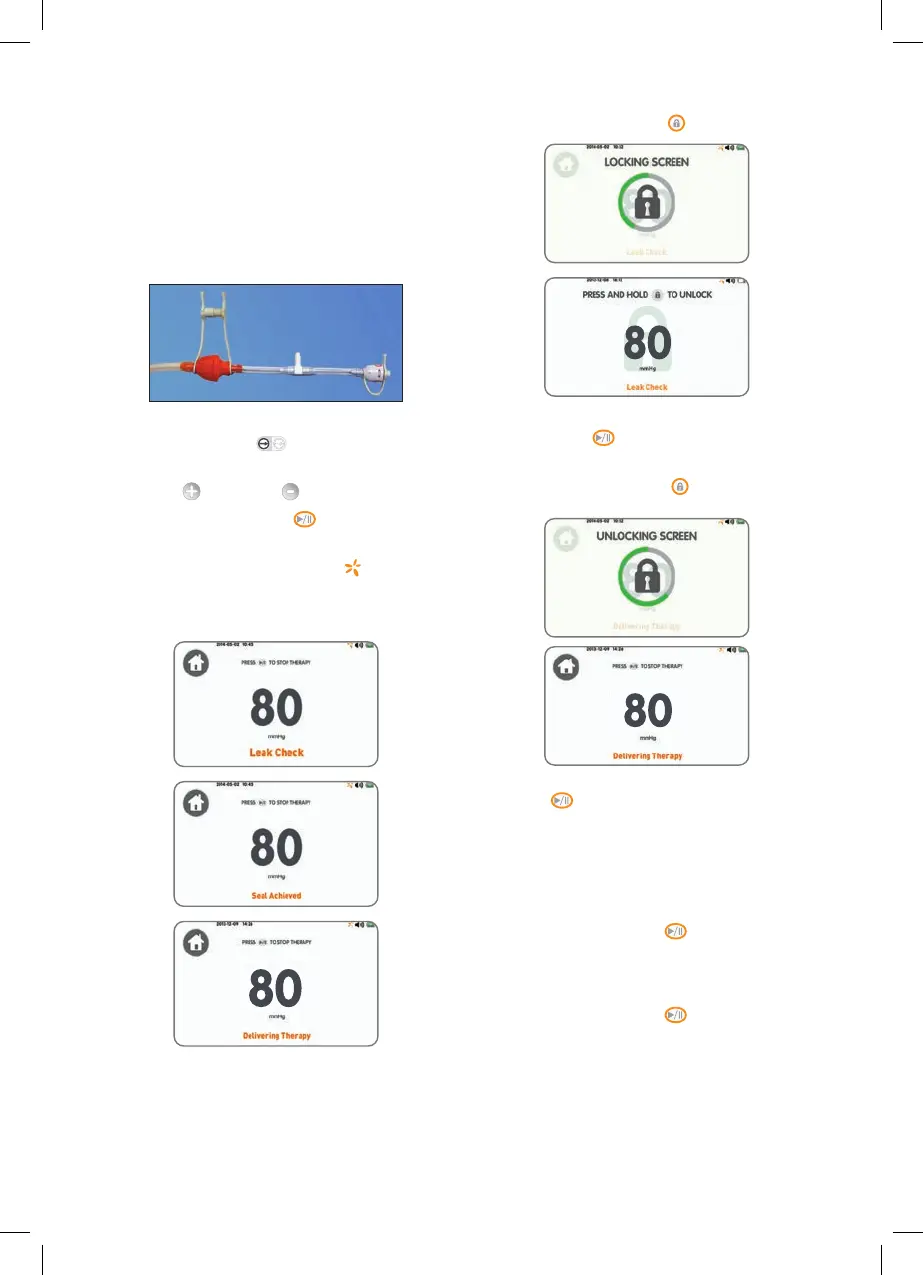
7. Press and hold Lock/Unlock button for 2 seconds.
8. Confirm user interface is locked by pressing Start/
Pause Therapy
button and confirming device
does not stop operating.
9. Press and hold Lock/Unlock
button for
2 seconds.
10. Stop device operation by pressing Start/Pause
Therapy
button. The status indicator turns off,
therapy indicator turns gray and device returns to
Home screen.
Operation on Battery check
1. Confirm that the therapy set point is at 80mmHg
and disconnect power supply from device.
2. Press Start/Pause Therapy
button.
3. Confirm device starts operating: status indicator
illuminates green and after leak check is complete
the “Delivering Therapy” screen displays.
4. Press Start/Pause Therapy
button and confirm
device stops operating: status indicator turns off,
therapy indicator turns gray and device returns to
Home screen.
Operation check
1. Connect RENASYS™ TOUCH canister to device by
gently pushing canister over device inlet port and
engaging both canister clips.
2. Connect canister tubing quick click connector to
quick click adapter included with the RENASYS
Service Pack (Ref 66021812) and engage tethered
cap into open connector of quick click adapter.
Engaged
tethered cap
3. Press Therapy Mode toggle icon on the homescreen
to select Continuous
therapy.
4. Adjust therapy set point to 80mmHg by pressing
Increase
or Decrease icons.
5. Press Start/Pause Therapy
button.
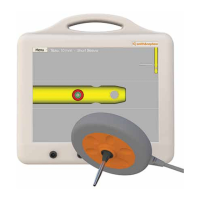
6. Confirm device begins operating: status indicator
illuminates green, therapy Indicator
at the top
of touchscreen rotates orange and touchscreen
displays – “Leak Check”, “Seal Achieved” and
“Delivering Therapy”.



 To Next Page