Page 35
3-in-1 3D Printer Quick Start Guide
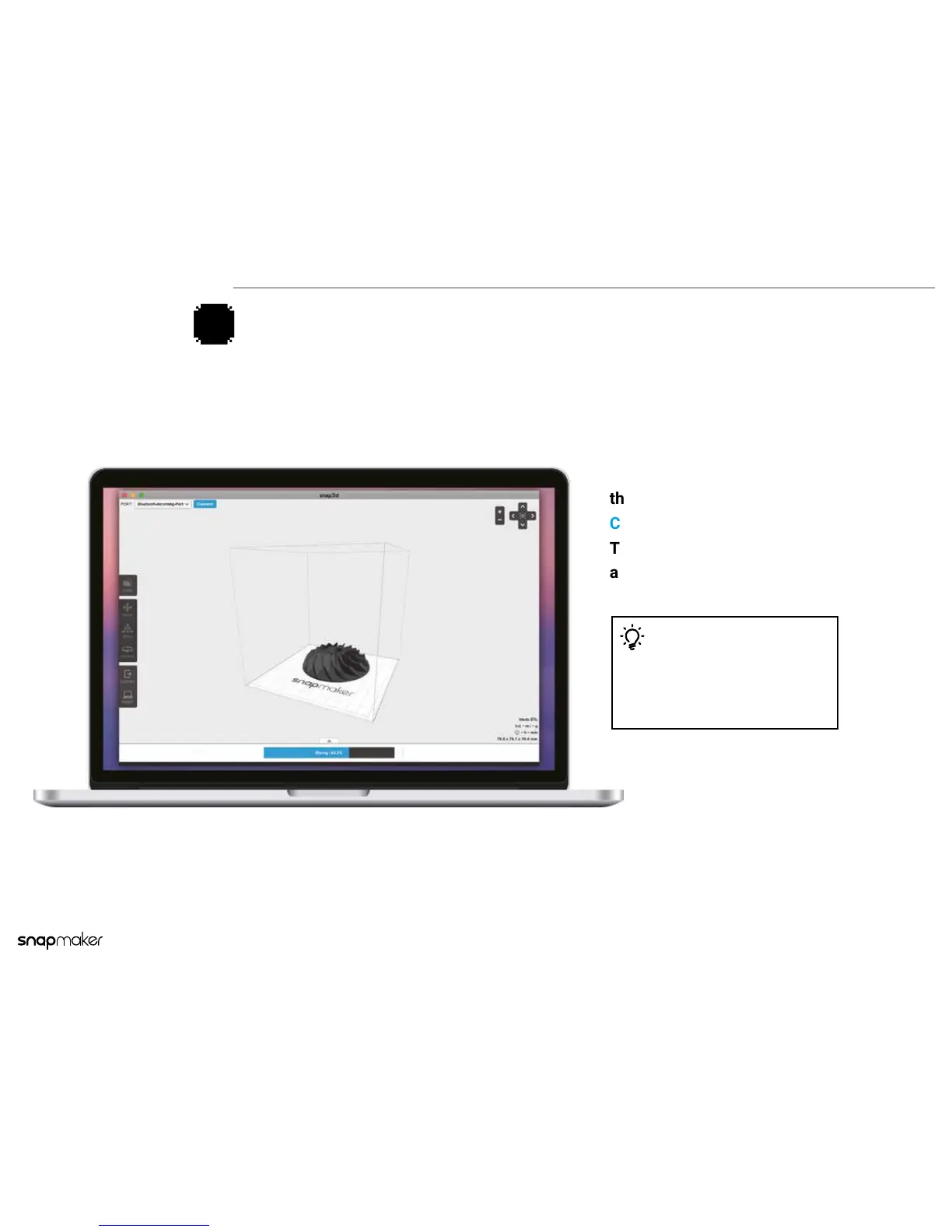
After the settings are congured on
the software, click
Connect > Preview > Print.
The printer will nish the printing
automatically.
Using the Computer
4a
Tips
If you cannot nd any port to connect to,
please download and install the driver at
snapmaker.com/download



 To Next Page