Page 36
3-in-1 3D Printer Quick Start Guide
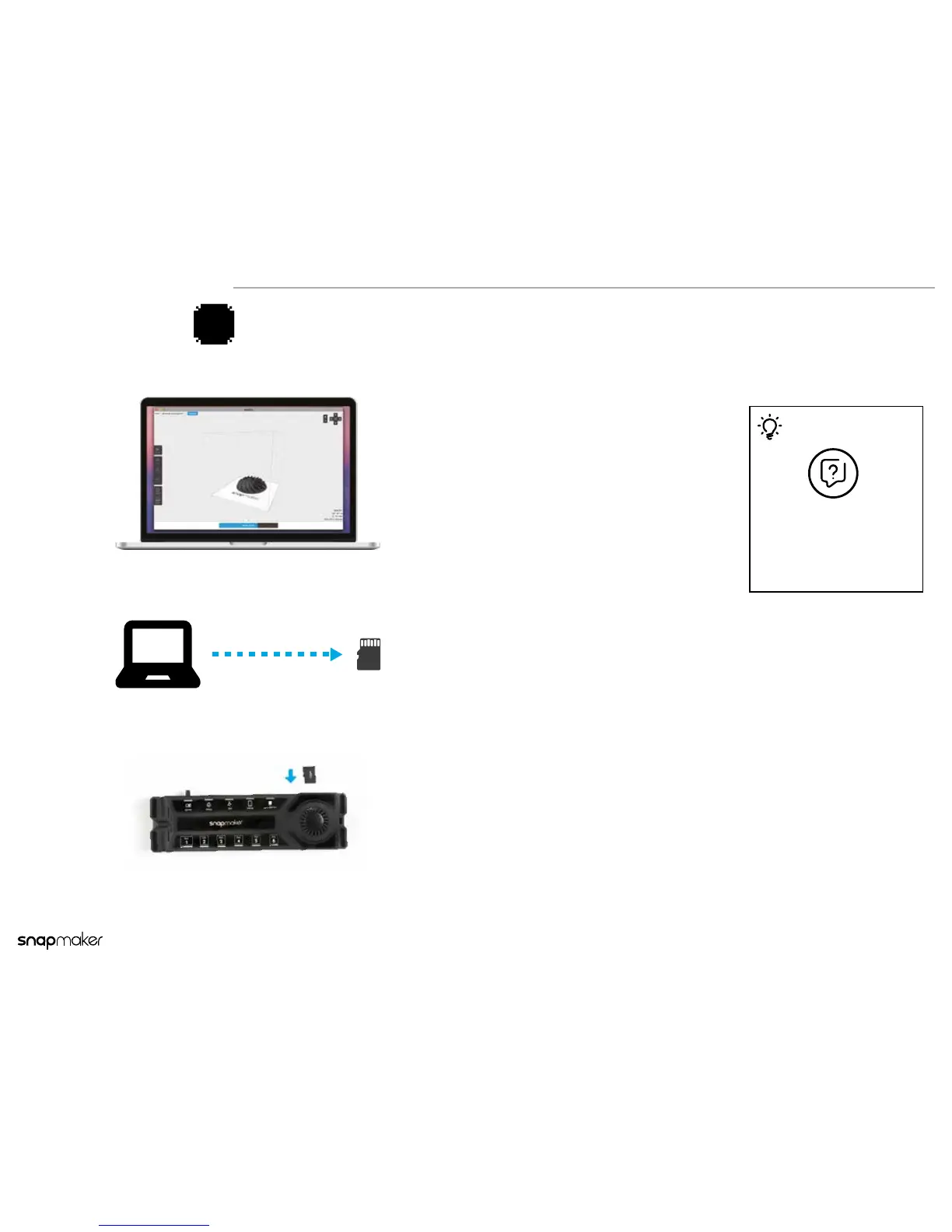
On Snapmaker3D, click Preview >
Export to save the G-code le.
1
2
3
Put the G-code into the provided
microSD Card.
Insert the microSD Card into the
card slot on the Controller.
G-code
Tips
For the detailed instructions,
please see the software
guides or tutorials on our
ofcial website:
snapmaker.com/support
Using the microSD Card
4b



 To Next Page