Quick Start Guide
|
47
4.1.2 Initial Setup
Guides & Pictures / Snapmaker
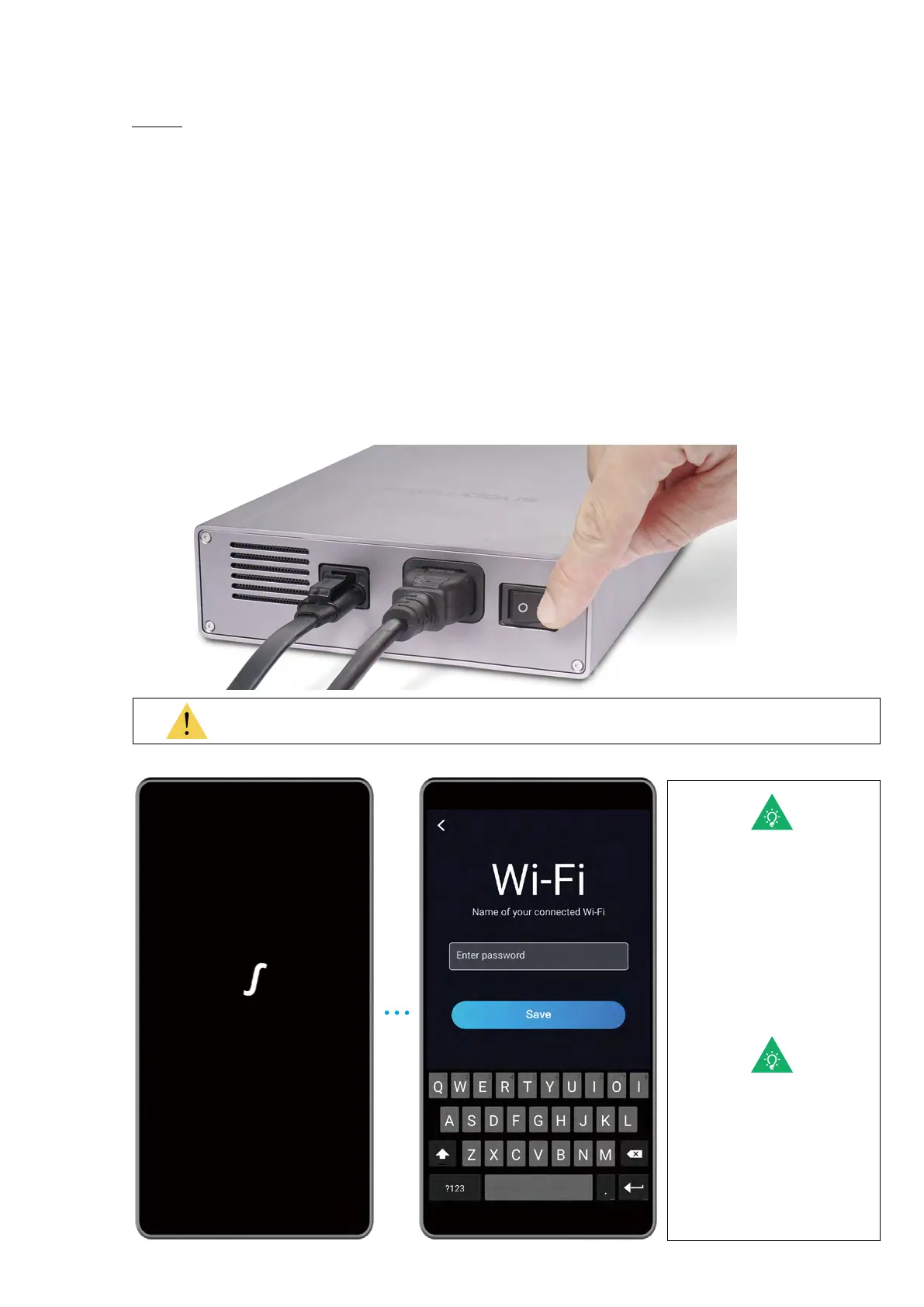
Plug the AC Power Cable into an electrical outlet. Switch the power on and follow the
prompts on the Touchscreen: Read the Terms -> Name the Machine -> Connect to a Wi-Fi
Network.
It is recommended to wait for 5 seconds after you restart your machine.
Skip this step if you have
completed the initial setup.
If you need to change the
settings above, swipe left
on the homepage of the
Touchscreen -> select
Settings -> tap Wi-Fi or
About Machine as needed.
The initial guide, which
helps you get started, will
appear only once. If you
need to launch it again,
swipe left on the homepage
of the Touchscreen -> select
Settings -> tap Guides.



 To Next Page