48
|
Laser Engraving and Cutting
4.2.1 Measure the Focal Length
Guides & Pictures / Snapmaker
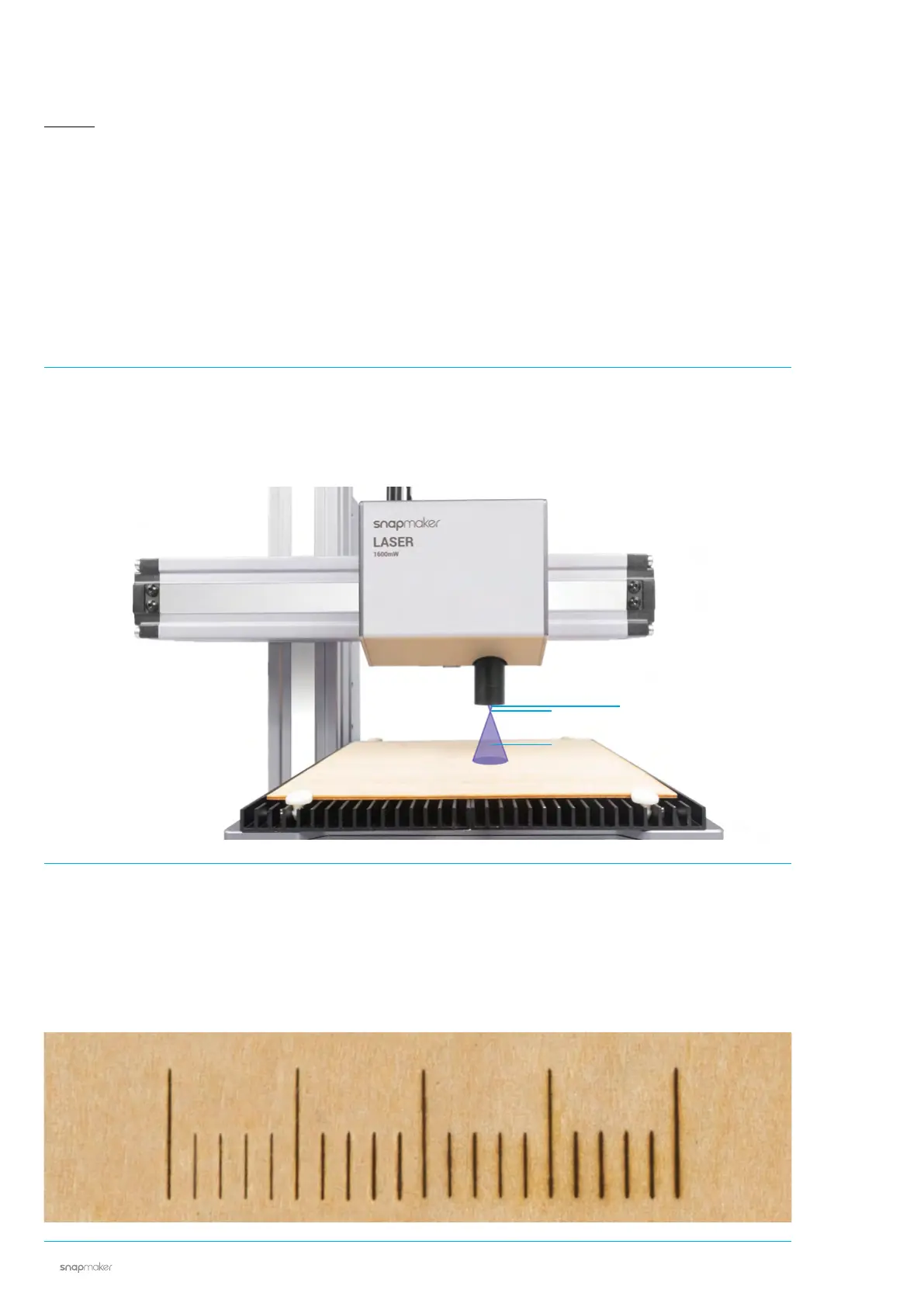
How It Works: Focal Length
The machine engraves a few lines at different heights, and identifies optimal distance between the Laser
Module and the material surface. This optimal distance will be used as focal length. You only need to set the
thicknesses of different materials on the Touchscreen, and the machine will automatically adjust itself to
ensure that the focal length is consistent.
How It Works: Focal Point
The best focusing result can only be achieved when the Focal Point is right on the surface of the material
throughout engraving or cutting.
Too Close
Perfect
Too Far



 To Next Page