Quick Start Guide
|
49
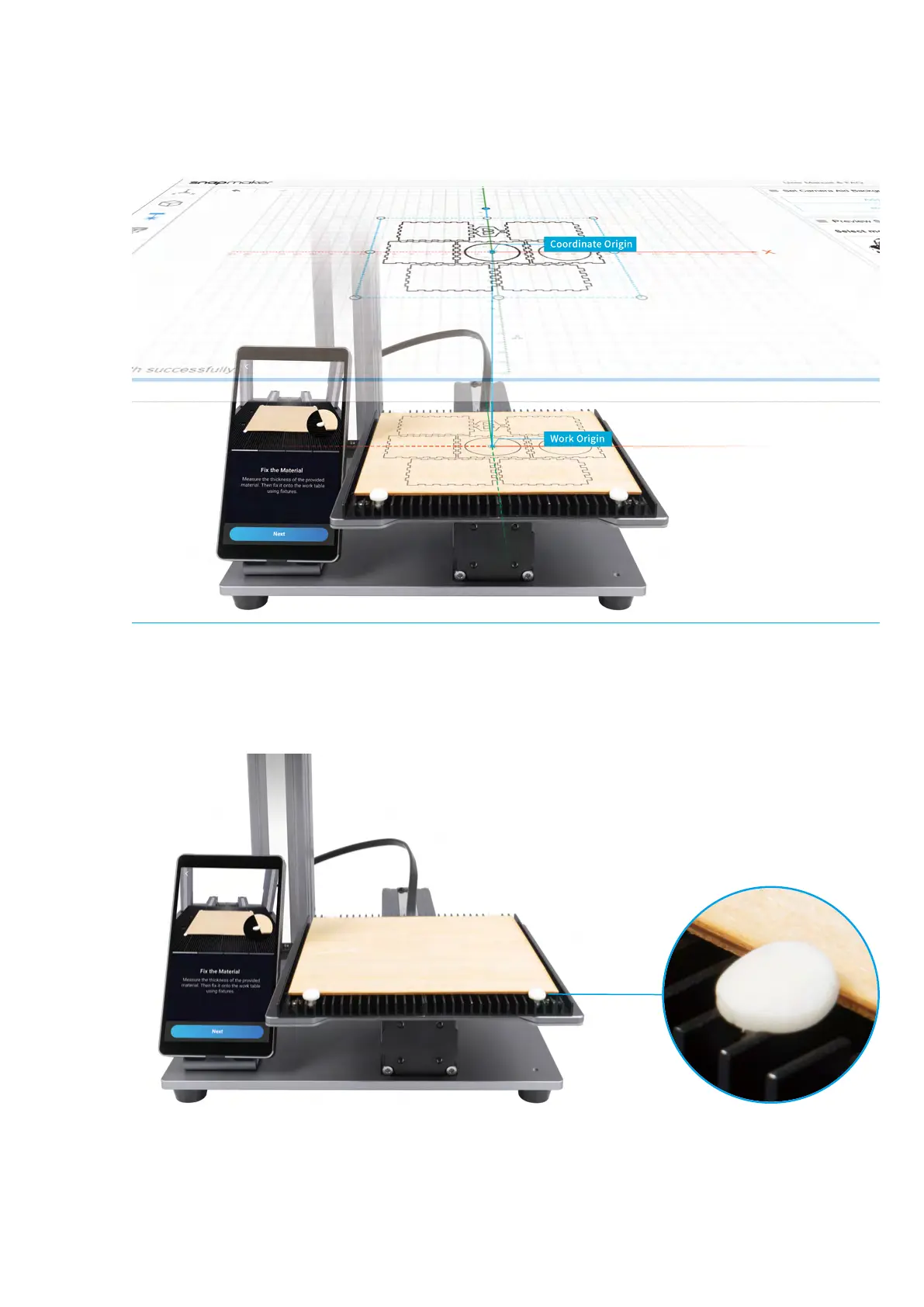
How It Works: Work Origin
Find out where the engraving/cutting will take place by setting the Work Origin. The Work Origin corresponds to
the (0, 0) coordinate origin in the software.
How to Measure the Focal Length
1. Place the provided material on the Laser Engraving/Cutting Platform. Secure it with the silicone plugs.



 To Next Page