50
|
Laser Engraving and Cutting
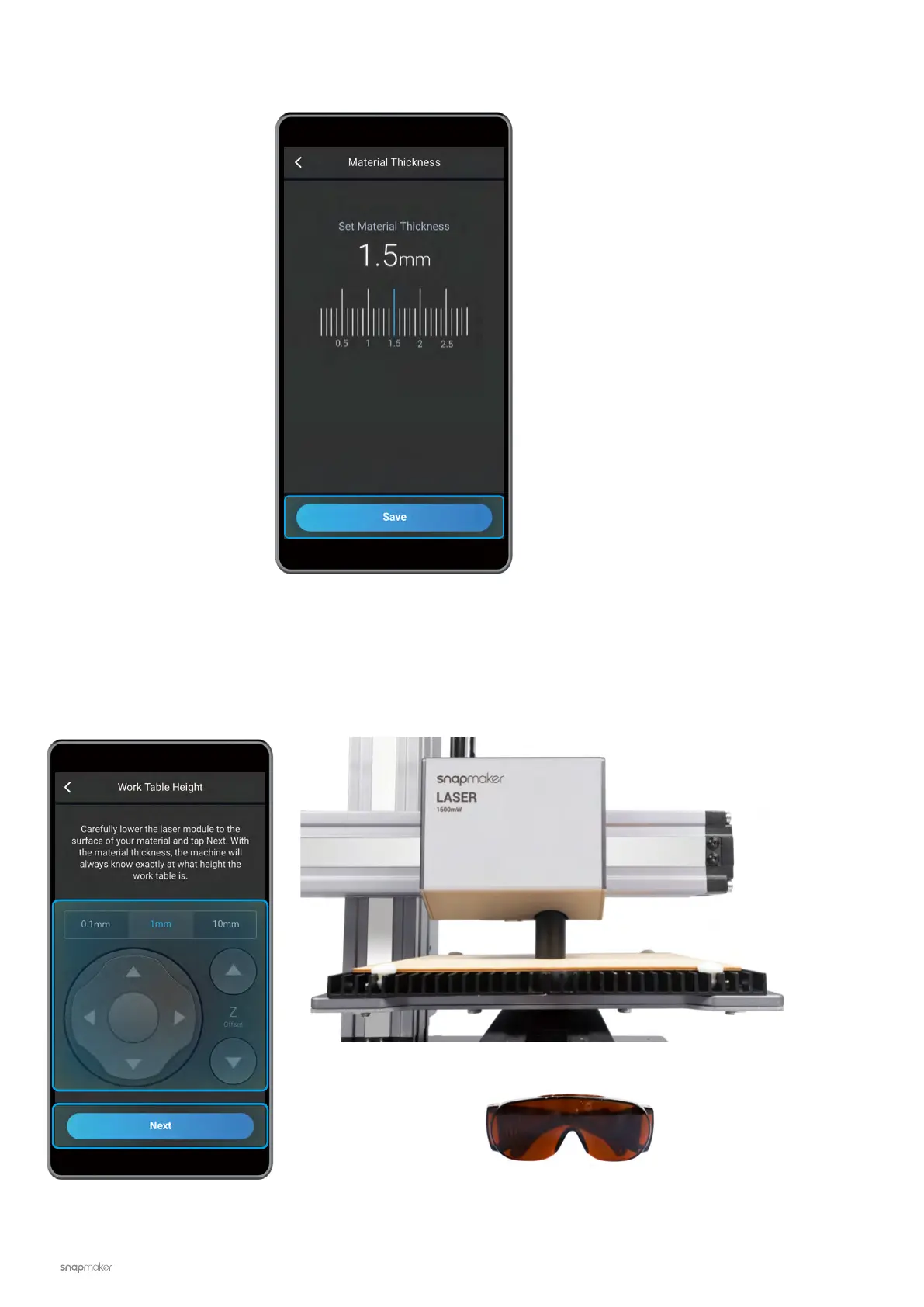
2. Set the thickness of the material (1.5 mm) and tap Save.
3. Tap X-, X+, Y-, Y+, Z-, or Z+ to move the Laser Module. After the laser camera shade has slightly touched the
surface of the material, tap Next. Put on the Laser Safety Goggles before setting the Work Origin.



 To Next Page