Quick Start Guide
|
51
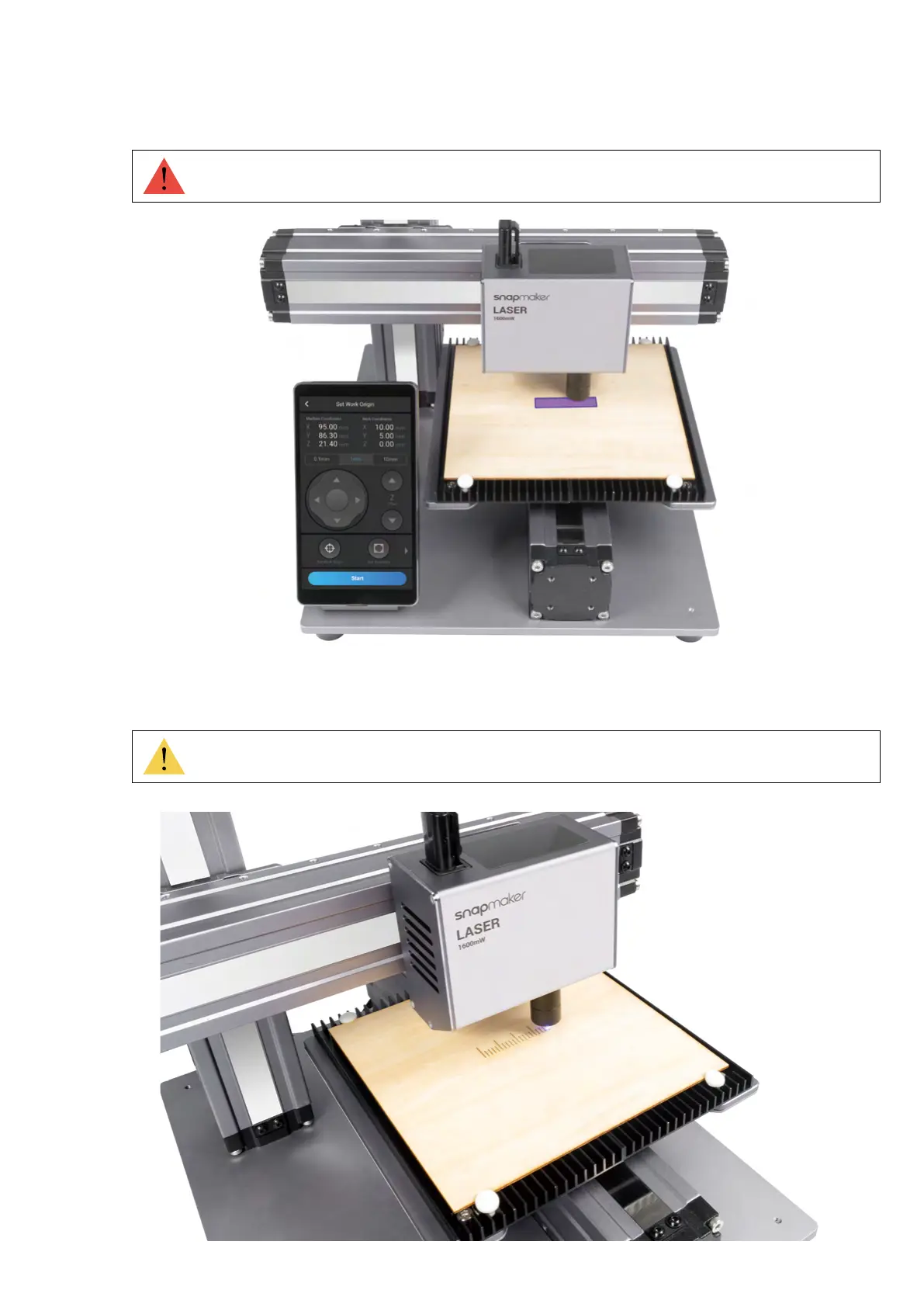
4. Tap X-, X+, Y-, or Y+ to move the laser dot to where the Work Origin will be, and then tap Set Work Origin and
Run Boundary to check if the work origin is proper. If not, reset the Work Origin and run boundary again.
5. Tap Start, and the machine will auto focus.
If the Laser Module runs into any portions of the machine, turn off the machine immediately.
Should you need to remeasure the focal length, refer to our online User Manual for detailed
instructions.



 To Next Page