52
|
Laser Engraving and Cutting
1. Remove the engraved material.
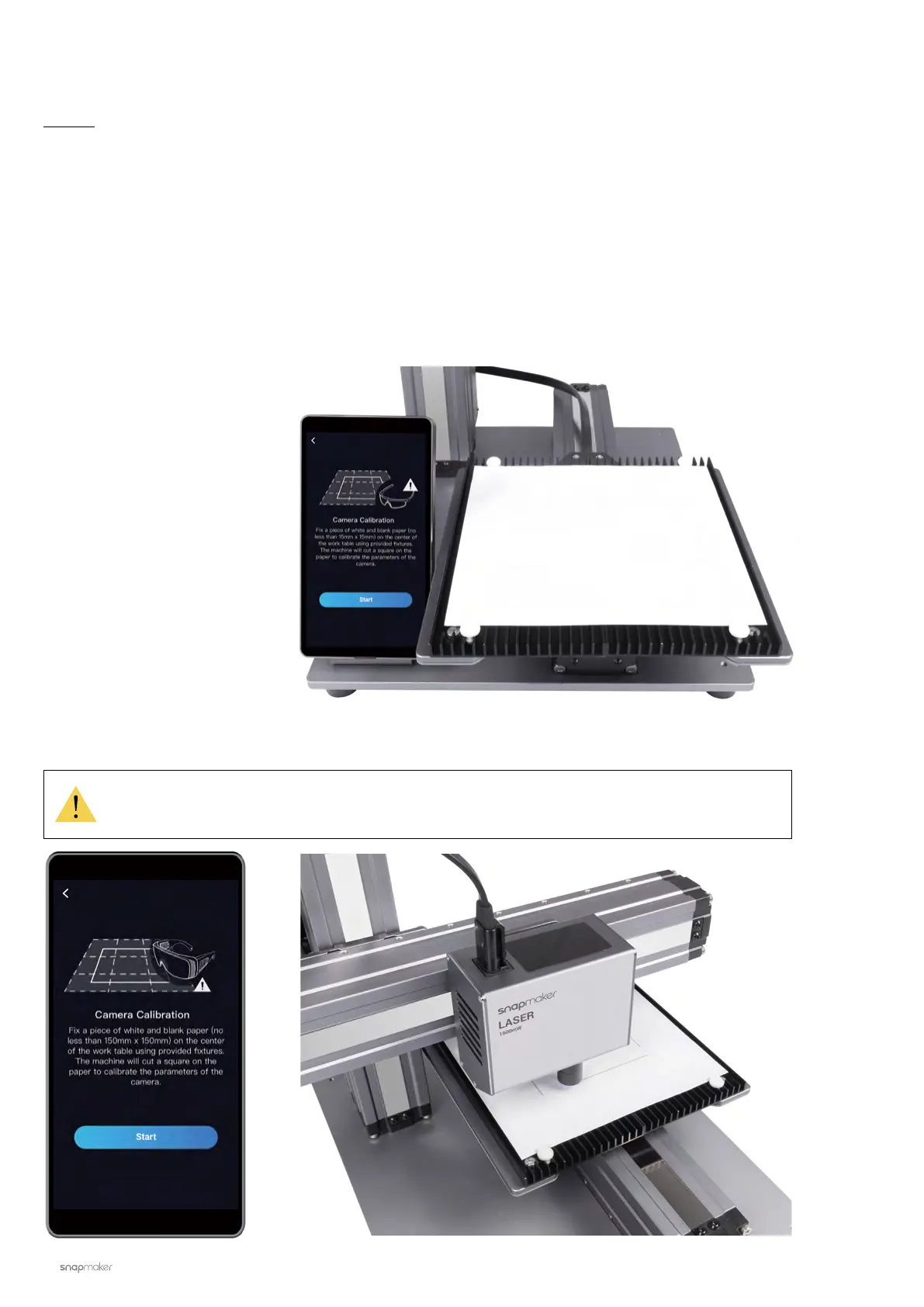
Place a piece of blank white paper
(no less than 150 mm x 150
mm) on the center of the Laser
Engraving/Cutting Platform, and
fasten it.
4.2.2 Calibrate the Camera
Guides & Pictures / Snapmaker
2. Tap Start, and the machine will use the engraved square to calibrate the camera.
If you have detached the Laser Module from the X axis, or if you have reassembled the
machine, please recalibrate the camera: Swipe left on the homepage of the Touchscreen ->
select Settings -> tap Laser -> tap Camera Calibration.



 To Next Page