Quick Start Guide
|
53
Remove the engraved paper, and then fasten another provided material on the center of the Laser Engraving/
Cutting Platform.
If you need to fasten thick materials, refer to 5.2.1 Fasten the Material.
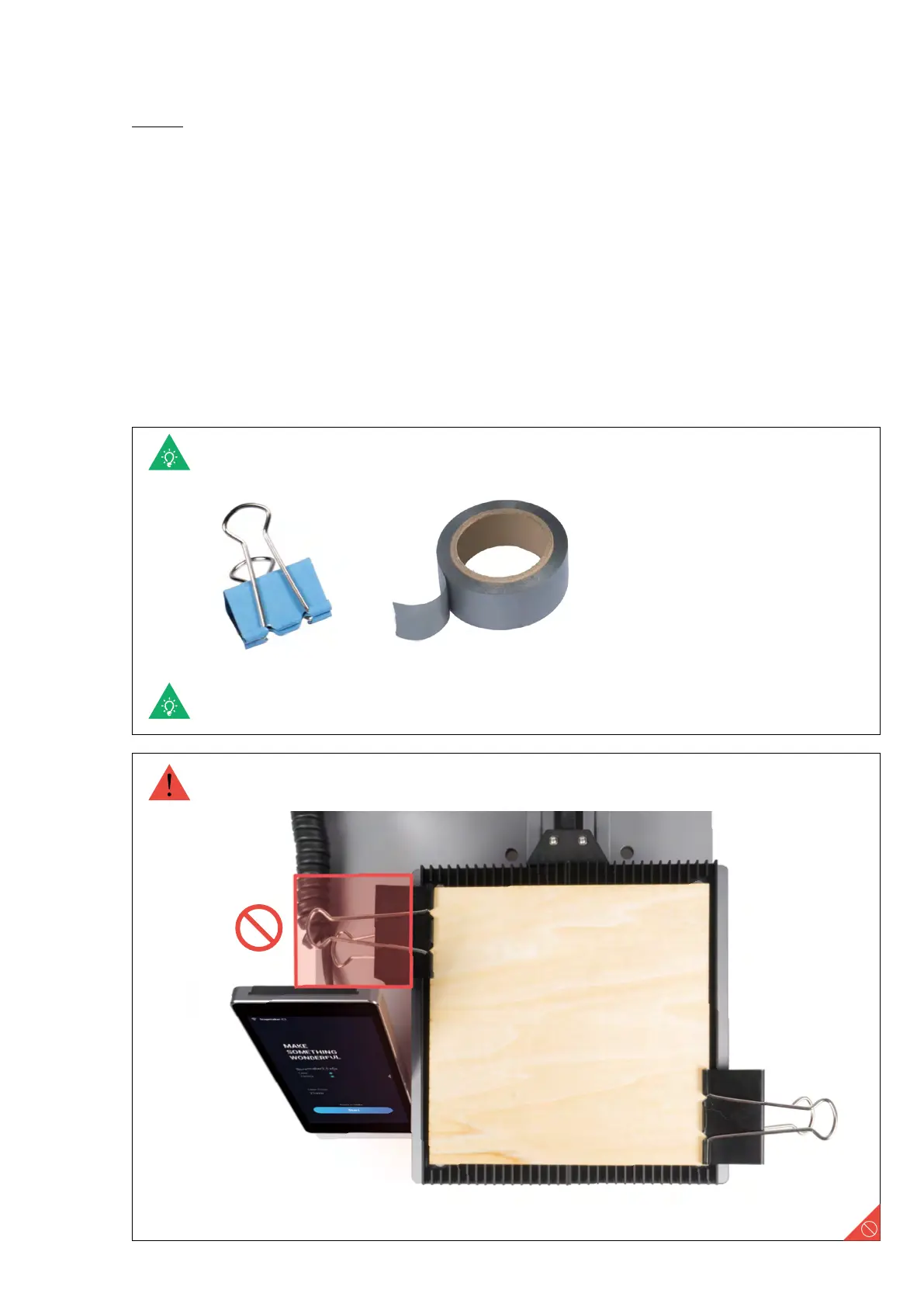
You can also fasten materials using other tools.
Make sure the clamp set will not collide with any portions of the machine.
4.2.3 Fasten the Material
Guides & Pictures / Snapmaker



 To Next Page