20
1
2
3
4
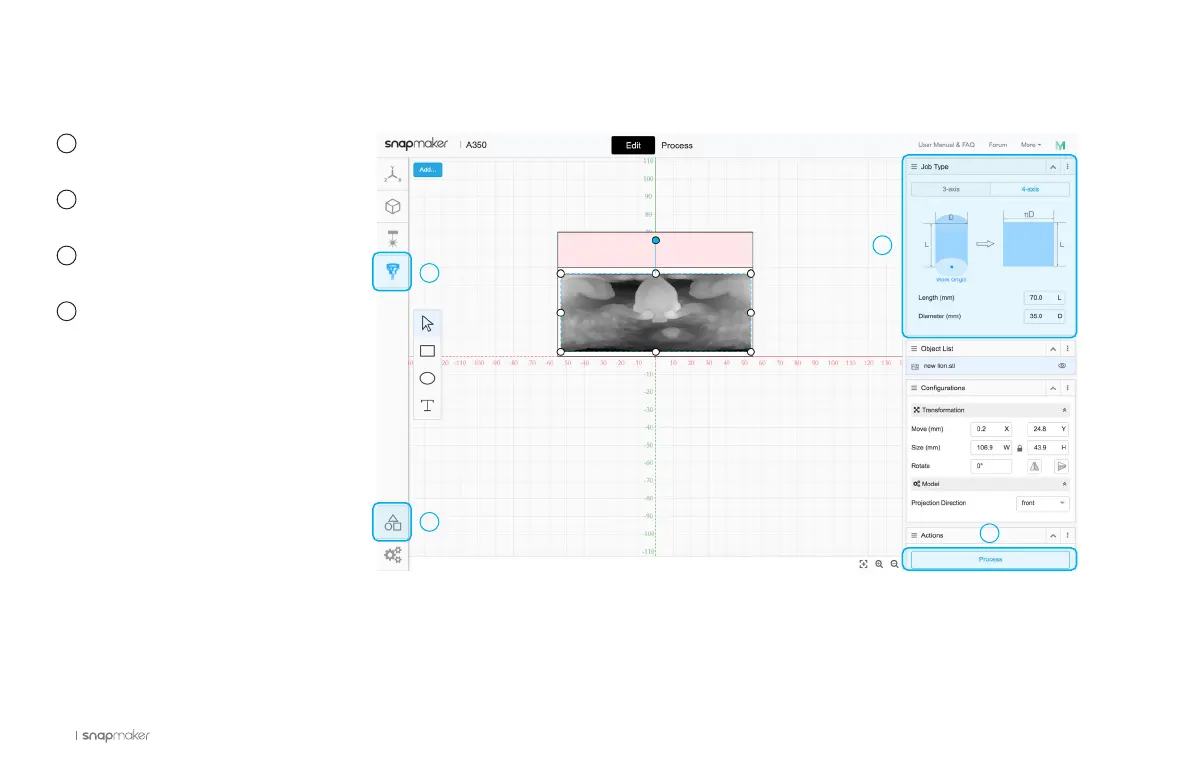
Launch the Snapmaker Luban
and select CNC G-code Generator.
Click Case Library, and Load
the 4-axis Linkage CNC Carved Lion.
In Job Type, input the length
and diameter of your material.
Use the default parameters in
Configurations, and click Process.
How to Generate the G-code File
1
3
4
2



 To Next Page