5
6
7
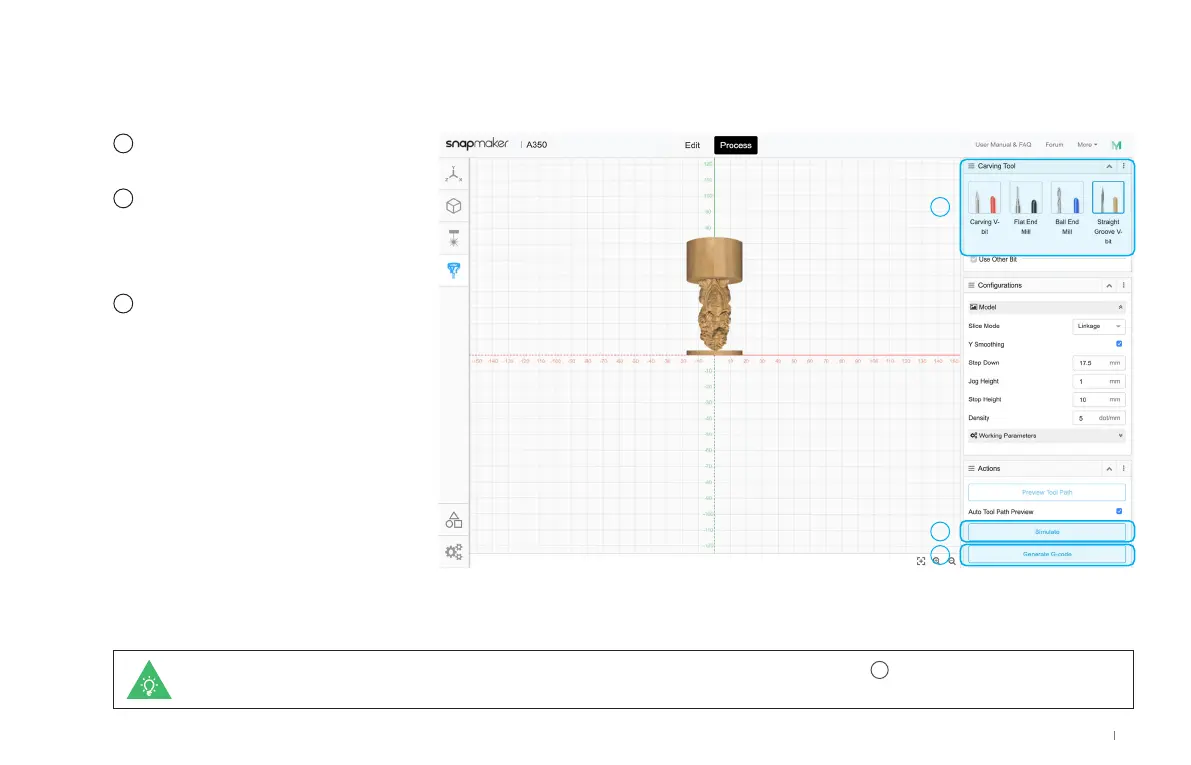
In Carving Tool, select
Straight Groove V-bit.
Use the default parameters
in Configurations, and click
Simulation to check the
finished work before carving.
Click Generate G-code and
Export G-code to File to
save the G-code file to your
USB flash drive.
If your machine is turned on, you can export the G-code file via Wi-Fi. After clicking Generate G-code in step
7
, click Load G-code to Workspace >
Connect Luban to your machine via Wi-Fi > Send to Device via Wi-Fi > Receive the G-code file on the Touchscreen.
5
6
7
21
Quick Start Guide



 To Next Page