42
How to Generate the G-code File
1
2
3
4
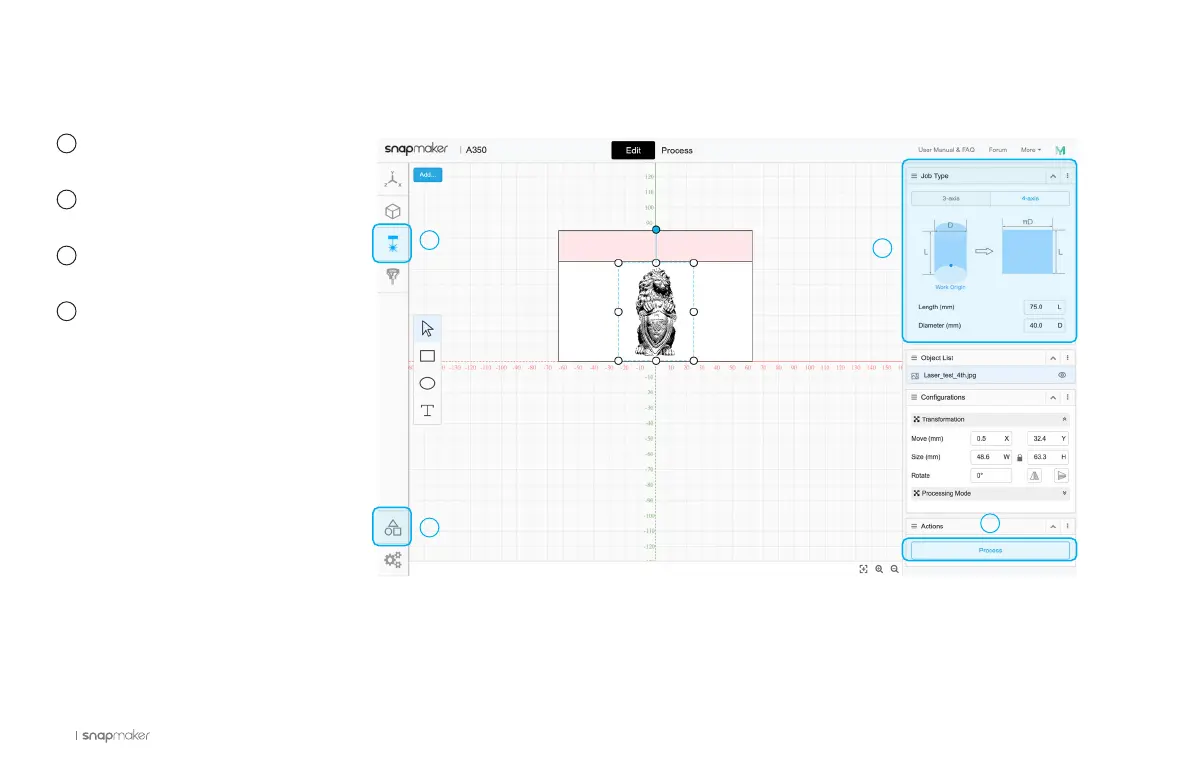
Launch the Snapmaker Luban
and select Laser G-code Generator.
Click Case Library, and Load
the Rotary Laser Engraved Lion.
In Job Type, input the length and
diameter of your material.
Use the default parameters in
Configurations, and click Process.
1
2
3
4



 To Next Page