Quick Start Guide
|
49
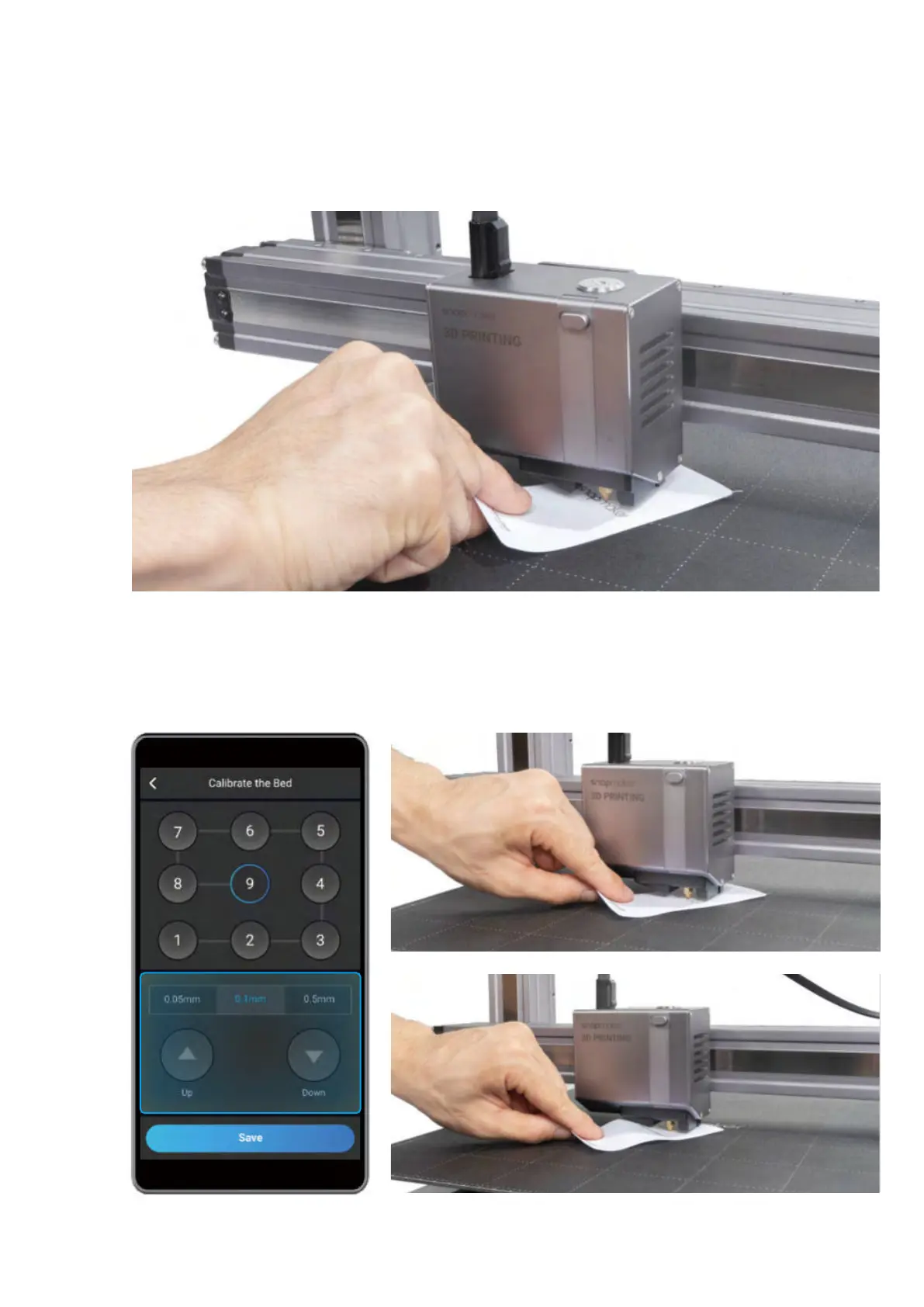
3. Keep adjusting the height of the nozzle using Up and Down buttons, until you feel slight resistance when you
pull out the Calibration Card, and it should be wrinkled when you push it forward. Tap Save to save the calibration
settings.
Slight Resistance
Wrinkled Calibration Card
How to Level
1. Run the Auto Leveling procedure on the touchscreen.
2. Place the Calibration Card or a piece of A4 paper between the nozzle and the Heated Bed, and manually
calibrate the Z Offset for the last point.


 To Next Page
 Loading...










