3D Printing
36 37
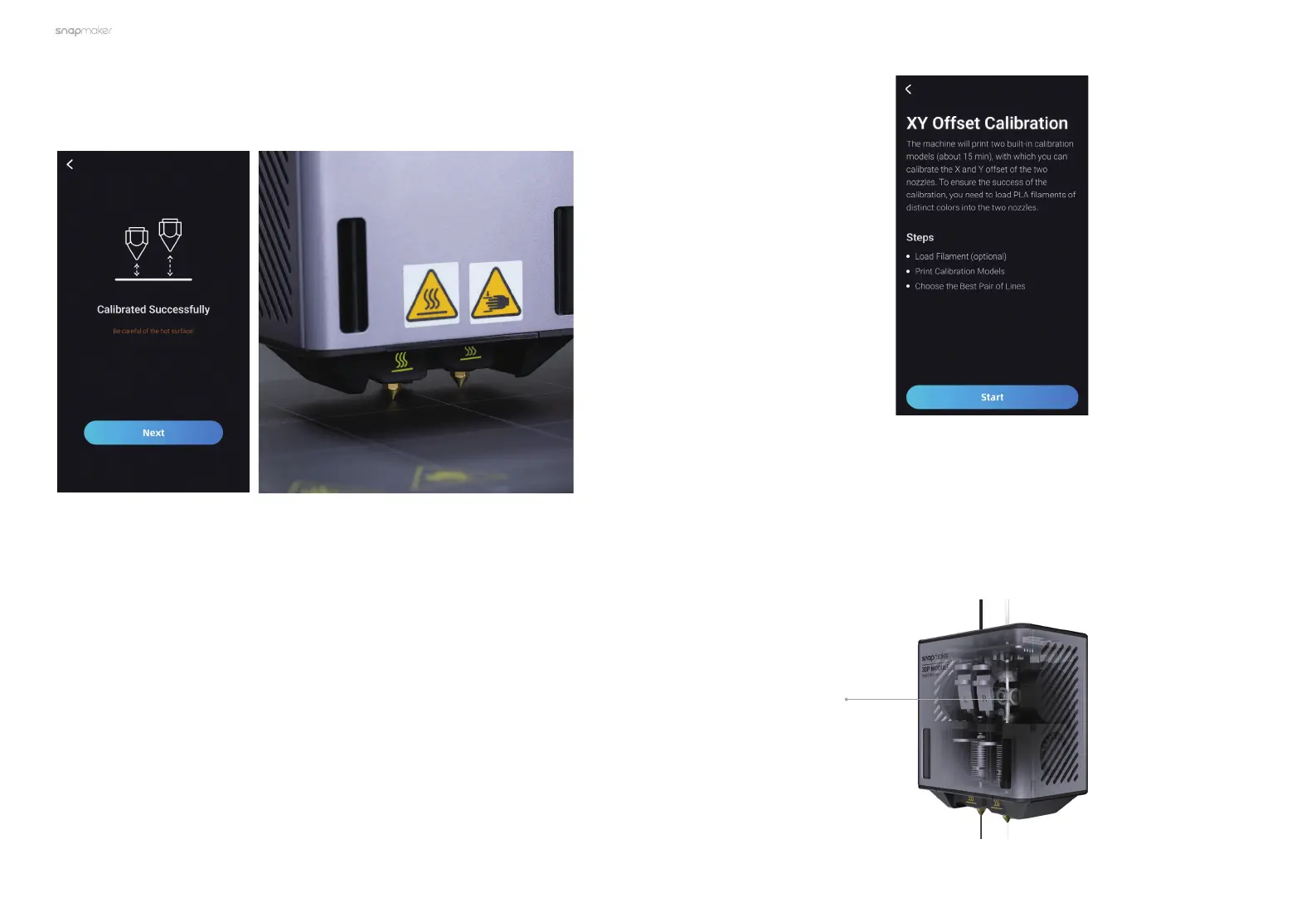
4. After finishing the Z Offset Calibration, tap Next to enter the XY Offset
Calibration process.
3.3.2 XY Offset Calibration
Brief Introduction
Calibrating the offsets of the two nozzles in the X and Y orientations can
achieve the optimal print quality of both nozzles in the horizontal direction and
avoid crossovers between different colors and materials.
Load Filament
You need to load filaments before calibrating the X and Y offset. Tap Start, and
the Touchscreen will guide you through loading filaments into the two nozzles.
The filament is fed into the module via the filament entry, passed by the
extruder to the hot end, and extruded out of the nozzle after being heated.
Our Dual Extrusion Module adopts the design of the dual-gear extruder,
which features better extruding force, achieves stable and smooth loading
and unloading, and can effectively avoid filament break and nozzle jam.
How It Works
Dual-gear Extruder



 To Next Page