3D Printing
42 43
Load Filament With the Enclosure Installed
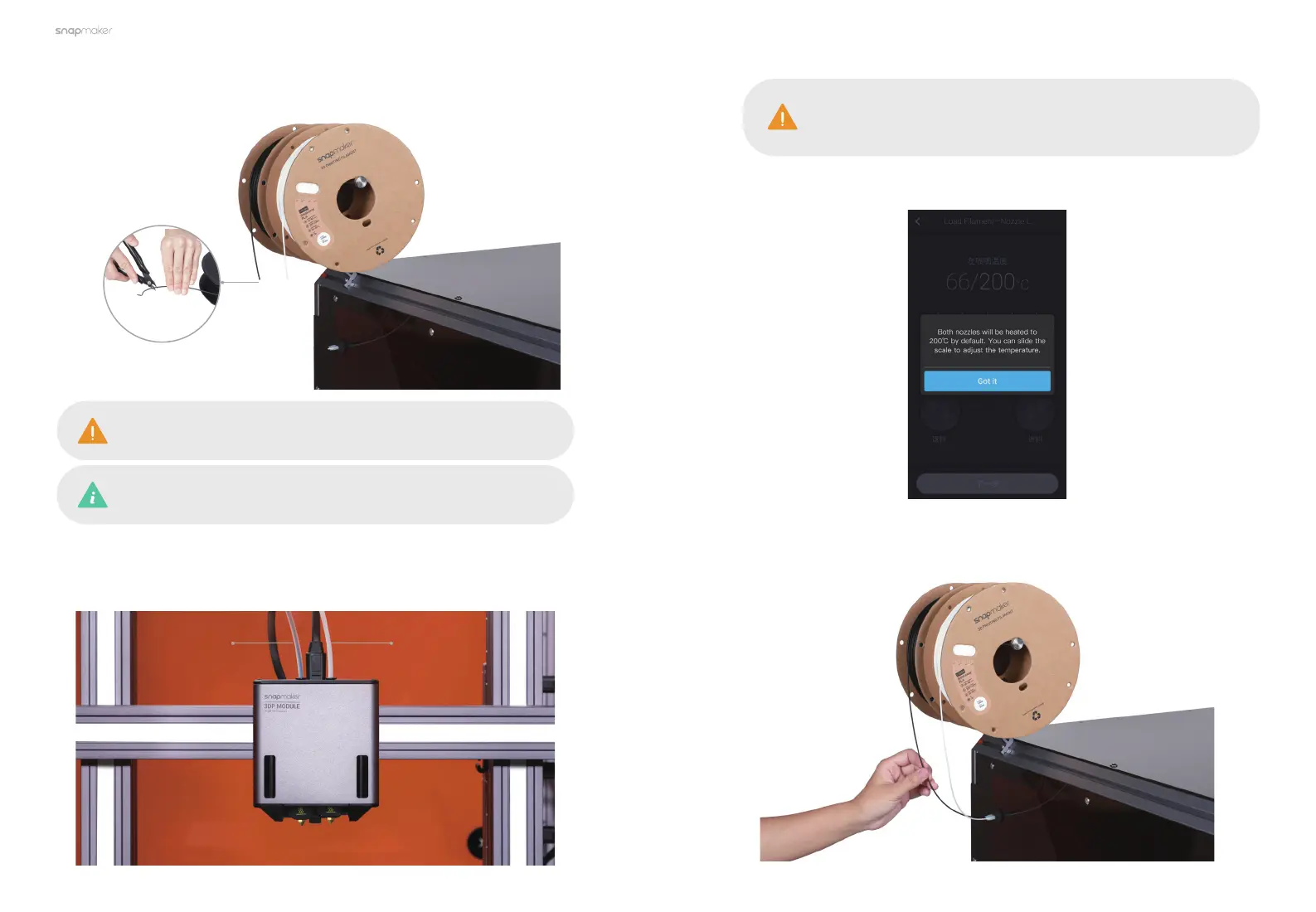
1. Hang the filaments onto the Filament Holders, and cut the bending end of the
filaments using the diagonal pliers.
To ensure the success of the calibration, you need to load PLA
filaments of distinct colors into the two nozzles.
The provided breakaway PLA filament can be specifically used to
print breakaway support structures, which are easy to remove.
2. Insert the filaments into the Filament Tubes in the order of "black filament
on the left and white filament on the right", and push the filament close to the
filament entry.
Black Filament White Filament
Make sure to load the black PLA filament into the left nozzle and
the white Breakaway PLA filament into the right nozzle, which is
required to print the test model.
3. Follow the prompts on the Touchscreen to heat the nozzles.
4. When the heating completes, tap Load and then insert the black PLA filament
into the left nozzle. Tap Stop Loading when the filament extrudes successfully.



 To Next Page