3D Printing
56 57
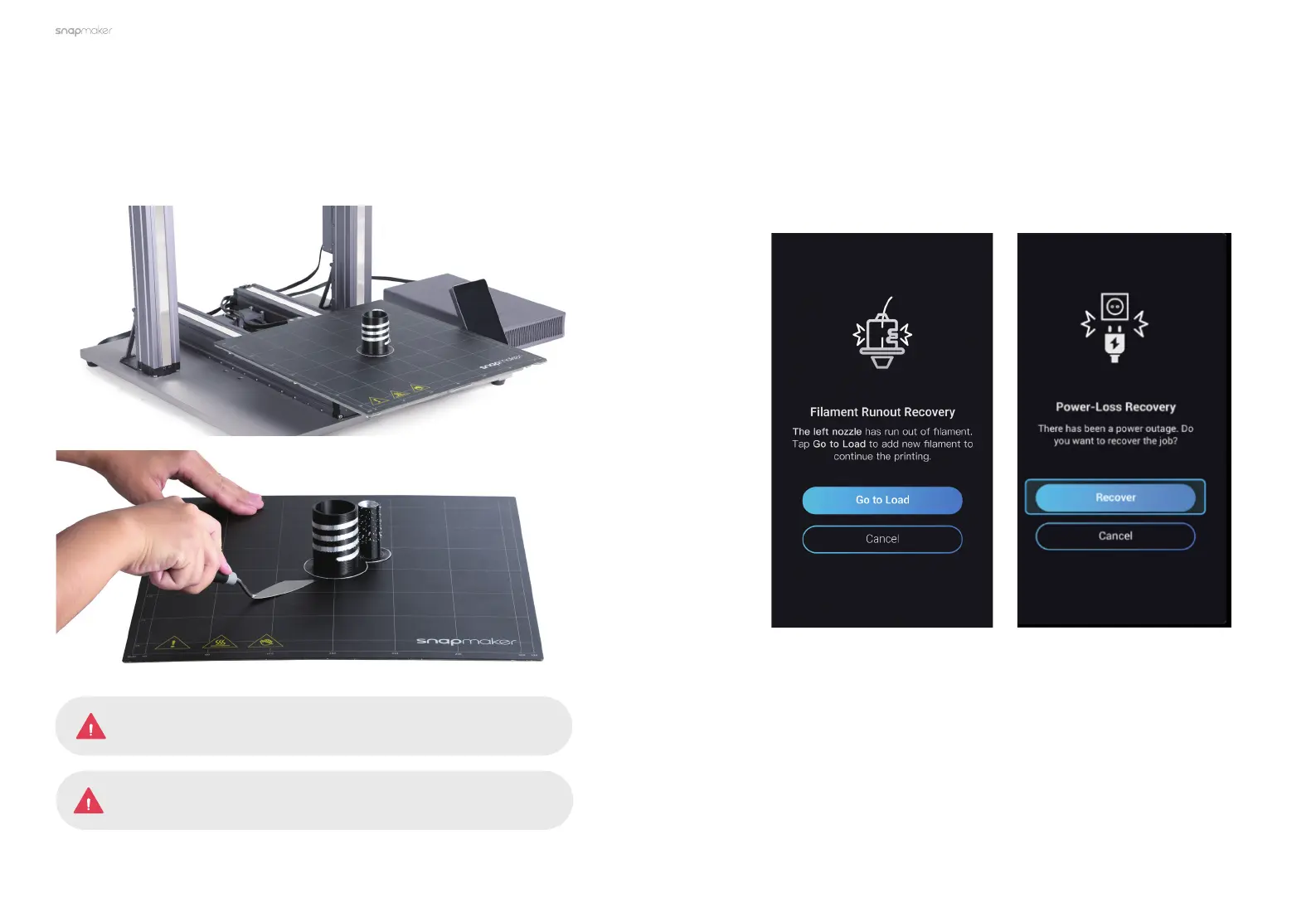
3.4.3 Remove the Print
Wait for the nozzles and the Heated Bed to cool down (temperatures displayed
on the Touchscreen). Remove the Print Sheet from the Heated Bed, and place it
down on a stable and flat surface. Now you can remove the print.
Do NOT touch the nozzles and the Heated Bed with bare hands,
as they are still extremely hot right after the printing.
Be careful with the palette knife!
Filament Runout Recovery & Power-Loss Recovery
Your printer supports filament runout recovery and power-loss recovery, so
there is no need to worry about resuming printing anymore! When the filament
runs out, tapGo to Loadand load new filament to resume printing. In case of
power-loss, tapRecover to resume printing after the power has been restored.



 To Next Page