Before You Start
10 11
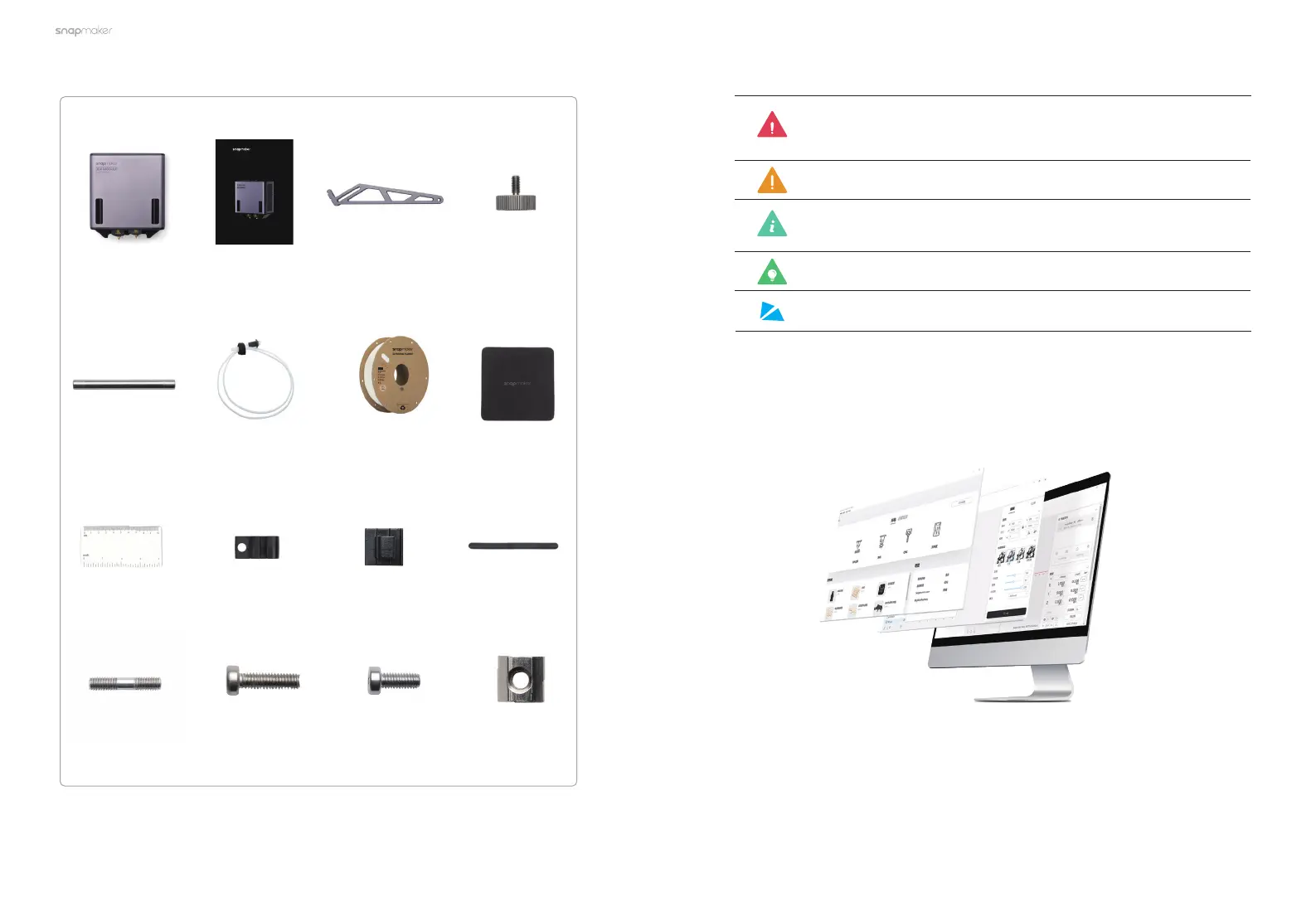
Filament Holder
Tube
×1
Cable Clip
×2
Quick Start
Guide
×1
Wire Brush
×1
Filament Holder
Sheet
×1
Wiping Cloth
×1
Breakaway PLA
×1
Thumb Screw
×1
Calibration Card
×1
Sliding Nut
×1
Double End Studs
×1
M4×12 Screw
×4
M4×10 Screw
×5
+ Filment Tube Holder
×1
Dual Extrusion
Module
×1
Filament Tube Clip
×2
Dual Extrusion Module
Quick Start Guide
1.6 Parts List
Filment Tube
×2
1.7 Used Symbols
WARNING
CAUTION
MAKE SOMETHING WONDERFUL
Ignoring this type of message might result in malfunction or
damage of the product and injuries to users.
Details you should be aware of throughout the process.
EXPLANATION
Provides supplementary information for a better
understanding of the instruction.
TIPS
Tips offer you convenient operations and additional options.
ORIENTATION
Make sure that the highlighted part is facing the right way.
1.8 Preparations
1.8.1 Software Update
Download the latest version of Snapmaker Luban from https://snapmaker.
com/snapmaker-luban. If you have already installed Snapmaker Luban on your
computer, ensure that its version is 4.5.0 or later. This guide takes version 4.5.0 as a
demonstration.



 To Next Page